


Discover how Elasticsearch Autocomplete Search works using search_as_you_type, n-grams, and prefix matching to deliver fast, intuitive user queries. Upgrade your platform’s search and accelerate your Digital Transformation journey. Talk to our experts today.
Digital transformation has changed how users expect to interact with websites, apps, and online platforms. People want answers quickly, suggestions that guide them naturally, and search bars that respond instantly. One feature that plays a surprisingly big role in this improved experience is autocomplete search. It’s that familiar moment when you begin entering text, and helpful hints pop up instantly, guiding you toward the right information.
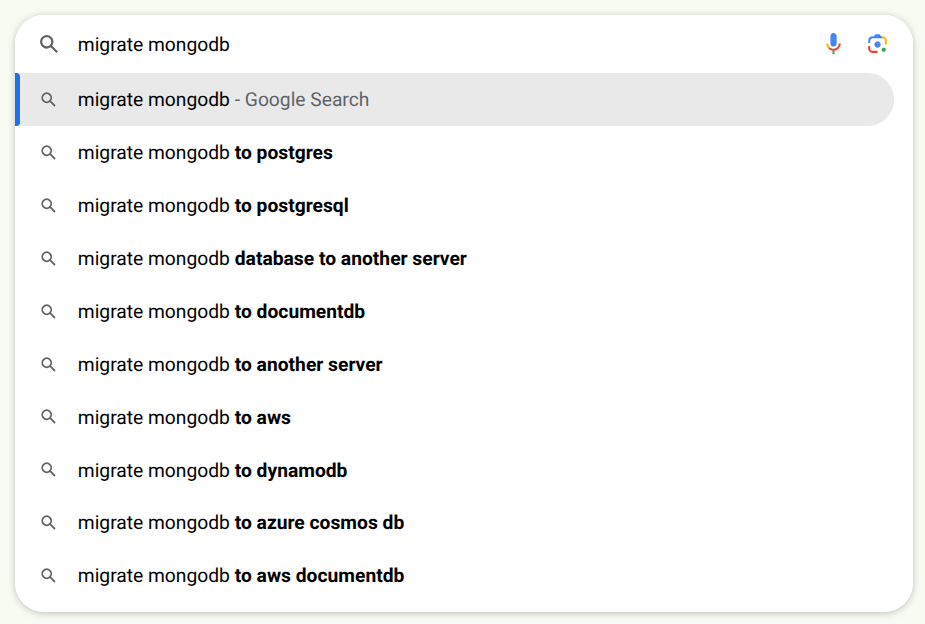
Elasticsearch provides a practical way to deliver this experience using the search_as_you_type datatype. This field type simplifies what used to be a complicated task, like managing partial queries, handling countless tiny search requests, and delivering results at high speed. As platforms continue evolving, autocomplete has become a key ingredient in building customer-friendly digital journeys.
Overview
Why Search-As-You-Type Works So Well
Autocomplete feels simple when you’re typing into a search bar, but the engine behind it has to be incredibly efficient. It needs to understand incomplete words, compare them against indexed content, and respond in a split second.
This is where Elasticsearch’s search_as_you_type datatype shines. Once a field is mapped using this datatype, Elasticsearch automatically creates several subfields. Each one holds a different breakdown of the original text, allowing the search engine to match tiny fragments of what the user enters.
A central part of this system is something called an n-gram. Think of n-grams as small slices of a word or short phrases. Imagine sliding a small window across a sentence and capturing small overlapping pieces. Those pieces are saved during indexing, and they help Elasticsearch recognize partial matches later.
To see how this works, take the movie title:
“Harry Potter and the Goblet of Fire”
When this title is indexed as search_as_you_type, Elasticsearch generates several helpful layers:
- A basic token list containing each important word.
- A 2-word combination list for broader matches.
- A 3-word combination list for longer matches.
- A prefix-based list that breaks words into early character sequences.
So a user typing:
- “H”
- “Ha”
- “Har”
- “Harry”
would get suggestions that refine themselves at each step. Each tiny update triggers a new search request, and Elasticsearch uses these pre-built fragments to respond instantly.
Power your digital journey with fast autocomplete.

Seeing the Analysis in Action
Elasticsearch offers a tool called the `_analyze` API, which makes it easy to visualize how text gets processed. It lets you experiment with tokenizers and filters to understand exactly what happens behind the scenes.
For example, running an edge n-gram filter on the term “Harry” with token lengths between one and five characters would produce:
- “H”
- “Ha”
- “Har”
- “Harr”
- “Harry”
This is exactly how Elasticsearch prepares words so they can be matched even before the user finishes typing. Experiments like these help clarify the structure and behaviour of autocomplete search.
How to Set Up an Index Designed for Autocomplete
Once the analysis behaviour is clear, the next step involves creating an index with fields that use the search_as_you_type datatype. An index in Elasticsearch acts like a library shelf. It organizes the data and controls how it will be searched.
When you map fields such as title or genre using search_as_you_type, Elasticsearch automatically generates the extra subfields needed for autocomplete. This means you don’t have to manually build your own n-gram logic. The system does the heavy lifting.
To load data into this new index, you can simply transfer content using the `_reindex` API. This step copies all documents into the new structure and creates the special subfields for each entry.
Once that process finishes, checking the index mapping reveals the newly added prefix fields and multi-word n-gram fields. These are the elements that make autocomplete quick and responsive.
Why Autocomplete Matters in Digital Transformation
As businesses upgrade their platforms, fast and intelligent search has become a core expectation. Autocomplete supports modern digital experiences in several ways:
- Users reach what they need faster when suggestions appear as they type. This reduces friction and keeps them engaged, whether they’re browsing products, reading articles, or exploring a catalog.
- Many modern applications rely on APIs to fetch and display data. Search-as-you-type responds quickly enough to support these architectures, making it easy to integrate into mobile apps, headless websites, and dashboards.
- Slow or inaccurate search can cause frustration. Autocomplete helps guide people before they lose interest, making platforms feel more helpful and intuitive.
- Autocomplete needs to handle many tiny queries every second. Search_as_you_type breaks text into small fragments, ensuring Elasticsearch can serve frequent searches without heavy customization.
With digital experiences becoming more dynamic, features like autocomplete help elevate the overall impression of a platform and contribute to better customer trust. As search capabilities evolve, aligning them with a broader digital transformation strategy can help organizations deliver smarter, faster, and more personalized user experiences.
Conclusion
Elasticsearch Autocomplete search has become a vital part of modern digital platforms. Users expect quick suggestions and a guided search experience that feels intuitive. Elasticsearch’s search_as_you_type datatype offers a practical and effective way to deliver this, thanks to its automated creation of n-grams, prefixes, and multi-word combinations. As organizations continue modernizing their technology and prioritizing customer experience, features like autocomplete help shape smoother and more engaging interactions.

