


Restore pfSense from backup using the CLI to recover configurations quickly and safely. Our pfSense Support team is ready to assist you.
Effortlessly Restore pfSense From Backup Using The CLI for Fast Recovery
pfSense is a powerful open-source firewall and router software built on FreeBSD. It provides enterprise-level network protection without the high costs of commercial hardware. Designed for flexibility, pfSense can run on both physical and virtual machines, offering strong security and advanced management tools for all network types.
Overview and Core Functions
pfSense was created as a cost-effective and feature-rich alternative to traditional commercial firewalls. For users who want to test or deploy pfSense without dedicated hardware, you can install pfSense on your PCs and virtual machines, enabling flexible lab setups or virtualized network environments. Its primary functions include:
- Firewalling and Routing: Uses stateful packet inspection to control and monitor network traffic across LAN and WAN interfaces.
- VPN Support: Supports secure remote connections through OpenVPN, IPsec, and WireGuard.
- Network Address Translation (NAT): Protects internal IPs by masking them from external access.
- Load Balancing and Failover: Maintains performance by distributing traffic and ensuring uptime during outages.
- Intrusion Detection and Prevention: Integrates with Snort and Suricata to detect and block malicious activity.
- Traffic Shaping and QoS: Prioritizes critical traffic to optimize performance for key applications.
Benefits of Using pfSense
pfSense combines performance, flexibility, and affordability. Its open-source model eliminates licensing costs, making it ideal for home networks, small businesses, and enterprises.
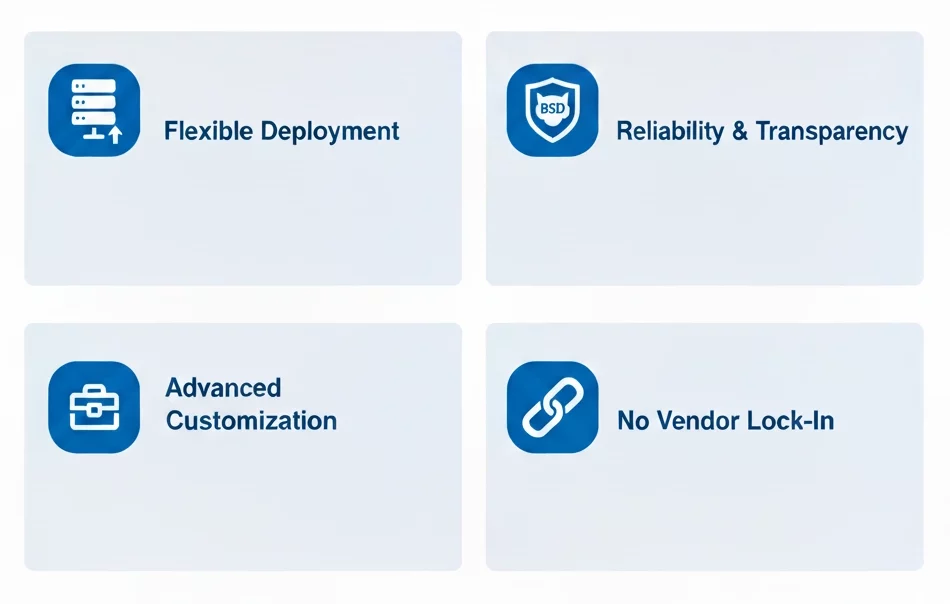
Flexible Deployment:
pfSense runs smoothly on standard hardware or virtual platforms, allowing scalability as network needs grow.
Reliability and Transparency:
Built on FreeBSD, pfSense benefits from proven stability and frequent security updates. Its open-source nature ensures transparency and community-driven support.
Advanced Customization:
The modular package system lets you add only the tools you need—such as content filtering, intrusion prevention, or VPN extensions—keeping the setup efficient.
No Vendor Lock-In:
Users retain complete control over hardware and configurations, avoiding dependency on proprietary systems.
Configuration and Backup Management
pfSense includes a straightforward web-based interface that simplifies setup and monitoring. For advanced traffic handling, administrators can configure pfSense HAProxy firewall rules to manage load balancing, optimize resource allocation, and implement fine-grained access controls.
When access to the web interface is unavailable, pfSense still supports command-line recovery; consequently, you can restore configurations directly from the console. Moreover, by copying a backup file from /cf/conf/backup/ and rebooting the system, all settings are reapplied effectively. You can restore configurations by accessing the console, copying a backup file from /cf/conf/backup/, and reloading services. Rebooting after restoration ensures all settings are applied correctly.
To protect against data loss, automate backups using one of two methods:
- AutoConfigBackup Service: Enables encrypted automatic backups to Netgate’s servers, ensuring secure off-site storage.
- Cron and Script Automation: Advanced users can schedule backups using scripts that download configuration files via curl or fetch.
These backups can be encrypted with AES-256 for additional security. It is recommended to test recovery periodically and store backup files off-site.
Strengthening pfSense Security
Security hardening starts with strong credential management and effective access control. First, replace default passwords immediately, and then enable two-factor authentication for all administrative accounts to enhance protection. Moreover, avoid enabling the webConfigurator or SSH from the WAN side; instead, for better security, always manage the device through trusted internal IP addresses or, alternatively, use a secure VPN. In addition, consider restricting access to critical services while continuously monitoring connections to prevent unauthorized attempts.
For further protection, implement SSH key-based authentication and disable password logins. Also, change the default SSH port to minimize unauthorized access attempts. Furthermore, keep pfSense updated to patch vulnerabilities, and simultaneously disable unused services to reduce potential exposure.
Adopt a default deny approach to firewall rules and, therefore, allow only the traffic that you explicitly approve. At the same time, carefully review each rule and monitor network activity to strengthen security and prevent potential breaches. Additionally, install IDS or IPS packages like Suricata or Snort to detect suspicious activity and block threats in real time. Finally, perform regular audits of firewall rules to maintain clarity, ensure compliance, and prevent configuration drift.
Why pfSense Remains a Trusted Firewall Solution
pfSense combines enterprise-level features with open-source accessibility. Its proven reliability, strong community support, and robust performance make it suitable for environments ranging from home labs to corporate networks. With its consistent updates, modular flexibility, and advanced security capabilities, pfSense stands out as a leading choice for managing and safeguarding modern networks.
[Need assistance with a different issue? Our team is available 24/7.]
Conclusion
pfSense offers powerful, cost-effective network protection for any environment. Learning how to restore pfSense from backup using the CLI ensures quick recovery and keeps your network running smoothly.
In brief, our Support Experts demonstrated how to fix the “554 5.7.1 : Relay access denied” error.</l

