


Running stateful applications in Kubernetes requires more than simply creating pods. Applications such as databases, message queues, and distributed caches depend on persistent data, stable identities, and controlled scaling. Kubernetes addresses these requirements through StatefulSets and Persistent Volumes (PVs), allowing applications to retain data even when pods restart or move to different nodes. If you’re deploying or managing Kubernetes workloads, our experts help design, configure, and maintain reliable Kubernetes environments for both stateless and stateful applications.
Today, we will explore how StatefulSets and Persistent Volumes work together, why they are important for stateful workloads, and the best practices for managing them effectively.
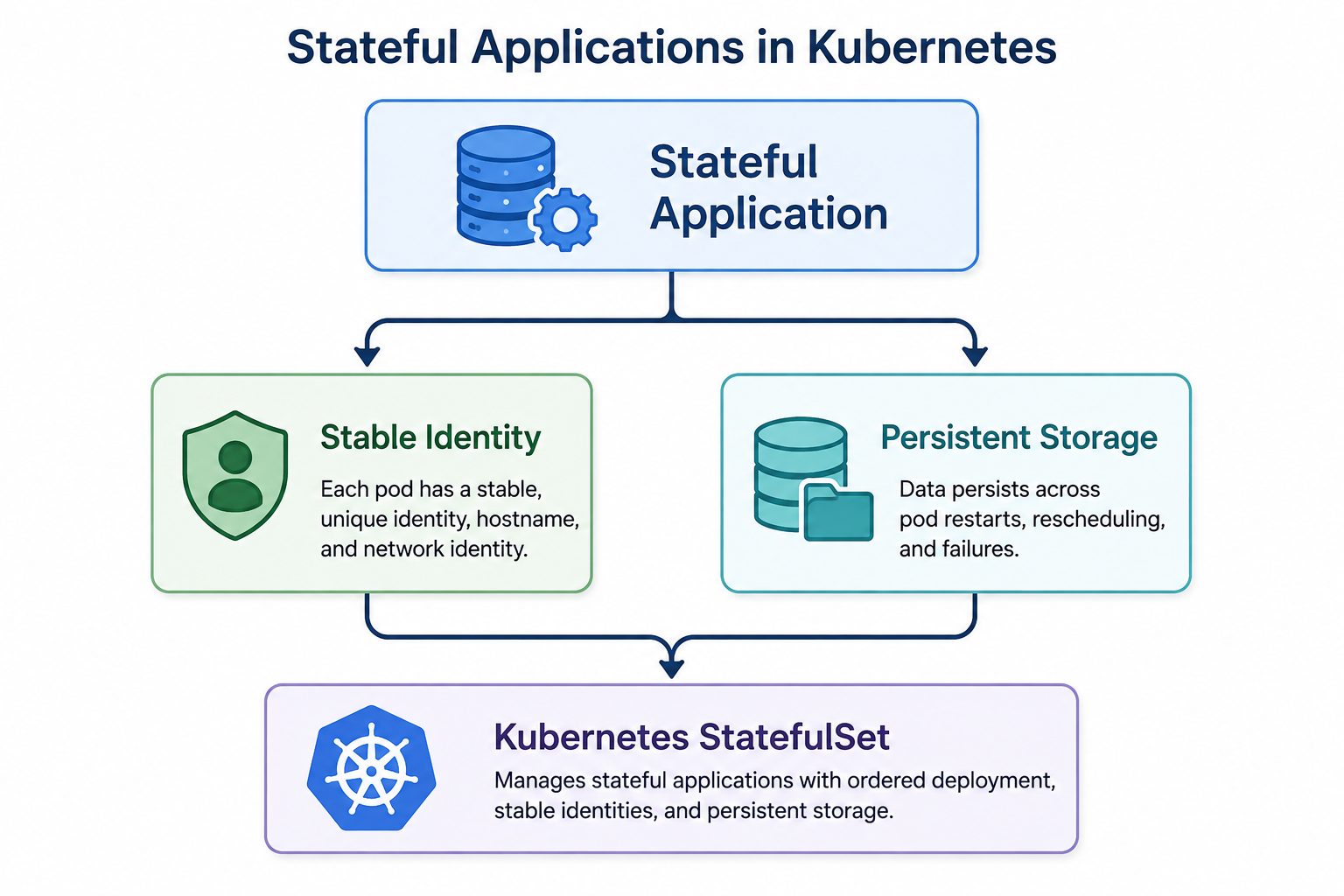
What Are Stateful Applications?
Stateful applications retain data between sessions or interactions. Unlike stateless workloads, they depend on persistent storage to preserve application state.
Common examples include:
- Databases such as PostgreSQL and MySQL
- Distributed systems such as Cassandra and Kafka
- Message brokers such as RabbitMQ
- Stateful caches such as Redis with persistence enabled
Why Stateful Applications Are Different
Stateless applications treat pods as interchangeable resources. If a pod fails, another can replace it without affecting the application.
Stateful applications have different requirements. Each pod needs:
- A stable and unique identity
- Persistent storage that survives restarts and rescheduling
- Ordered deployment, scaling, and updates
Applications that typically require these capabilities include databases such as MySQL, PostgreSQL, MongoDB, and Redis, message brokers including Kafka and RabbitMQ, distributed storage systems such as etcd, Ceph, and MinIO, and applications that store important data on local or network-attached storage.
What are Persistent Volumes and Persistent Volume Claims?
Kubernetes manages persistent storage using two primary resources, Persistent Volumes (PVs) and Persistent Volume Claims (PVCs).
A Persistent Volume may represent a cloud disk, an NFS share, or another supported storage resource. Persistent Volume Claims are matched to available Persistent Volumes based on storage size, access mode, and the configured StorageClass.
When a StatefulSet is created, Kubernetes follows these steps:
- The StatefulSet defines volumeClaimTemplates.
- Kubernetes creates a dedicated PVC for every pod replica.
- Each PVC is bound to a matching Persistent Volume, either dynamically provisioned or already available.
As a result, if a pod is deleted or rescheduled, Kubernetes reconnects it to the same Persistent Volume through its Persistent Volume Claim, preserving application data.
How to Use Persistent Volumes in StatefulSets
Stable Storage with PVC Templates
The volumeClaimTemplates section defines the storage requirements for every pod created by a StatefulSet.
spec:
  volumeClaimTemplates:
  - metadata:
      name: data
    spec:
      accessModes:
      - ReadWriteOnce
      storageClassName: standard
      resources:
        requests:
          storage: 10Gi
When this StatefulSet is deployed, Kubernetes automatically creates dedicated Persistent Volume Claims such as:
- data-app-0
- data-app-1
- data-app-2
Each pod receives its own storage, allowing replicas to maintain independent application data.
Resilience During Pod Rescheduling
Persistent Volume Claims remain available even after their associated pods are removed.
Additionally, when Kubernetes schedules a pod on another node, it reconnects the same Persistent Volume Claim and underlying Persistent Volume. This allows the application to continue using the existing data without interruption.
StatefulSets vs. Deployments
StatefulSets and Deployments serve different purposes.
Choose a StatefulSet when your application requires:
- Stable hostnames and network identities
- Persistent storage for each pod
- Ordered deployment and recovery
- Coordination between replicas
A standard Deployment is often sufficient when applications do not require these capabilities and can use interchangeable pods.
Best Practices for StatefulSets and Persistent Volumes
Here are a few suggestions from our experts to improve the management of stateful workloads.
- Choose a StorageClass that matches the performance requirements of your application and storage infrastructure.
- Determine the required number of replicas before scaling. Evaluate how scaling affects application performance and data consistency.
- Persistent storage continues consuming resources even after scaling down. Regularly review Persistent Volume Claims and remove orphaned resources when they are no longer required.
- Persistent Volumes protect data during pod restarts and rescheduling, but they do not replace a backup strategy. Maintain external backups for important application data.
Conclusion
Stateful applications require more than pod availability to operate reliably. StatefulSets provide stable identities and controlled deployment, while Persistent Volumes and Persistent Volume Claims preserve application data across pod restarts and node rescheduling. Together, these Kubernetes resources simplify the management of databases, message brokers, distributed storage systems, and other stateful workloads. Bobcares helps businesses deploy and manage Kubernetes environments through our Infrastructure Management & Optimization Services. Our engineers assist with StatefulSet deployments, persistent storage configuration, Kubernetes administration, and ongoing cluster management to support reliable production workloads.

