


Explore 10 AWS security issues and how AWS managed services can help reduce risks from access, configuration, monitoring, and data security gaps.
AWS provides strong security across its cloud infrastructure. However, moving an application to AWS does not make every part of the environment secure automatically. AWS protects the cloud infrastructure, while customers remain responsible for protecting the resources they place in it. This shared responsibility can create security gaps when teams misunderstand their role.
Most AWS security problems come from configuration errors, excessive permissions, exposed credentials, weak access controls, and poor monitoring. These issues can give attackers opportunities to access data or misuse cloud resources. Knowing the common AWS security issues helps teams reduce these risks before they become security incidents.
For organizations managing multiple AWS workloads, AWS cloud consulting can help identify security gaps, review cloud configurations, and prioritize remediation.
An Overview
- 1. Incorrectly Configured Amazon S3 Buckets
- 2. Excessive IAM Permissions
- 3. Exposed AWS Access Keys
- 4. Weak Network Security Group Settings
- 5. Missing Multi-Factor Authentication
- 6. Unencrypted Data
- 7. Poor Monitoring and Logging
- 8. Vulnerable EC2 Instances
- 9. Weak Backup and Disaster Recovery Planning
- 10. Misunderstanding AWS Security Best Practices
- How to Build Stronger AWS Security
1. Incorrectly Configured Amazon S3 Buckets
Client documents, analytics data, application assets and backups are stored in Amazon S3. But if you set the bucket incorrectly, you can reveal sensitive data on the internet.
A bucket can be made public if a team attempts to share a file or upload a static website. This means that the whole bucket can become available.
Some exposed S3 data may be:
- Customer records
- Source code
- Financial reports
- Healthcare data
- Internal corporate documents
To reduce this risk, teams should:
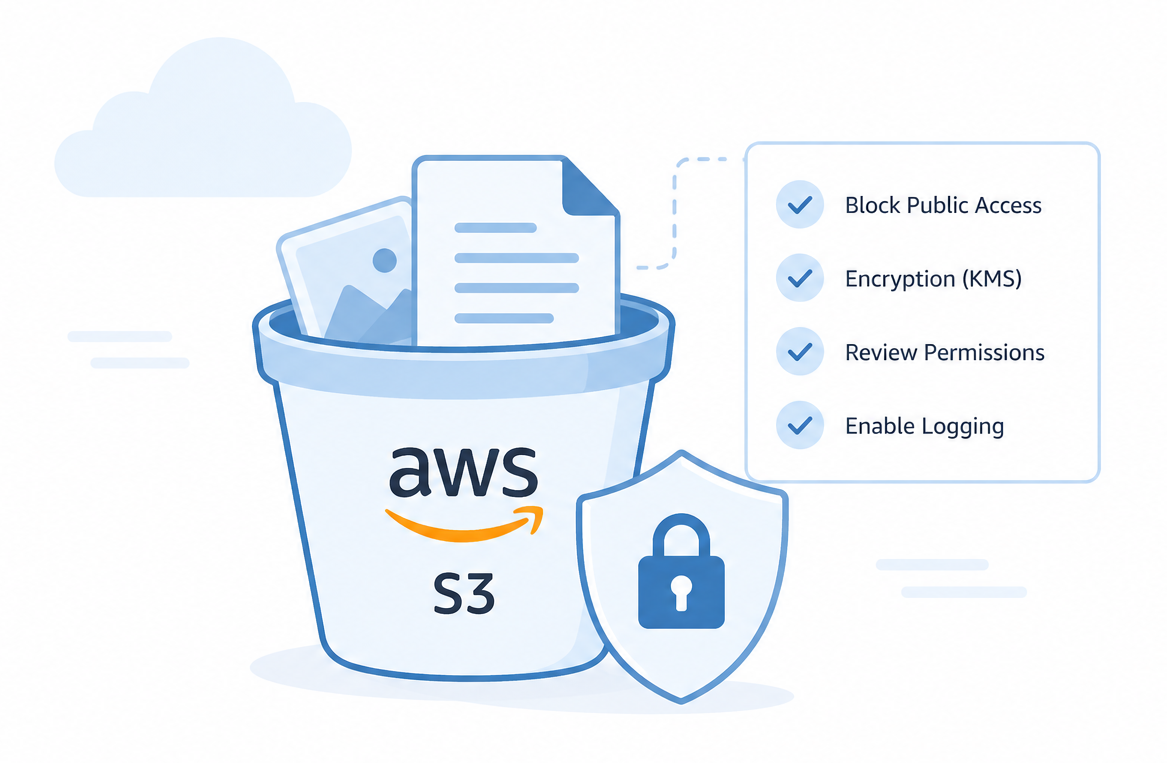
- Turn on Block Public Access for accounts and buckets.
- Check bucket policies on a regular basis.
- Encrypt stored data using AWS Key Management Service (KMS).
- Wherever possible, use IAM roles instead of public access.
- Enable access logging and audit access permissions periodically.
Talk to Our AWS Experts.

2. Excessive IAM Permissions
AWS Identity and Access Management (IAM) manages access to AWS resources and the actions they can take. But teams can at times provide users or applications more access than necessary.
For instance, developers might be given administrator access due to the ease with which it can be granted, compared to creating specific permissions. As the projects develop, so do the rights that service accounts may have.
Once an account with a wide range of privileges is compromised, a hacker can exploit those permissions to access databases, create users, disable security measures or cause damage to infrastructure.
The least privilege principle can help lower this risk. Teams should only assign the permissions that a human or machine requires. Where possible, use IAM roles instead of long-lived credentials, and teams should audit policies to eliminate unneeded permissions.
An AWS cloud consultant can help review IAM policies, identify excessive permissions, and improve access controls across AWS accounts.
3. Exposed AWS Access Keys
Access keys for AWS are used to communicate with cloud services, applications and automation tools. Some keys can be used for months or years, unlike passwords.
Issues arise when developers place keys in configuration files, application code, or upload them to the Git repository.
If the attacker is able to discover valid keys, they can access AWS services to which the keys are attached. This could include launching bitcoin mining instances, accessing confidential data, or deleting production workloads.
Teams can reduce this risk by using temporary credentials through IAM roles. Key rotation, secret management software and automated scanning of the repository offer further protection.
4. Weak Network Security Group Settings
AWS Security Groups are virtual firewalls. They manage the network traffic that flows in and out of the network.
One of the common issues is when the administrators permit access from any IP address. Temporary rules may also continue to be in effect following troubleshooting.
Exposing systems to automated scanning tools can occur through open RDP ports, unrestricted SSH access and direct Internet connections.
Only necessary ports and trusted IP ranges should be allowed to be exposed to the network. They should also delete unused rules.
5. Missing Multi-Factor Authentication
AWS accounts can be vulnerable if only a password is used to secure them. Some of the most common reasons for stolen credentials include phishing, malware, and password reuse.
If attackers are able to successfully get valid credentials, they can access AWS accounts directly without multi-factor authentication.
Teams should implement MFA for their root accounts and privileged IAM users. SMS based authentication methods are not as secure as hardware security keys. Teams can also use AWS CloudTrail and Amazon GuardDuty to keep an eye on any unusual login or authentication activity.
6. Unencrypted Data
In the event of unauthorised access, sensitive information is protected by encryption.
AWS provides encryption for the following services:
- Amazon S3
- Amazon EBS
- Amazon RDS
- Amazon DynamoDB
Sometimes teams disable encryption prior to deployment to save time. But encryption should be done for both data at rest and data in transit.
AWS Key Management Service (KMS) provides centralized control and auditing of encryption keys and helps manage encryption keys. Encryption will not prevent an attack, but will minimize the consequences of a data leak.
7. Poor Monitoring and Logging
A security incident may only be detected by the teams after a customer complains of a problem or a system ceases to function, if not logged.
This lack of records also complicates the picture of what, when, and where it occurred, as well as the resources involved.
AWS offers a number of services which can help with monitoring and visibility:
| AWS service | Main use |
|---|---|
| AWS CloudTrail | Tracks API activity |
| Amazon CloudWatch | Monitors operations |
| AWS Config | Tracks configuration |
| Amazon GuardDuty | Identifies threats |
| AWS Security Hub | Consolidates security findings |
However, collecting logs alone is not enough. Teams also need actionable alerts so they can respond before an attacker reaches their goal.
8. Vulnerable EC2 Instances
Amazon EC2 makes it easy to launch cloud servers, but those servers still need regular security work.
Patching operating systems and uninstalling unnecessary software is important for teams to do regularly. If serious vulnerabilities are actively being exploited by attackers, teams should not wait for the next maintenance cycle and apply security patches.
Older web servers, vulnerable applications and vulnerable administrative interfaces are common targets for attackers.
AWS Systems Manager Patch Manager makes it easier for teams to consistently patch large groups of EC2 instances.
9. Weak Backup and Disaster Recovery Planning
Cloud workloads are not necessarily protected from all failure types. Teams need to prepare, test, and monitor their backups.
Production data can be lost due to accidental deletion, ransomware, insider threats, and application defects. Teams that haven’t tried out restoration techniques or teams with incomplete backups make recovery more difficult.
A more robust backup plan may involve:
- Multiple copies of data
- Versioning
- Cross-region replication for key workloads
- Regular disaster recovery drills
A backup only provides value when teams can restore it when needed.
10. Misunderstanding AWS Security Best Practices
Although the Shared Responsibility Model is a fundamental principle of AWS, it’s also a fundamental misconception that leads many users into security issues.
AWS secures its infrastructure. Customers are still accountable for aspects like:
- Identities
- Applications
- Operating systems
- Network settings
- Encryption
- Data
Businesses may be complacent and forget about critical security measures when they assume that AWS protects all workloads automatically. This division of responsibility is a foundation for other AWS security practices.
How to Build Stronger AWS Security
AWS security requires multiple layers of protection, not just a single control. Teams should implement the principle of least privilege, implement MFA, deploy infrastructure via IaC, audit cloud activity, encrypt sensitive data and perform regular security audits.
Cloud environments also change over time. Applications scale, services change, and permissions are updated. So, teams must regularly undertake security reviews rather than treating security as a one-off activity.
Conclusion
AWS offers a secure cloud environment, but users must ensure their own environments are secure as well. Common AWS security problems are: incorrect S3 settings, too much IAM permission, visibility of access keys, inappropriate network rules, lack of MFA, unencrypted data, inadequate monitoring, vulnerable EC2 instances, lack of backups, and misunderstanding of the shared responsibility model.
Regular review and multiple security controls are key to strong security with AWS. Security teams that integrate security into the cloud “as it lives” can mitigate unnecessary risks and take more proactive steps to address evolving threats.

