


AWS managed services help improve AWS S3 security, performance, storage costs, and backup reliability with practical best practices for your data.
If you’ve worked with AWS at all, chances are you’ve used Amazon S3. At first, it looks simple—create a bucket, add your files, and you’re done. However, your early S3 choices affect security, performance, cost, and how easily you can recover from mistakes. So, a little care during setup can save you a lot of trouble later.
Secure Your S3 Buckets
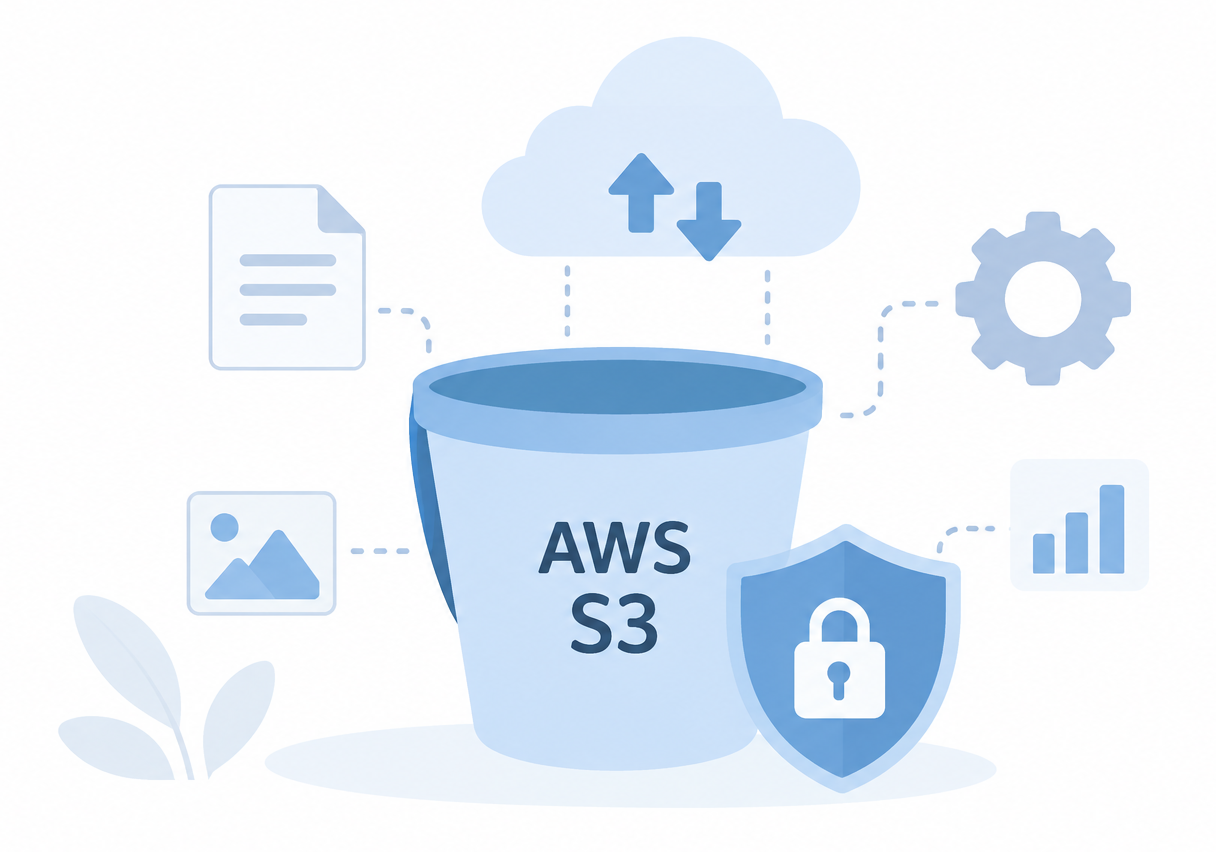
Security should come first. Since most application data should not be open to everyone, turn on Block Public Access from the start. Then, set your bucket policies and IAM permissions so people and services get only the access they need.
Use SSE-KMS encryption for production. It provides key management services and CloudTrail with better control over key access. Cover your bases with your bucket data if need be. Activate server access logging along with other services like GuardDuty and Macie to help protect your sensitive data and assist in the detection of anomalous behavior.
Secure Your AWS S3 Today.

Improve S3 Performance
Scalability aside, optimization of performance is still incredibly important. With S3, the right setup helps your apps better handle data.
If you’re dealing with high-volume requests, consider creating object names that incorporate a random suffix. For large uploads, consider multipart uploads. Using this method, if a part fails to upload, only that part has to be uploaded again, rather than the whole file.
If your users are distributed to various regions, S3 Transfer Acceleration may be worthwhile to help speed up the transfer of data through AWS’s network. However, always check the cost before deploying the service.
Needless to say, also consider the storage class. If data is often accessed, store the data in S3 Standard. Store data that is used less often in Standard-IA, Intelligent-Tiering, or even Glacier.
Protect Your S3 Data
Data storage is only one of the many steps. You need to protect from data loss due to accidental deletion or modification.
Active S3 Versioning will help recover deleted or overwritten data. Lifecycle policies will implement data retention or deletion based on lifecycle storage which ultimately serves to help control costs.
For disaster recovery, use Cross-Region Replication to store data in another AWS Region. This provides another copy of your data for recovery should a regional issue arise.
Use S3 Object Lock or AWS Backup to ensure critical data is protected from unauthorized changes or deletions.
Conclusion
For every workload, there is not a single S3 configuration that fits the bill. A basic configuration can keep storage secure and reliable, but teams should review it consistently. Teams should also use encryption alongside monitoring and testing backups and recovery to assess the storage class based on real usage.
Employing these AWS S3 best practices provides easy access to secure data whenever your business requires additional storage.

