


Modern applications often depend on many services working together. A change in one service may need to trigger an action in another service. Direct connections between these components can become difficult to manage as an application grows.
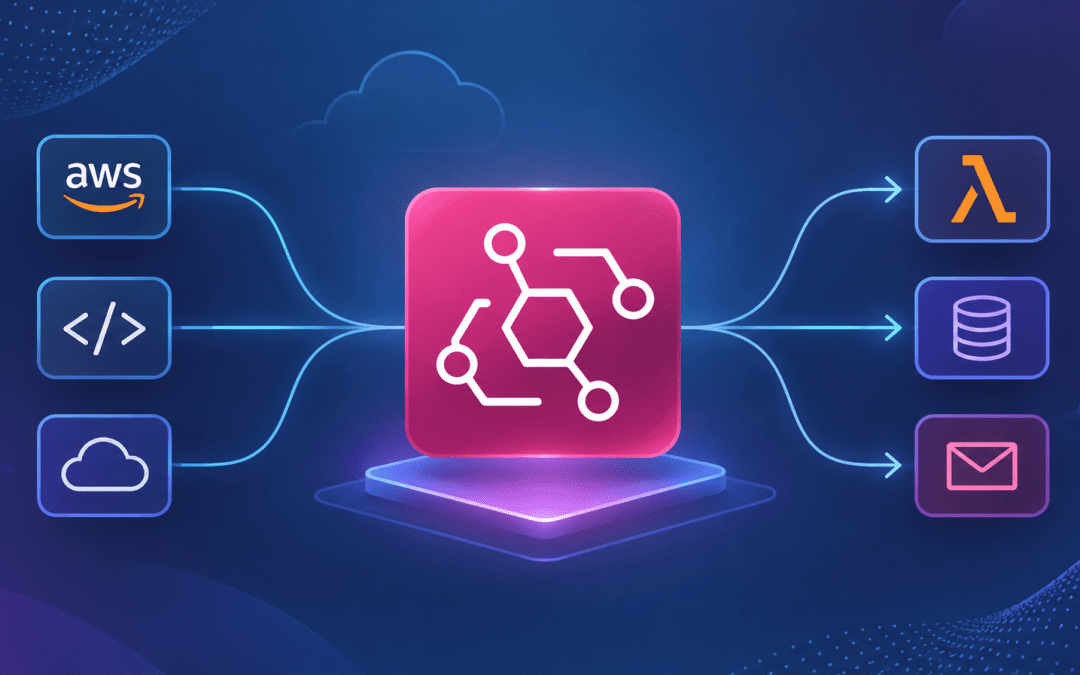
Amazon EventBridge is a serverless event bus service from AWS that helps applications communicate through events. It can receive events from AWS services, custom applications, and supported SaaS applications. EventBridge can then filter, transform, and route those events to the appropriate targets.
This approach helps applications communicate without requiring the source to know how each consumer works.
What Is Amazon EventBridge?
Amazon EventBridge is an event-driven service that connects event sources with targets. An event is a JSON object that describes something that happened in an application or AWS environment.
For example, an application may generate an event when a new customer registers. EventBridge can receive that event and send it to another service that needs to process the registration.
Instead of creating a direct connection between every application component, EventBridge acts as an intermediary. This makes it easier to add or change consumers without modifying the original event producer.
Why Use EventBridge?
Direct service-to-service communication can create dependencies between application components. A producer needs to know where an event should go and how the receiving service expects the data.
EventBridge provides a different approach. A service publishes an event, while rules determine where matching events should be sent.
This can help when:
- Applications need to communicate without direct dependencies.
- Events need to be sent to multiple destinations.
- Different event sources use different formats.
- Events need to be filtered before delivery.
- Application actions need to trigger AWS services automatically.
How Does Amazon EventBridge Work?
An EventBridge workflow generally starts when an event is generated.
1. An event is created
An AWS service, custom application, or SaaS partner generates an event. Events are represented as JSON objects that contain information about what happened.
2. The event reaches an event bus
Event buses receive events and make them available for processing.
EventBridge provides a default event bus for AWS service events. You can also create custom event buses for events generated by your applications. Supported SaaS applications can send events through partner event buses.
3. A rule evaluates the event
Rules define which events should be processed. An event pattern can examine information in the event and identify events that meet specific conditions.
For example, a rule could match an event generated when an object is created in an Amazon S3 bucket.
4. EventBridge sends the event to a target
When an event matches a rule, EventBridge sends it to the configured target. Targets can include AWS services and supported API destinations.
A single event can also be routed to multiple targets when several rules match it.
5. The event can be transformed
EventBridge can modify an event before sending it to a target. Input transformers can extract values from the original event and create a different structure for the receiving service.
This reduces the need for custom integration code. EventBridge acts as an intermediary between event producers and consumers. This allows applications to publish events without needing to know how each receiving service processes them.
EventBridge Pipes and Scheduler
Amazon EventBridge also provides features for specific integration and scheduling requirements.
EventBridge Pipes connects a single event source to a single target. You can add filtering and enrichment between the source and target. Pipes are useful when you need a direct integration between two services without creating a more complex event bus setup.
EventBridge Scheduler handles scheduled tasks. It can trigger AWS API operations at a specific time or according to a recurring schedule. This makes it useful for applications that need timed actions without maintaining a separate scheduling system.
EventBridge Security
AWS Identity and Access Management (IAM) controls access to EventBridge resources. Identity-based and resource-based policies can determine who can perform actions such as sending events or managing rules.
EventBridge also supports cross-account event delivery. Resource-based policies can control which accounts are allowed to interact with an event bus.
Events can be encrypted at rest using AWS-owned keys by default. Organizations that need greater control can use customer managed AWS Key Management Service (KMS) keys for supported resources.
Administrators should also review event bus permissions carefully. Restricting access helps prevent unauthorized applications or accounts from sending or receiving sensitive events.
Common Uses of Amazon EventBridge
EventBridge can support several event-driven application patterns. Common examples include:
- Connecting AWS services and application components
- Sending events from multiple sources to a central event bus
- Triggering actions when specific application events occur
- Integrating applications with supported SaaS services
- Testing applications using archived events
- Replaying archived events when needed
Conclusion
Amazon EventBridge provides a managed way to connect applications and services through events. Event buses handle event routing, rules determine which events should be processed, and targets receive the resulting events. Pipes support direct source-to-target integrations, while Scheduler handles time-based actions.
An effective starting point is to use the default bus for AWS service events and create custom event buses for application-generated events. As the architecture grows, rules, transformations, permissions, and event targets can be added based on the application’s requirements.