


Fix data sync issues with API Integration Services. Improve system communication, reduce manual work, and keep business data consistent.
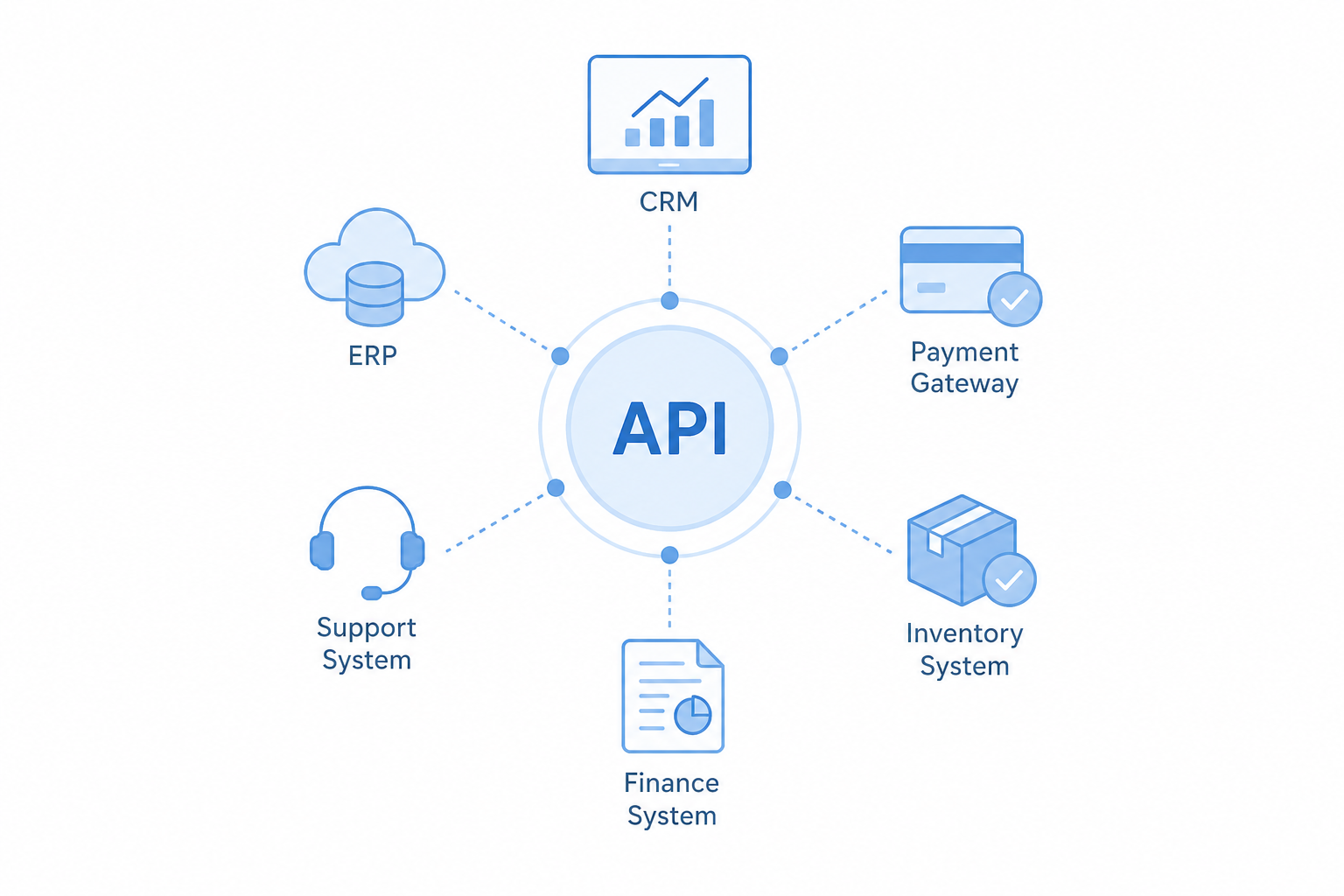
API Integration connects CRM, ERP, payment systems, inventory management, and support systems for modern businesses. However, integrating everything does not guarantee seamless interactions. Disjointed records, missed updates, and the necessity of manual data reconciliation remain challenges for businesses after systems integration.
In addition, if your teams spend a lot of time comparing reports, downloading CSV files, or making manual data adjustments with mixed results, then your integration architecture is likely causing the problem rather than the software itself.
An Overview
Common Signs of API Integration Failures
Poor API integration can affect daily business operations in several ways.
-
- Orders do not synchronize immediately.
- Inventory numbers are not the same across systems.
- Finance reports do not correspond to sales data.
- Each team has to export data to perform reconciliation.
- Different systems show different data for the same transaction.
As a result, these problems reduce productivity and increase the risk of business errors.
Why These Problems Happen
Many teams build API integrations one feature at a time without an overall plan. As a result, different systems store different versions of the same data. Consequently, employees struggle to identify which version is correct.
For example, the CRM could show a confirmed order, while the ERP still shows the same order as pending. Meanwhile, the finance system has not generated an invoice. Consequently, employees must search across multiple systems to find the correct information because each system displays a different status.
Need reliable API integrations?

A Real World Example
For example, an order has already been fulfilled. However, the warehouse system still shows it as pending because both systems exchange data only once every 24 hours through a scheduled batch process.
As a result, customer support may communicate an order status that does not reflect the actual status. Consequently, this can lead to unnecessary order cancellations and refund requests. The main problem here is not the capability of the software. Instead, the APIs were connected without a plan or defined ownership of the data.
How to Fix API Integration Failures
Integration architecture is a plan that helps systems integrate data in a consistent manner.
| Area | Best Practice |
|---|---|
| Data ownership | Assign one system as the source of truth for each business entity. |
| Data sharing | Use event-driven communication instead of scheduled batch updates. |
| API design | Create API contracts before development and validate schemas. |
| Version control | Break the contract; API versions are used /v1 and /v2 to keep existing integrations. |
| Error handling | Retries, endpoints that protect against duplication, logs, and dead letter queues can be used. |
| Governance | An integration blueprint, ownership, and API health can be established. |
Benefits of Better Integration Architecture
Where systems are integrated, a business can:
- Access data across systems that are integrated.
- Reconcile data automatically.
- Process orders quickly.
- Reduce the cost of operations.
- Support business growth without creating new integration issues.
Conclusion
To reduce the impact of errors on the system, use practices such as retries, idempotent endpoints, dead letter queues, and centralized logging. In addition, monitor API health, create integration blueprints, and assign clear ownership for every integration.

