


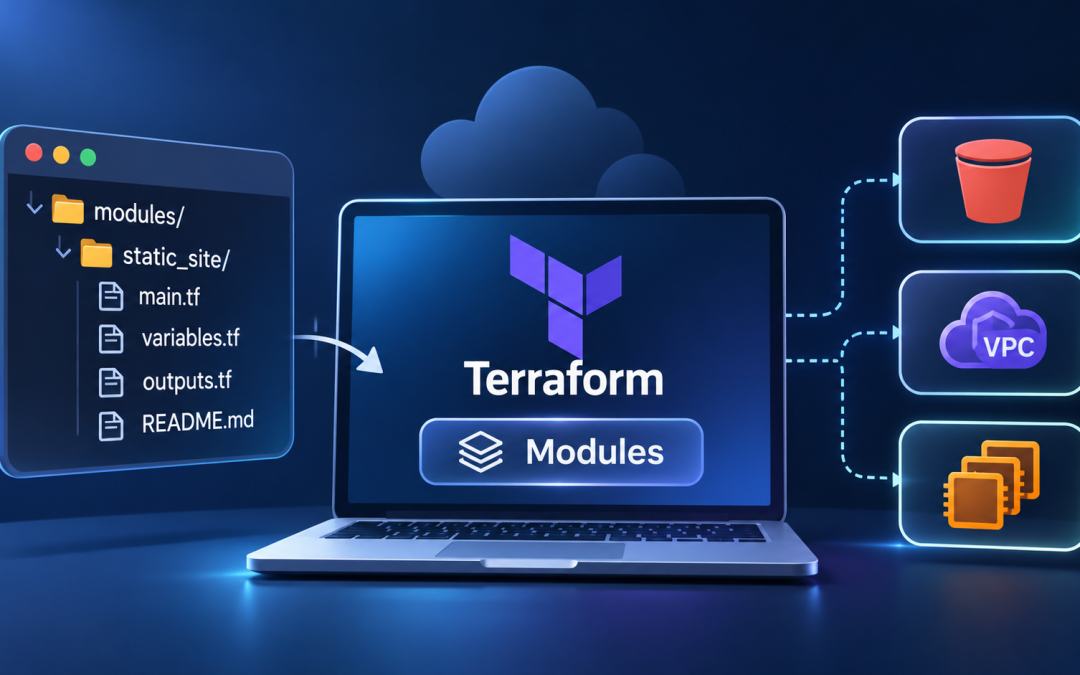
Most Terraform projects start small. You write a few resources in a single main.tf, it works, and you move on. Then the project grows. You need the same S3 bucket setup in three environments, a VPC layout that three teams copy-paste from each other, and a security group that somebody tweaked in production and never told anyone about. This is where Terraform modules earn their keep.
This blog covers what modules are, how they’re structured, how to write your own, and how to pull in community modules from the Terraform Registry. We’ll build a small static-site module along the way.
Terraform modules make it easier to build and manage reusable cloud infrastructure, which is also a key part of effective Cloud DevOps Services.
So what is a module, really?
A module is just a directory of Terraform files. That’s it. Every Terraform configuration you’ve ever written is technically a module, the “root module,” sitting in whatever folder you ran terraform apply from.
The useful part is that you can call one module from another. You package up a set of resources, expose a few inputs and outputs, and reuse that package wherever you need it. Think of it like a function in a programming language: you pass in arguments, it does its work, and it hands back results.
Modules give you three things that matter day to day. They cut down on repetition, so a fix in one place applies everywhere it’s used. They enforce consistency because teams can share a vetted way to create a bucket or a database rather than inventing their own. And they make big configurations easier to read, since module “database” tells you more at a glance than forty lines of resource blocks.
How a module is laid out
Nothing in Terraform forces a particular structure, but a convention has settled in, and it’s worth following. A typical local module looks like this:
modules/
  static_site/
    main.tf        # resources
    variables.tf   # inputs
    outputs.tf     # values the caller can read
    README.md      # how to use it, because future you will forget
The split across files isn’t mandatory. For a tiny module, you can cram everything into main.tf. But once you have more than a handful of resources, separating inputs and outputs makes the module much easier to scan.
Writing your first module
Let’s build a module that creates an S3 bucket configured to serve a static website. Start with the resources in modules/static_site/main.tf:
resource "aws_s3_bucket" "site" {
  bucket = var.bucket_name
  tags   = var.tags
}

resource "aws_s3_bucket_website_configuration" "site" {
  bucket = aws_s3_bucket.site.id

  index_document {
    suffix = var.index_document
  }
}

resource "aws_s3_bucket_versioning" "site" {
  bucket = aws_s3_bucket.site.id

  versioning_configuration {
    status = var.enable_versioning ? "Enabled" : "Suspended"
  }
}
Now define the inputs in variables.tf. Give each variable a description, because the description is what shows up when someone hovers over it in an editor, and it’s what you’ll be grateful for six months from now:
variable "bucket_name" {
  description = "Globally unique name for the S3 bucket."
  type        = string
}

variable "index_document" {
  description = "Object to serve when someone requests the root path."
  type        = string
  default     = "index.html"
}

variable "enable_versioning" {
  description = "Whether to keep previous versions of uploaded objects."
  type        = bool
  default     = false
}

variable "tags" {
  description = "Tags applied to the bucket."
  type        = map(string)
  default     = {}
}
Finally, expose what callers will need in outputs.tf:
output "bucket_id" {
  description = "Name of the created bucket."
  value       = aws_s3_bucket.site.id
}

output "website_endpoint" {
  description = "Public URL of the static site endpoint."
  value       = aws_s3_bucket_website_configuration.site.website_endpoint
}
Notice the defaults. index_document and enable_versioning have sensible values, so a caller only has to supply what really varies. Good defaults are a big part of what makes a module pleasant to use. Bad defaults, or no defaults at all, are how modules end up feeling like paperwork.
Calling the module
In your root configuration, reference the module with a module block:
module "marketing_site" {
  source = "./modules/static_site"

  bucket_name       = "acme-marketing-site-prod"
  enable_versioning = true

  tags = {
    env  = "prod"
    team = "marketing"
  }
}

output "marketing_url" {
  value = module.marketing_site.website_endpoint
}
The source argument tells Terraform where to find the module. A path starting with “.” points to a local directory. Once you add the module, run terraform init, which fetches and registers it. Forgetting this step is probably the most common reason a newly added module seems to do nothing. Then run terraform plan as usual.
Want a second site for the docs team? Add another block with a different name and different inputs. Both get created from the same code, and you only maintain the logic once.
Using modules from the Terraform Registry
You don’t always have to write modules yourself. The Terraform Registry hosts thousands of community and vendor-maintained modules, and some of them are very well built. The VPC module is a good example of one worth using rather than rewriting:
module "vpc" {
  source  = "terraform-aws-modules/vpc/aws"
  version = "~> 5.0"

  name = "app-vpc"
  cidr = "10.0.0.0/16"

  azs             = ["us-east-1a", "us-east-1b"]
  private_subnets = ["10.0.1.0/24", "10.0.2.0/24"]
  public_subnets  = ["10.0.101.0/24", "10.0.102.0/24"]

  enable_nat_gateway = true
}
Notice the version argument. Registry modules can change between releases, sometimes in ways that force resources to be replaced. Pinning a version constraint keeps your plans predictable. The ~> 5.0 syntax allows any 5.x release but blocks a jump to 6.0, which is usually the right trade-off. Before upgrading, read the module’s changelog. Major version bumps are where breaking changes live.
Registry modules can also be pulled from Git repositories. Instead of a registry address, you’d write something like git::https://github.com/your-org/terraform-modules.git//static_site?ref=v1.2.0. Pinning ref to a tag works the same way as pinning a registry version, and it’s a common setup for internal shared modules.
A few things to look out for
Don’t configure providers inside a reusable module. The module can declare which providers it needs under required_providers, but the actual provider block belongs in the root configuration. Hardcoding a region or credentials inside a module makes it impossible to reuse across accounts.
Be careful with count and for_each on module blocks. They work, but changing the count later can shift the addresses of everything underneath, which means Terraform wants to destroy and recreate resources. If you need multiple similar instances, for_each with a map of keys is usually more stable, because removing one key doesn’t renumber the rest.
Keep outputs small and deliberate. It’s tempting to expose every attribute of every resource, but each output becomes part of the module’s interface. Once other people depend on it, removing an output is a breaking change. Start with what callers actually need and add more when someone asks.
Resist the urge to make everything a variable. A module with forty inputs is usually a module doing too much. If a setting almost never changes, hardcode it or use a sensible default, and keep the interface focused on what really varies between uses.
Conclusion
In short, modules turn Terraform from a pile of resource blocks into something you can organize, share, and maintain. Start small: pick a piece of infrastructure you’ve copy-pasted more than twice, move it into a local module with a clear set of inputs and outputs, and call it from your root configuration. Once that feels natural, look at the Registry for the big pieces like networking and clusters, where a well-maintained community module will save you a lot of time.
Run terraform init after every change to a module source, pin your versions, and write a short README for anything other people will use. Those three habits will prevent most of the problems people run into with modules. If you want to bring Terraform, infrastructure automation, and cloud operations together, Cloud DevOps Services can help you build a more consistent and manageable cloud environment.