


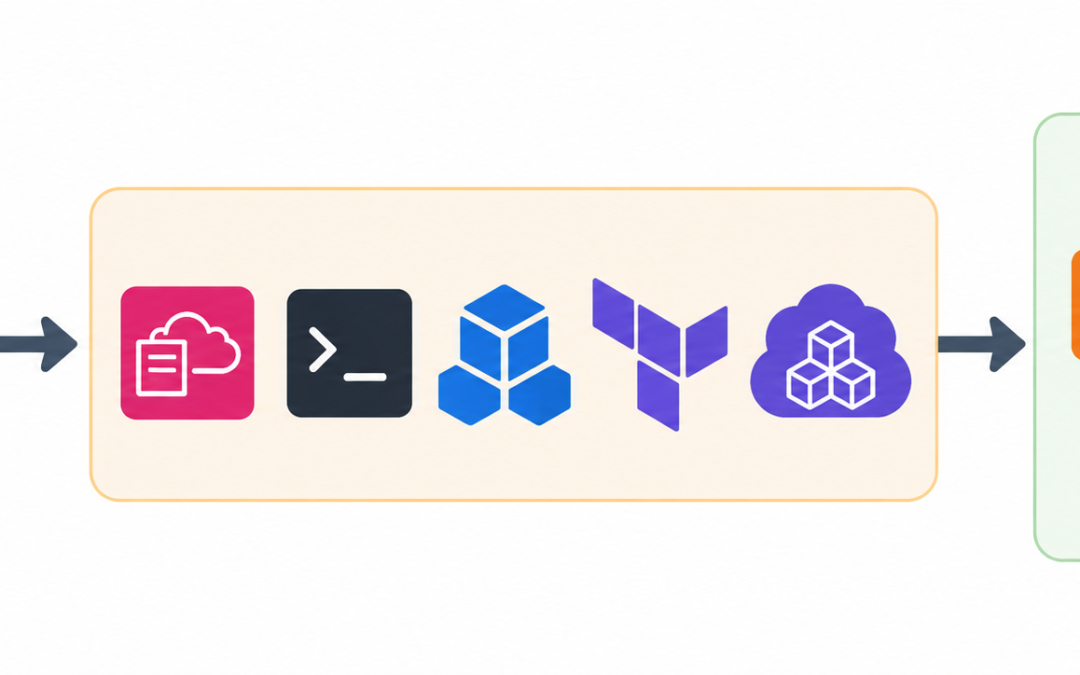
Learn how to automate AWS resource setup using CloudFormation, AWS CLI, SDKs, Terraform, and CDK with best practices for consistent deployments.
Managing AWS resources manually becomes more time-consuming as infrastructure grows. Automating AWS resource setup helps save time, maintain consistency, reduce errors, and simplify scaling. This blog explains common methods for automating AWS resource creation and outlines key practices to maintain consistent deployments. Businesses looking to simplify AWS infrastructure management can also benefit from Bobcares AWS Managed Services, which help maintain and manage cloud environments while supporting automated deployments.
Overview
Why Automate AWS Resource Setup?
Automating AWS resource creation offers several benefits.
- Automation ensures resources are configured the same way every time.
- Create multiple servers, databases, and networking components without repeating manual steps.
- Templates and scripts help minimize human error.
- Easily replicate environments for testing, staging, or production.
Methods to Automate AWS Resource Creation
AWS provides several tools to automate infrastructure deployment. Each approach supports infrastructure automation in a different way. If you are looking for further support, our AWS consulting services is your answer.
1. AWS CloudFormation
AWS CloudFormation lets you define infrastructure as code using YAML or JSON templates.
- Write a template that describes resources such as EC2, S3, RDS, and VPC.
- Upload the template to CloudFormation and create a new stack.
- Deploy the stack, and AWS provisions the resources automatically.
Example: Create an S3 bucket using YAML
Resources:
  MyS3Bucket:
    Type: AWS::S3::Bucket
    Properties:
      BucketName: my-automated-bucket
Need Help Automating AWS Resource?

2. AWS CLI (Command Line Interface)
The AWS CLI allows you to script resource creation directly from the terminal.
- Install and configure the AWS CLI using your credentials.
- Run commands to create AWS resources.
# Create an S3 bucket
aws s3api create-bucket --bucket my-automated-bucket --region us-east-1

# Launch an EC2 instance
aws ec2 run-instances --image-id ami-12345678 --count 1 --instance-type t2.micro --key-name MyKeyPair
3. AWS SDKs
AWS SDKs enable resource management using programming languages such as Python, JavaScript, and Java. Python’s Boto3 is commonly used.
Example (Python with Boto3)
import boto3

# Create an S3 bucket
s3 = boto3.client('s3')
s3.create_bucket(Bucket='my-automated-bucket')
4. Terraform
Terraform by HashiCorp is an infrastructure-as-code tool that works with AWS. It lets you define infrastructure in
.tfSteps
- Write a Terraform configuration.
provider "aws" {
  region = "us-east-1"
}

resource "aws_s3_bucket" "my_bucket" {
  bucket = "my-automated-bucket"
}
- Initialize and apply the configuration.
terraform init
terraform apply
5. AWS Cloud Development Kit (CDK)
AWS CDK allows you to define AWS resources using languages such as Python, TypeScript, and Java. It converts the code into CloudFormation templates for deployment.
Example (TypeScript)
import * as cdk from 'aws-cdk-lib';
import * as s3 from 'aws-cdk-lib/aws-s3';

const app = new cdk.App();
const stack = new cdk.Stack(app, 'MyStack');

new s3.Bucket(stack, 'MyBucket', {
  bucketName: 'my-automated-bucket',
});
Best Practices for AWS Automation
Here are a few best practices that help maintain consistent deployments.
- Version control: Store templates and scripts in Git to support collaboration and rollback.
- Parameterization: Use variables to reuse templates across different environments.
- Security: Avoid hardcoding credentials. Use IAM roles and policies instead.
- Testing: Validate deployments in a staging environment before moving to production.
- Monitoring: Use CloudWatch and AWS Config to monitor and validate automated deployments.
Conclusion
Automating AWS resource setup simplifies infrastructure management, improves reliability, and saves time. AWS CloudFormation, AWS CLI, AWS SDKs, Terraform, and AWS CDK each provide a way to automate resource creation. Following infrastructure-as-code practices and automation guidelines helps maintain consistent deployments across environments. Bobcares helps organizations implement and manage AWS infrastructure automation to simplify cloud resource deployment and management. Along with implementing AWS automation, Bobcares AWS Managed Services help businesses manage, monitor, and maintain their AWS environments, making it easier to keep cloud infrastructure consistent and reliable over time.

