


Cloud infrastructure management has many vital features that can help your business. But before that, let us learn what Cloud infrastructure is. Cloud infrastructure comprises all the hardware and software components necessary for cloud computing, which includes:
- Compute (servers)
- Networking
- Storage
- Virtualization resources
Cloud infrastructure typically also includes a user interface (UI) for managing these virtual resources. A widely recognized and accessible example of this model is Infrastructure as a Service (IaaS). With IaaS, a team or organization obtains the computing infrastructure it needs over the Internet. This includes computing power (often on virtual machines rather than physical ones), storage, and various related services like load balancers and firewalls.
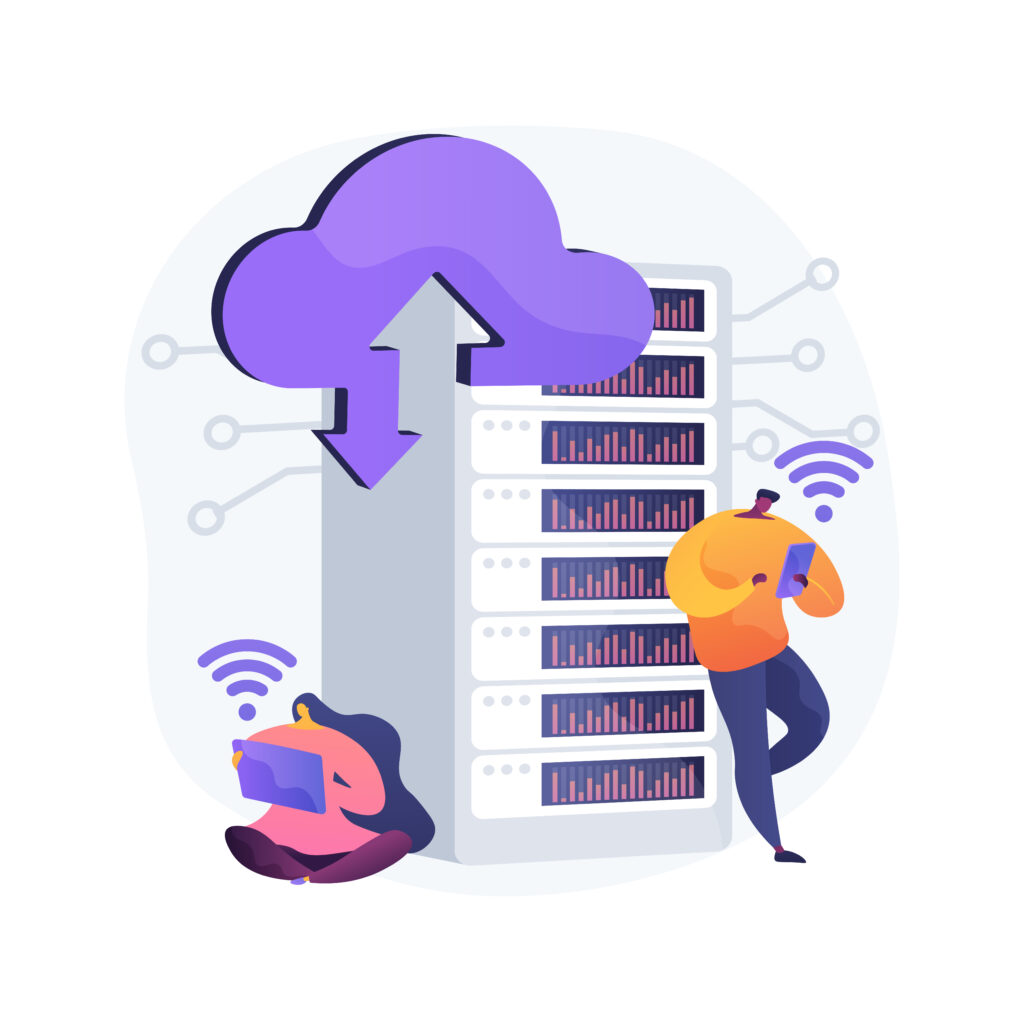
This approach lets them avoid provisioning and managing their own physical infrastructure. This allows them to lease the necessary resources from the IaaS provider. Although IaaS is a prominent example, cloud infrastructure, or cloud architecture, encompasses a broader array of platforms and environments, including private and hybrid clouds.
Features Of Cloud Infrastructure Management
Cloud management features refer to the tools and technologies that support strategies and processes for effectively overseeing cloud-based assets and applications. They facilitate automation workflows and help you make informed decisions, ensuring that your cloud usage and costs are efficient.
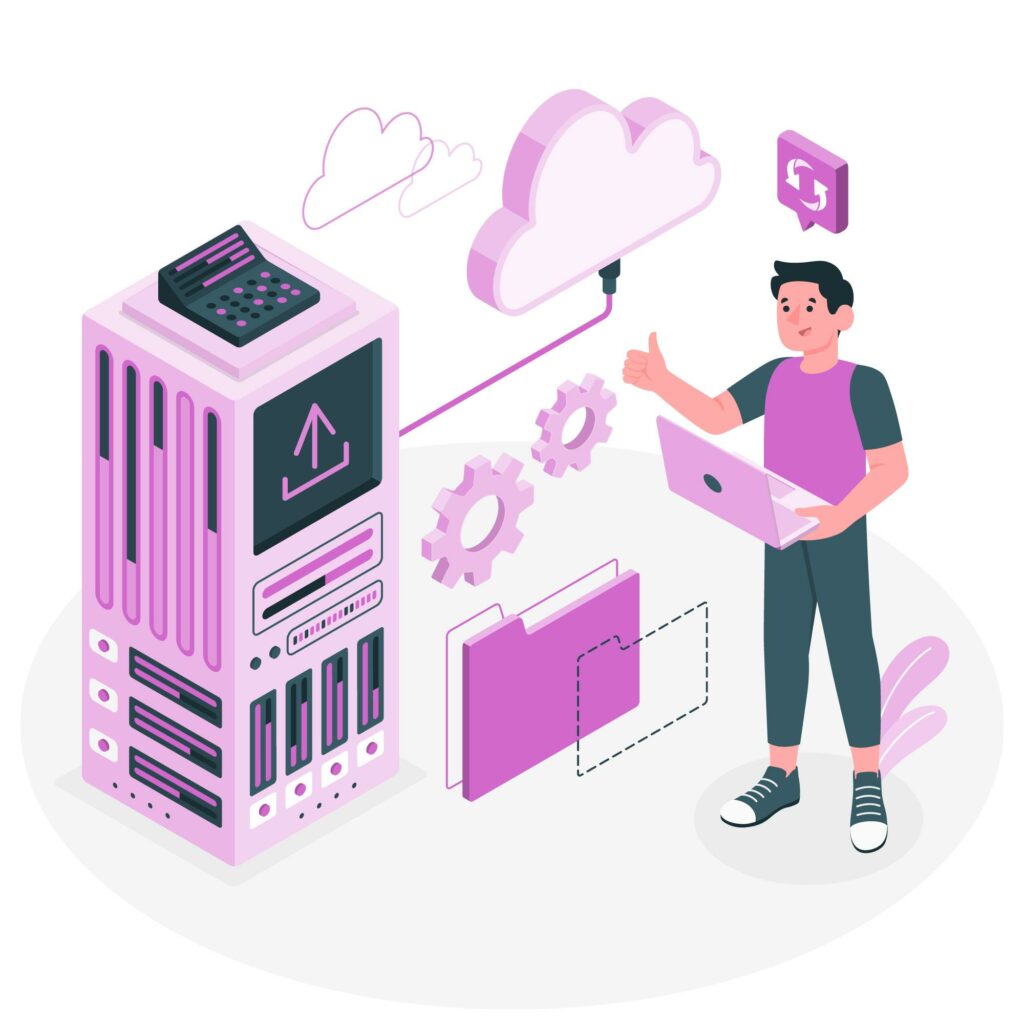
Here are some common features of cloud management:
1: Automation
Managing applications can become repetitive, particularly in larger environments. Cloud management lets you control resources programmatically, providing automated capacity management, continuous integration, and orchestration to reduce operational burdens.
2: Compliance and Governance
Moving to the cloud may mean giving up some control over your underlying infrastructure and applications; however, oversight of access and compliance remains essential. Cloud management helps you verify that cloud users and configurations meet regulatory requirements and organizational policies by alerting you to issues and enabling quick resolution.
3: Security

Cloud security is a shared responsibility with your cloud service provider, making cloud management crucial for safeguarding your data, applications, and services in cloud environments. Leading cloud management tools incorporate machine learning for advanced threat intelligence and detection, enhancing security monitoring and processes
4: Monitoring and Logging
Cloud management facilitates observability by monitoring and logging events, allowing you to inspect and comprehend activities within your environments. Aggregating, analyzing, and correlating log files helps identify errors, automate incident management, and optimize performance.
5: Performance and Cost Reporting
Without careful monitoring, cloud computing expenses can quickly exceed your budget. Cloud management offers cost management, reporting, and forecasting features that provide a clear view of resource usage over time. This insight helps you allocate resources more effectively, verify youare using what you are paying for, and eliminate unnecessary expenses.
6: Cost Management
Effective cost management is crucial for organizations using cloud services, as it helps them control expenses while maximizing resource utilization. Key components of cost management include:

Budgeting and Forecasting
Tools designed to predict and allocate budgets for cloud usage play a vital role in financial planning. By analyzing historical usage patterns and forecasting future needs, organizations can set realistic budgets that align with their business goals.
This proactive approach helps to avoid overspending by providing insights into anticipated costs, enabling teams to allocate resources effectively and adjust budgets as necessary. Accurate forecasting also allows businesses to plan for scalability, ensuring they have the resources they need when demand increases.
Cost Allocation
Tracking expenses by department, project, or user enhances financial management and accountability within organizations. By assigning costs to specific teams or initiatives, businesses can better understand how their cloud resources are used.
This transparency fosters accountability, as teams are more aware of their spending habits and can make informed decisions to optimize usage. Additionally, effective cost allocation helps identify high-cost areas, enabling organizations to adjust strategies or negotiate with cloud service providers for better pricing.
Need Help Managing Your Cloud Environment?

Optimization
Identifying and eliminating unused or underutilized resources is essential to lower costs and improve efficiency. Cloud environments often contain resources that are no longer needed or are not being fully utilized, leading to unnecessary expenses. By regularly analyzing resource usage, organizations can identify these inefficiencies and deprovision or right-size resources accordingly.
Optimization not only reduces costs but also improves performance, allowing organizations to allocate resources where they are most needed and improve return on investment. Ultimately, a comprehensive cost management strategy helps organizations maximize the benefits of their cloud investments while maintaining financial control.
7: Provisioning and De-provisioning
Provisioning and de-provisioning are critical processes in managing cloud resources effectively.

Automated Provisioning:
Automated tools facilitate the rapid deployment of cloud resources, such as servers, storage, and databases, based on predefined templates or configurations. This automation significantly reduces the time and effort required to set up new environments, enabling teams to focus on more strategic tasks.
With automated provisioning, organizations can ensure consistency and compliance across deployments by standardizing configurations, minimizing the risk of errors and enhancing security.
Scalability:
One key advantage of cloud computing is scalability. Resources can scale up or down automatically in response to changing demand, ensuring optimal performance while maintaining cost efficiency.
For instance, during peak usage periods, additional resources can be provisioned to handle increased loads, while during quieter times, those resources can be scaled back to reduce costs. This dynamic scaling lets organizations respond quickly to workload fluctuations without manual intervention, keeping performance consistent and minimizing downtime.
De-provisioning:
Efficient de-provisioning is equally important. Unused resources can be automatically de-provisioned, preventing unnecessary costs from accumulating. By regularly monitoring resource utilization and implementing automated de-provisioning strategies, organizations can ensure they pay only for what they need.
This proactive approach not only saves money but also contributes to a more sustainable cloud strategy by minimizing wasted resources and maximizing overall efficiency.
8: Backup and Disaster Recovery
Effective backup and disaster recovery strategies are essential to safeguard data and maintain business continuity in the face of unexpected events.

Automated Backups:
Regularly scheduled backups of data and applications are critical for protecting against data loss. Automated backup solutions ensure important information is saved consistently without manual intervention.
This not only reduces the risk of human error but also ensures backups run on a set schedule, giving organizations peace of mind. In the event of data corruption, accidental deletion, or hardware failure, up-to-date backups enable swift recovery and minimize downtime.
Disaster Recovery Plans:
Comprehensive disaster recovery plans outline the strategies and tools needed to quickly restore services after failures or disasters. These plans typically include detailed procedures for recovering systems, applications, and data, along with clear roles and responsibilities for team members during a crisis.
By testing and updating these plans regularly, organizations can ensure that they are well-prepared to respond to various disaster scenarios, minimizing disruption and accelerating recovery time.
Replication:
Data replication is another critical component of backup and disaster recovery strategies. By replicating data across multiple geographical locations, organizations can ensure both availability and durability. In the event of a localized disaster, such as a power outage or natural disaster, replicated data can be accessed from another location, allowing for seamless continuity of operations.
This geographic redundancy not only protects against data loss but also improves overall resilience, ensuring organizations can maintain critical functions even during challenging circumstances.
9: Configuration Management
This is crucial to maintaining the stability, security, and efficiency of cloud environments.

Configuration Automation:
Tools like Infrastructure as Code (IaC) automate the setup and maintenance of cloud environments. They allow organizations to define and manage infrastructure using code. This approach simplifies deployment, enabling teams to provision resources consistently and quickly.
By automating configurations, organizations can minimize the risk of errors that often arise from manual setups. This ensures environments are configured according to best practices and reduces deployment time. IaC also supports infrastructure scalability, allowing organizations to quickly adjust resources in response to changing demands.
Version Control:
Implementing version control for configuration changes is essential in managing cloud environments effectively. By tracking configuration changes, organizations can maintain a history of modifications, which is invaluable for troubleshooting and accountability.
Version control also lets teams roll back to previous configurations if a new change causes issues, keeping systems stable and functional. This capability enhances collaboration among team members. It allows multiple individuals to work on configurations without fear of overwriting each other’s changes.
Configuration Audits:
Regular configuration audits are vital for ensuring compliance with organizational policies and industry best practices. These audits involve systematically reviewing configurations to identify discrepancies, potential vulnerabilities, and areas for improvement.
By conducting these audits, organizations can ensure that their cloud environments adhere to security standards and operational guidelines, reducing the risk of security breaches or system failures. Furthermore, configuration audits help maintain documentation and provide insights into the overall health of the cloud infrastructure, enabling informed decision-making and continuous improvement.
10: Resource Optimization
Resource optimization is essential for maximizing the efficiency and cost-effectiveness of cloud environments. This involves several key practices:
Right-sizing:
Right-sizing is the process of ensuring that cloud resources are appropriately sized for their specific workloads. This practice is crucial for preventing overprovisioning, which can lead to unnecessary costs. By analyzing the performance requirements of applications and services, organizations can adjust their resources to match actual needs.
This may involve scaling down oversized instances or upgrading underpowered ones to ensure optimal performance. Implementing right-sizing strategies not only helps manage costs but also improves resource efficiency, leading to better overall performance.
Performance Tuning:
Performance tuning involves modifying resources and configurations to enhance both performance and efficiency. This may include adjusting parameters such as CPU and memory allocation, optimizing database queries, and refining application code to improve response times.
By regularly assessing performance metrics and making data-driven adjustments, organizations can ensure that their cloud environments operate at peak efficiency. Performance tuning not only improves user experience but also improves resource utilization, helping organizations get the most from their cloud investments.
Utilization Analysis:
Conducting utilization analysis is vital for identifying usage patterns and optimizing resource allocation. Monitoring resource consumption over time helps organizations identify frequently used and underutilized resources.
This analysis helps organizations make informed decisions about scaling, deprovisioning unused resources, and reallocating assets where they are needed most. By understanding utilization trends, organizations can optimize their cloud spending. This ensures resources are deployed effectively, ultimately creating a more agile and responsive cloud environment.
11: Multi-cloud and Hybrid Cloud Management
Managing resources across multiple cloud providers and on-premises environments is essential for organizations looking to maximize flexibility and resilience. Multi-cloud and hybrid cloud management encompasses several key components:
Unified Management:
Unified management tools and platforms provide a consolidated view of resources across multiple cloud providers and on-premises environments. This centralization simplifies administration by allowing teams to monitor and manage all cloud assets from a single interface.
Such tools enhance visibility into resource usage, performance, and costs, enabling organizations to make informed decisions quickly. By streamlining management processes, unified platforms help organizations respond to changing business needs and maintain optimal performance across their cloud ecosystems.
Interoperability:
Ensuring compatibility and integration between different cloud services and platforms is critical for seamless operations. Interoperability allows organizations to leverage the best features and capabilities of multiple cloud providers. It prevents them from being locked into a single vendor
This flexibility lets teams choose the most suitable services for their specific requirements and promotes collaboration across applications and systems. By fostering interoperability, organizations can enhance their agility and innovation. This will allow them to adapt quickly to market changes and evolving customer demands.
Migration Tools:
Migration tools play a crucial role in helping organizations transfer workloads between cloud environments. These tools enable the seamless movement of applications, data, and services, reducing downtime and minimizing disruption during migration.
They provide features such as automated assessments, dependency mapping, and performance testing. Migration tools help ensure workloads migrate efficiently and securely. This capability allows organizations to take advantage of new cloud services or optimize their infrastructure as business needs change. This will enhance their overall cloud strategy and performance.
12: Service Level Agreements (SLAs) and Performance Management

- SLA Monitoring: Tracking and verifying that cloud services meet established performance and availability standards.
- Performance Metrics: Monitoring key performance indicators (KPIs) to guarantee optimal service delivery.
- Incident Management: Processes and tools designed for managing and resolving incidents that impact service performance.
Best Practices for Cloud Infrastructure Management
Effective cloud infrastructure management requires regular review and clear processes. Start by monitoring resource usage, performance, and costs across your environment. Apply consistent tagging so resources can be linked to specific projects, owners, or departments.
Use Infrastructure as Code to maintain consistent configurations and simplify changes. Regularly review access permissions, security settings, backups, and disaster recovery procedures to reduce operational risks.
Also review resource capacity as workloads change. Right-sizing, automated scaling, and de-provisioning can help prevent unused capacity from increasing costs. Organizations using multiple cloud environments should also maintain centralized visibility across providers.
Regular audits can identify configuration issues, unused resources, and performance bottlenecks before they become larger problems. A documented management process helps maintain consistency as the cloud environment grows.
[Need help with cloud infrastructure management? Click here to reach us.]
Conclusion
In conclusion, effective cloud infrastructure management is essential for optimizing cloud resource use and ensuring seamless operations across environments. Leverage features such as automation, compliance and governance, security, and resource optimization. This helps organizations strengthen their cloud strategy and improve efficiency. Additionally, robust monitoring and logging, cost management, and unified multi-cloud management enable businesses to maintain control over their cloud assets while minimizing expenses.
As companies continue to embrace cloud technology, implementing a comprehensive cloud infrastructure management approach will be crucial for achieving operational excellence. With Bobcares‘ cloud support services, organizations can benefit from expert help managing their cloud environments. This ensures they maximize performance and cost-effectiveness while staying focused on their core business goals.

