


Efficiently migrate LXD VM to another host on Linux while ensuring data safety and uptime. Our LXC/LXD Support team is ready to assist you.
Effective Methods to Migrate LXD VM to Another Host on Linux
Migrating LXD containers between servers is essential for maintaining flexibility, improving performance, and ensuring minimal downtime. Whether you are moving a single container or an entire LXD environment, using reliable methods helps prevent data loss and keeps applications running smoothly. This guide explores practical approaches for backing up, restoring, and transferring containers efficiently across different servers.
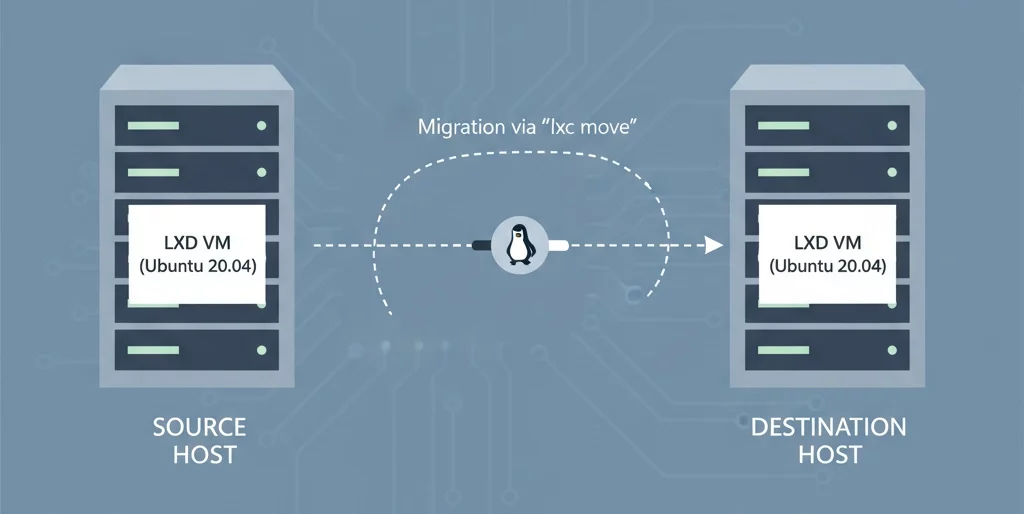
Understanding LXD Container Migration
Migrating LXD containers between servers helps maintain performance, reduce downtime, and improve resource management. Whether managing production systems or testing setups, using reliable migration methods ensures a smooth transition without data loss. This guide explains two effective ways to migrate containers safely using SSH backup and restore, and the LXD API with Simplestreams.
Method 1: Backup and Restore Over SSH
This method offers a straightforward and secure approach to migration. Start by creating a backup of your container and its storage pool. If needed, you can also create a storage pool in LXD to manage container storage more effectively. Once the backup is complete, transfer it to the remote server using SCP or rsync. After the transfer, extract the backup into the appropriate LXD directory on the target system. Then, use the LXD import command to restore the container and bring it online. This process accurately restores configurations, attached devices, and storage data, ensuring that everything functions as expected on the new server. With careful execution, you can complete the migration quickly and continue operations without interruption.
Method 2: Migrate Using LXD API and Simplestreams
For those managing multiple LXD servers, the API and Simplestreams method offers automation and speed. Start by configuring the remote server to accept LXD connections, set a trust password, and open the required network port. Then, LXC connect to remote LXD to establish communication between the servers. Once connected, create a snapshot of the container to ensure consistency during migration and use the LXD copy command to move it to the remote server. After migration, start the container and confirm that it is running properly. This approach reduces manual effort and ensures minimal downtime while keeping services available throughout the process.
Ensuring a Smooth Migration Process
Before starting migration, confirm that both servers run compatible LXD versions and that the network connection between them is stable. Testing the backup before restoring it helps avoid unexpected issues. Once migration completes, check container performance, application access, and network settings to ensure everything runs smoothly. Efficient management and timely checks make future migrations easier and more reliable, helping you maintain a consistent and stable environment.
[Need assistance with a different issue? Our team is available 24/7.]
Conclusion
In conclusion, migrating LXD containers can be straightforward when you follow proper backup, restore, and transfer procedures. By using the methods outlined above, you can efficiently manage your containers and avoid data loss. Now you are ready to confidently migrate LXD VM to another host on Linux and maintain a stable, fully functional environment.
In brief, our Support Experts demonstrated how to fix the “554 5.7.1 : Relay access denied” error.

