Boost efficiency with business process management services to streamline workflows, reduce manual work, and lower costs.
Many businesses rely on manual work, documents, and tasks that are repetitive. This eventually causes delays, mistakes, more expenses, and poor customer experiences.
Solutions to the issues above include digitizing and automating as many processes as possible. Digitization involves converting manual work and processes to an electronic format. Automating a process involves implementing software that will perform certain duties in a service that requires little to no user interaction.
An Overview
What Is Process Digitization and Automation?
Process digitization relates to converting manual processes, documents, and workflows into an electronic format. Relevant information is now easier to manage and process.
Process automation is an advanced stage of digitization. Repetitive and rule-based tasks are addressed using technologies that include, but are not limited to, Robotic Process Automation (RPA), Business Process Management (BPM), Artificial Intelligence (AI) and workflow technologies.
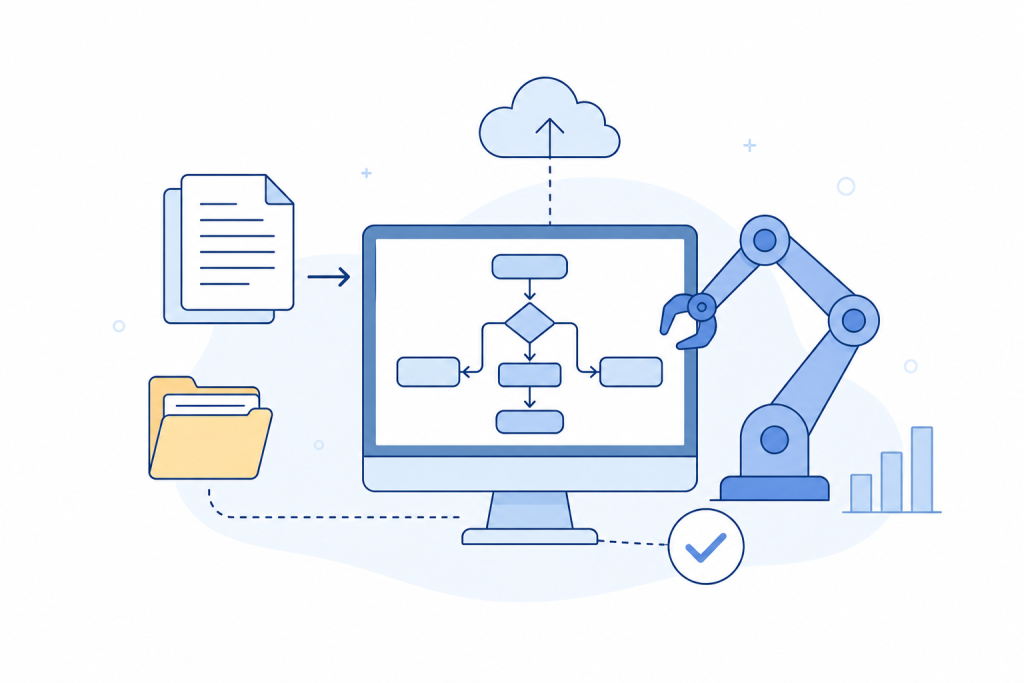
Some of the key technologies include:
- Intelligent Document Processing (IDP): Automatically extracts information from documents.
- Workflow automation: Describes the use of tasks defined as a process with minimal user intervention.
- AI-powered Decision tools: Support user decision-making with available data.
- Process orchestration: Manages tasks and systems involved throughout a process.
Benefits of Process Digitization and Automation
Automating a process can have many impacts on a business, for example:
- Automating a process can reduce the need for human intervention.
- Highly repetitive processes can increase the risk of human error.
- Freeing employees from routine tasks can improve overall productivity.
- Digital records are easier to track, review, and manage.
- Faster request processing can improve customer responsiveness.
- Well-designed automation can reduce operating costs and improve business performance.
The effects of process digitization and automation vary based on the process under consideration, as well as the supporting data and technology. Processes should not be expected to have the same level of impact across the business.
Improve Your Business Processes.

Challenges to Consider
Process digitization and automation can also bring challenges. Businesses should plan for these issues before starting:
| Challenge | What It Can Affect |
|---|---|
| Employee resistance | Adoption of new processes |
| Legacy systems | Integration with existing applications |
| Poor data quality | Accuracy of automated tasks |
| Scaling issues | Expansion from a small project to wider operations |
| Unclear ownership | Process monitoring and management |
Addressing these areas early can make it easier to move from a small automation project to wider use.
When Should Businesses Digitize and Automate Processes?
Automation and digitization of processes can have a positive impact on a business when:
- There need to be improvements to the service delivery time with a greater degree of accuracy
- Compliance is being impacted by inefficient administrative systems
- There is evidence of process improvements through digitization
- Programs create a burden that negatively impacts the bottom line of the business
- There is a high degree of manual task integration across multiple systems to deliver a service
- The process and steps involved are clearly defined, routine and rule-based
Not all processes should be automated; for example, processes that require constant interaction to deliver professional judgment.
How to Digitize and Automate a Process
A clear process can help businesses choose the right areas for automation.
- Choose a process
Identify process areas that involve a lot of repetitive tasks, delays, and errors. Focus on automating the areas where the value will be most apparent.
- Identify and map the process
Note the workflow’s dependencies, manual steps, and problems.
- Digitize workflow inputs
Convert workflow inputs to a digital format to give the workflow automated inputs.
- Identify technology needs
AutoRule-based tasks rely on RPA. BPM, AI, workflow tools, and IDP can help fill technology gaps for other process automation needs.
- Run a Pilot
Evaluate the process on a small scale to determine the time required to process, estimate errors, find out the cost and employee effort. This will help understand if the process is meeting the business goals.
- Expand and Connect Systems
Once the process works as expected, connect the process to the necessary business systems and extend the usage of the process where required.
- Monitor the Results
Track the performance indicators, errors, exceptions and the process time. User feedback adds more context. Regular reviews will help ensure the process adapts to changing business needs.
Examples of Process Digitization and Automation
Different industries can use automation for different business needs:
| Industry | Example |
|---|---|
| Manufacturing | Automating procurement and invoice processing can reduce manual work and improve processing speed. |
| Healthcare | Patient onboarding and claim processing can reduce administrative work. |
| Logistics | Shipment tracking and route optimization can improve delivery processes. |
These examples show how businesses can use automation to reduce repetitive work and improve process performance.
Tips for Better Results
To deliver improved results, businesses can implement a few strategies:
- Easily measurable processes should be the first choice
- Ensure quality of data prior to automating
- Where automation requires more than simple rules, RPA and AI can be combined
- Business users should be involved to develop and test workflows
- New processes and tools should be trained to users
- Automation should provide ownership
- Process automation should provide time and cost savings, and user feedback should be reviewed regularly
Conclusion
Businesses can expect faster service with lower errors and improved customer satisfaction from process automation. The goal should be to automate useful processes after understanding the challenges that would be addressed.
Automation of a process can be tested after user requirements are clearly defined, and small-scale testing is conducted to understand process challenges and how to resolve them to improve business operations.