


Efficiently repair a crashed MyISAM database table to restore data and ensure stability. Our MySQL Support team is ready to assist you.
Repair a Crashed MyISAM Database Table
MyISAM tables have been a long-standing choice for MySQL databases due to their simplicity and speed. However, they are prone to corruption, which can lead to data loss and service disruption. Understanding the causes, identifying issues early, and applying preventive measures are crucial for maintaining database integrity.
Why MyISAM Tables Crash
MyISAM tables often crash due to unexpected interruptions during write operations. Common triggers include power failures, system crashes, or abrupt termination of the MySQL server process. Other factors include hardware malfunctions, software bugs, running out of disk space, or external programs modifying a table while MySQL is active. For administrators setting up new servers, it is important to know how to install MySQL Debian Bullseye, ensuring a stable and up-to-date database environment from the start.
To minimize the risk of corruption, ensure proper shutdowns, use uninterruptible power supplies, perform regular backups, and consider using more robust engines like InnoDB for critical data. Being aware of these causes allows database administrators to plan preventive measures effectively.
Spotting Crashed MyISAM Tables
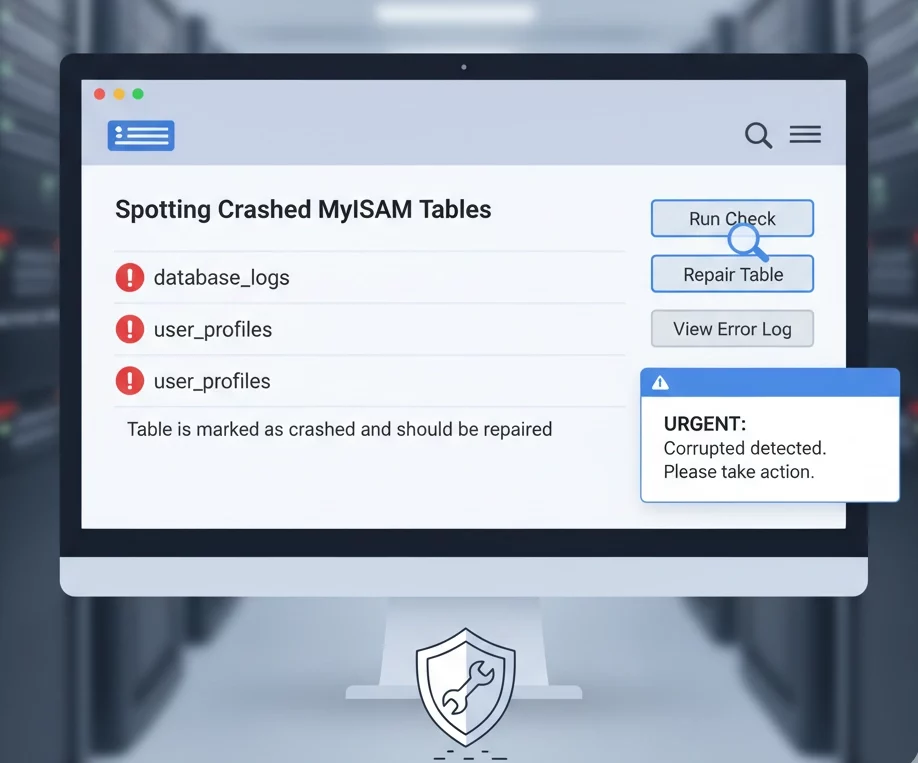
Identifying corruption early can save time and prevent data loss. In MySQL, error messages such as “Table is marked as crashed and should be repaired” often indicate a problem. Tools like mysqlcheck and myisamchk can be used to detect issues. In WHM or phpMyAdmin, administrators can run table checks or use the built-in repair tools to pinpoint corrupted tables.
Regular monitoring of error logs and system behavior ensures that crashes are detected before they impact your applications or users.
Safe MyISAM Table Repair Methods
Repairing a corrupted MyISAM table requires caution. The safest first step is to create a secure backup of the database. Once the backup is in place, administrators can use online repair tools like mysqlcheck or offline tools like myisamchk to restore table integrity.
While online tools allow minor repairs without shutting down the server, offline methods are more thorough and suitable for severe corruption. Following a structured approach ensures that data loss is minimized and tables are returned to a usable state efficiently.
Automatic Recovery and Crash Prevention
Automatic recovery options can reduce the impact of unexpected crashes. For InnoDB tables, MySQL provides built-in crash recovery that restores consistency upon server restart. MyISAM tables, although less robust, can be configured to perform automatic repairs on startup using recovery options in the configuration file.
Additionally, implementing proper server management practices, such as monitoring disk space, optimizing memory allocation, and ensuring clean shutdowns, prevents many common crashes and maintains overall database health. Another useful configuration tip for MySQL is to enable local infile in MySQL, which allows secure and efficient data import operations without risking table integrity.
Switching to InnoDB or Aria
For long-term stability, consider migrating from MyISAM to more resilient storage engines. InnoDB is the default choice for modern MySQL and MariaDB installations. It supports ACID-compliant transactions, crash recovery, and row-level locking, making it ideal for high-concurrency applications.
Aria, a crash-safe alternative for MariaDB, is suitable for read-heavy workloads or situations where MyISAM was previously used. While it does not provide full transactional support, it offers better crash recovery and ensures table integrity in case of failures.
[Need assistance with a different issue? Our team is available 24/7.]
Conclusion
In summary, learning to repair a crashed MyISAM database table ensures data integrity and quick recovery.
In brief, our Support Experts demonstrated how to fix the “554 5.7.1 : Relay access denied” error.

