


Deploy CockroachDB on Kubernetes with our expert Kubernetes Support team guidance for high availability, scalable clusters, and production-ready performance.
Deploy CockroachDB on Kubernetes for High Availability and Scalable SQL
Modern applications demand databases that stay fast, available, and consistent at all times. CockroachDB meets this demand with a distributed SQL design built for scalability, reliability, and continuous uptime. This article explains what CockroachDB is, why teams choose it, and how it fits into cloud and Kubernetes environments for stable production workloads.
What Is CockroachDB
CockroachDB is a distributed SQL database built for applications that need high availability and easy scaling, especially in Kubernetes environments, where teams also deploy and run Filebeat on Kubernetes to observe logs across multiple nodes. It stores data across multiple nodes, so systems stay online even during failures. At the same time, it keeps strong data accuracy with full ACID support.
The database uses a PostgreSQL-compatible SQL interface. Because of this, teams work with familiar queries while the system handles growth and recovery in the background. CockroachDB suits modern cloud-based apps that serve users across regions and expect steady performance at all times.
Deploy CockroachDB on Kubernetes Today

Why CockroachDB
CockroachDB is chosen for its distributed SQL design that delivers scale and reliability together. It keeps applications online during node or region failures while preserving strong ACID consistency, which helps teams isolate and respond to Kubernetes errors without risking data integrity. The PostgreSQL-compatible SQL interface makes adoption easy for teams already using relational databases.
Key Reasons to Use CockroachDB
- High availability through automatic data replication
- Horizontal scaling by adding nodes as demand grows
- Strong ACID consistency across the cluster
- Familiar PostgreSQL-style SQL for faster development
- Built-in recovery and low operational effort
- Geographic data control for compliance and performance
Why CockroachDB on Kubernetes
- Cloud native and distributed design that aligns naturally with Kubernetes
- Runs inside Kubernetes to reduce complexity and avoid single points of failure
- High availability through automatic data replication across pods and nodes
- Self-healing behavior that keeps applications online during failures
- Horizontal scaling by adding or removing nodes with automatic data rebalancing
- Simplified operations using the CockroachDB operator for deployment upgrades and recovery
- Multi-region support for low-latency access and data location requirements
- Strong ACID consistency across the entire cluster, even when teams fine-tune Kubernetes cronjob resource limits for predictable workload behavior
Installing the CockroachDB Operator on Kubernetes or OpenShift
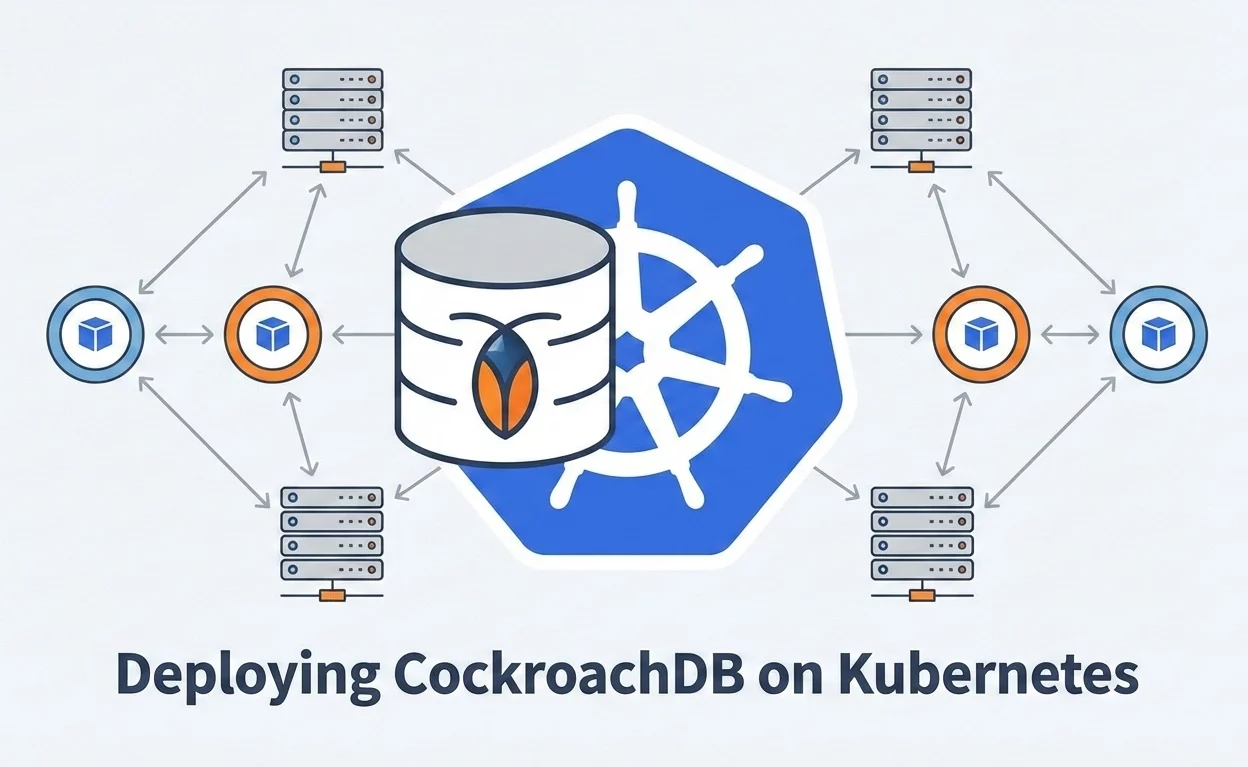
The CockroachDB Operator simplifies deploying, scaling, and managing CockroachDB clusters on Kubernetes or OpenShift by using Custom Resources (CRs). You can install it using Helm or Kubernetes manifests.
Prerequisites
Before starting, ensure you have:
- A running Kubernetes or OpenShift cluster (v1.19+)
- At least 3 worker nodes
- kubectl or oc configured for cluster access
- Minimum 4 CPU cores and 8 GB RAM per node
- Persistent storage with dynamic provisioning
- Basic Kubernetes knowledge
- Helm (optional but recommended)
-
Create a Namespace
Create a dedicated namespace for CockroachDB.
kubectl create namespace cockroachdb-
Install the CockroachDB Operator
Option 1: Install Using Helm (Recommended)
helm repo add cockroach-helm https://cockroachdb.github.io/helm-charts

helm repo update

helm install cockroach-operator cockroach-helm/cockroach-operator --namespace cockroachdb
Option 2: Install Using Kubernetes Manifests
Install the Custom Resource Definitions (CRDs):
kubectl apply -f https://raw.githubusercontent.com/cockroachdb/cockroach-operator/v2.12.0/install/crds.yamlInstall the operator:
kubectl apply -f https://raw.githubusercontent.com/cockroachdb/cockroach-operator/v2.12.0/install/operator.yamlThe operator runs in the cockroach-operator-system namespace.
-
Verify the Operator Installation
Check that the operator pod is running:
kubectl get pods -n cockroach-operator-systemExpected output:
NAME                                       READY   STATUS AGE

cockroach-operator-manager-xxxxx 1/1 Running 5m-
Create a CockroachDB Cluster
Deploy a CockroachDB cluster by applying a Custom Resource file:
kubectl apply -f <path-to-your-cr.yaml>Sample CR files for secure 3-node clusters are available in the official CockroachDB documentation and OperatorHub.
-
Monitor and Access the Cluster
- Watch cluster pods:
kubectl get pods -n cockroachdb- Access the DB Console using port-forwarding or a LoadBalancer service.
This setup enables automated lifecycle management of CockroachDB clusters, including scaling, upgrades, and recovery, using native Kubernetes workflows.
Create a CockroachDB Cluster
A CockroachDB cluster can run on the managed CockroachDB Cloud service or on your own infrastructure. The cloud option suits most users since it removes operational overhead.
Option 1 CockroachDB Cloud Recommended
CockroachDB Cloud manages scaling upgrades and backups automatically.
Sign in to the CockroachDB Cloud Console and select Create Cluster. Choose a plan based on your workload. Pick a cloud provider and region. For production, select at least three nodes. Set storage and compute capacity, then name the cluster and complete the setup.
After creation, add a SQL user and password. Allow your IP address in the network settings and connect using the provided connection string.
Option 2 Self-Hosted Deployment
A self-hosted cluster offers full control but needs manual setup.
Prepare the servers with time sync. Install CockroachDB on all nodes. Generate security certificates. Start the initial nodes and initialize the cluster. Add remaining nodes and verify access through the admin console.
Create a CockroachDB Cluster on Kubernetes
For production, define storage, CPU, and memory for each node.
Create a working directory and a cluster configuration file.
mkdir cockroachdb-cluster

cd cockroachdb-cluster

nano cluster.yaml
Add the cluster definition.
apiVersion: crdb.cockroachlabs.com/v1alpha1

kind: CrdbCluster

metadata:

name: cockroachdb

spec:

dataStore:

pvc:

spec:

accessModes:

- ReadWriteOnce

resources:

requests:

storage: 60Gi

resources:

requests:

cpu: 2

memory: 4Gi

limits:

cpu: 2

memory: 8Gi

tlsEnabled: true

image:

name: cockroachdb/cockroach:v23.1.11

nodes: 3
Apply the configuration and check the status.
kubectl apply -f cluster.yaml

kubectl get crdbcluster

kubectl get pods
Within a few minutes, the cluster becomes active and ready for use.
Access the CockroachDB Cluster Step by Step
-
Get connection details
Log in to the CockroachDB Cloud Console and select your cluster. Click Connect and copy the connection details. Download the root CA certificate for secure access.
-
Connect using the SQL client
Install the CockroachDB binary. Use the secure connection URL from the console to connect through the terminal. For local testing, you can connect using localhost and the default port.
-
Connect from an application
Add the required database driver, such as JDBC or a language client. Use the same host port, user password, and CA certificate details to establish a secure connection.
-
Access CockroachDB inside Kubernetes
Check available services.
kubectl get svcCreate a secure SQL client pod.
kubectl create -f https://raw.githubusercontent.com/cockroachdb/cockroach-operator/v2.12.0/examples/client-secure-operator.yamlConfirm the pod is running.
kubectl get pods

Open the SQL shell.

kubectl exec -it cockroachdb-client-secure -- ./cockroach sql --certs-dir=/cockroach/cockroach-certs --host=cockroachdb-public-
Create a database and a user
Create a database and a user from the SQL shell. Grant admin access and exit.
-
Access the web console
Expose the service using a load balancer.
kubectl expose service cockroachdb-public --type=LoadBalancer --name=cockroachdb-external

kubectl get svc
Open port 8080 using the external IP address and log in to view cluster status and nodes.
[Need assistance with a different issue? Our team is available 24/7.]
Conclusion
Deploy CockroachDB on Kubernetes to achieve high availability, strong consistency, and effortless scaling. With automated recovery and operator-based management, it keeps applications stable as demand grows. Start now and deploy CockroachDB on Kubernetes for a resilient production-ready database.

