


Discover the best DevOps Tools for modern CI/CD pipelines. Compare Jenkins, GitHub Actions, GitLab CI/CD, Docker, Kubernetes, Ansible, Terraform, and CircleCI.
Modern software development moves fast. Users expect new features, bug fixes, and security updates to be delivered quickly without affecting application stability. That’s exactly where Continuous Integration and Continuous Delivery (CI/CD) come in.
CI/CD is a set of development practices that automate the process of building, testing, and deploying software. Instead of manually handling every release, teams use automated pipelines to validate code changes, catch issues early, and deliver reliable updates with minimal effort.
A modern CI/CD pipeline is much more than automated builds. It typically includes source code management, automated testing, artifact repositories, containerization, orchestration, configuration management, infrastructure provisioning, and deployment automation. Selecting the right tools for each stage directly impacts development speed, software quality, and operational reliability. Our cloud DevOps services experts are well-versed in the different tools available today.
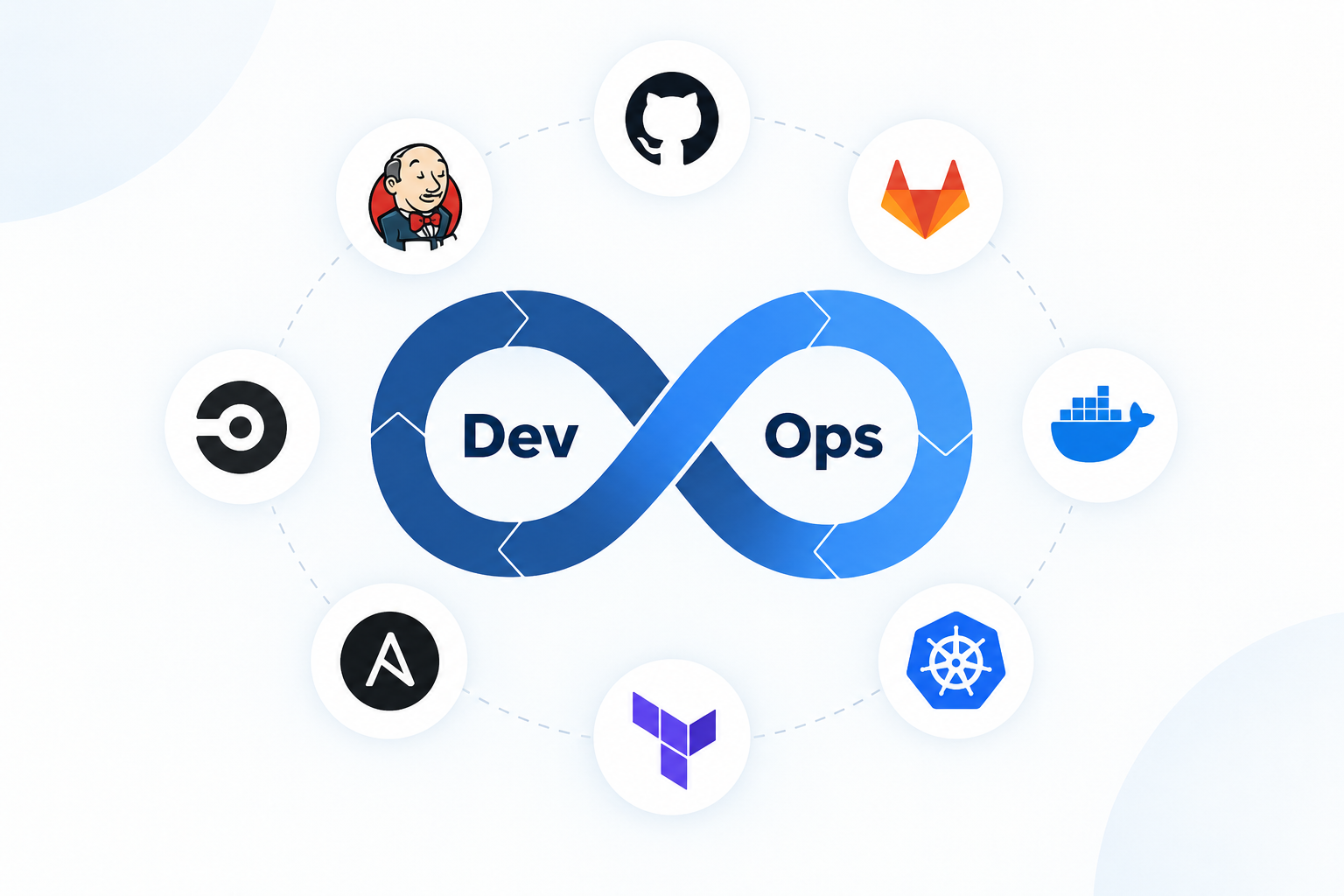
We’ll explore eight of the most widely used DevOps tools that power modern CI/CD pipelines. Each tool addresses a specific part of the software delivery lifecycle. By understanding where each tool fits, you’ll be better equipped to build an efficient and reliable DevOps workflow.
Jenkins
For more than a decade, Jenkins has been one of the most trusted automation servers in the DevOps ecosystem. As an open-source tool built in Java, Jenkins enables teams to automate software builds, testing, and deployments across virtually any technology stack.
One of Jenkins’ biggest strengths is its extensive plugin ecosystem. With over 1,800 plugins available, it integrates seamlessly with version control systems, cloud providers, testing frameworks, container platforms, and deployment tools. This flexibility allows organizations to create highly customized CI/CD pipelines that match their existing infrastructure.
Jenkins pipelines are typically defined using a Jenkinsfile, allowing teams to manage their pipeline configuration as code. This approach improves version control, collaboration, and consistency across environments.
Key Features
- Extensive plugin ecosystem supporting virtually every DevOps tool
- Pipeline as Code using declarative or scripted Jenkinsfiles
- Distributed builds across multiple agents for faster execution
- Interactive dashboard for monitoring pipelines and build history
- Open-source platform backed by a large global community
Sample Jenkinsfile (Declarative Pipeline)
pipeline {
    agent any

    stages {
        stage('Build') {
            steps {
                sh 'mvn clean package'
            }
        }

        stage('Test') {
            steps {
                sh 'mvn test'
            }
        }

        stage('Deploy') {
            steps {
                sh './deploy.sh production'
            }
        }
    }
}
Jenkins remains a popular choice because it adapts to almost any workflow. Whether you’re maintaining legacy applications or building cloud-native platforms, it provides the flexibility needed to automate every stage of the delivery process.
Some of its key advantages include:
- Supports highly customized CI/CD workflows
- Self-hosted deployment offers complete control over security and compliance
- Excellent support for multi-branch development and pull request validation
- Mature community with extensive documentation and troubleshooting resources
Best Use Case
Jenkins is ideal for organizations that need complete control over their CI/CD infrastructure. It’s particularly well suited for enterprises running on-premises environments, integrating legacy systems, or building complex automation pipelines that require extensive customization.
Need Help Managing Your Hybrid Cloud Environment?

GitLab CI/CD
GitLab CI/CD brings source code management, CI/CD automation, security scanning, issue tracking, and package management together within a single platform. Instead of combining multiple DevOps tools, teams can manage their entire software delivery lifecycle from one interface.
Pipelines are configured using a
.gitlab-ci.ymlOne of GitLab’s biggest advantages is its integrated DevOps experience. Features like built-in container registries, security scanning, dependency analysis, and Kubernetes integration reduce the need for third-party tools while simplifying pipeline management.
Key Features
- Unified platform for source control, CI/CD, security, and project management
- YAML-based pipeline configuration with reusable templates
- Built-in container and package registries
- Auto DevOps for quickly generating deployment pipelines
- Native Kubernetes integration for review environments and deployments
Sample .gitlab-ci.yml
stages:
  - build
  - test
  - deploy

build-job:
  stage: build
  script:
    - echo "Building application"
    - npm install
    - npm run build

test-job:
  stage: test
  script:
    - npm run test

deploy-job:
  stage: deploy
  script:
    - ./scripts/deploy.sh
  only:
    - main
GitLab simplifies DevOps by bringing development, security, and deployment into one platform. Teams spend less time integrating separate tools and more time building software.
Its major benefits include:
- Reduces tool sprawl by combining multiple DevOps capabilities
- Merge request pipelines identify issues before code reaches production
- Built-in security, dependency, and vulnerability scanning
- Scales from startups using GitLab SaaS to large enterprises with self-managed infrastructure
Best Use Case
GitLab CI/CD is an excellent choice for organizations looking for an all-in-one DevOps platform. It’s particularly valuable for teams that want source control, project management, CI/CD, security, and deployment capabilities integrated into a single ecosystem.
GitHub Actions
If your source code is already hosted on GitHub, GitHub Actions is one of the easiest ways to build a powerful CI/CD pipeline. Integrated directly into GitHub, it allows developers to automate everything from code builds and testing to deployments and release management—without relying on an external CI server.
Workflows are defined using YAML files stored in the
.github/workflowsAnother major advantage is the GitHub Marketplace, which offers thousands of pre-built actions for common DevOps tasks. Instead of creating every workflow from scratch, developers can reuse community-maintained actions to integrate with cloud providers, testing frameworks, security scanners, and deployment platforms.
Key Features
- Event-driven workflows triggered by pushes, pull requests, releases, or scheduled jobs
- Extensive marketplace of reusable actions
- Matrix builds for testing across multiple operating systems and runtime versions
- Built-in secrets management and environment protection
- Native integration with GitHub repositories and pull request workflows
Sample GitHub Actions Workflow
name: CI Pipeline

on:
  - push
  - pull_request

jobs:
  build-and-test:
    runs-on: ubuntu-latest

    steps:
      - uses: actions/checkout@v4

      - name: Set up Node.js
        uses: actions/setup-node@v4
        with:
          node-version: "20"

      - name: Install dependencies
        run: npm ci

      - name: Run tests
        run: npm test
GitHub Actions removes the need to manage a separate CI server while keeping your automation close to your source code. Workflows are version-controlled alongside your application, making them easier to maintain and review.
Some of its key advantages include:
- No additional CI server to install or maintain
- Immediate feedback on pull requests before code is merged
- Reusable workflows and composite actions reduce duplicated effort across repositories
- Generous free usage for public and open-source projects
- Easy integration with the broader GitHub ecosystem
Best Use Case
GitHub Actions is an excellent choice for teams already using GitHub as their primary source code repository. Its seamless integration, straightforward setup, and extensive marketplace make it ideal for organizations that want to automate their software delivery process without introducing additional DevOps platforms.
CircleCI
CircleCI is a cloud-native CI/CD platform designed to help development teams build, test, and deploy software quickly and efficiently. Known for its speed and ease of use, CircleCI focuses on reducing build times through intelligent caching, parallel execution, and container-based workflows.
Pipeline configurations are defined in a
config.yml.circleciBecause CircleCI runs workloads inside isolated containers, builds remain consistent across environments while minimizing setup time. This makes it especially popular among teams building cloud-native applications.
Key Features
- Docker-first execution environment for fast and consistent builds
- Reusable Orbs for simplifying pipeline configuration
- Parallel job execution and intelligent test splitting
- Advanced dependency and artifact caching
- Performance insights for identifying bottlenecks and flaky tests
Sample CircleCI Configuration
version: 2.1

orbs:
  node: circleci/[email protected]

jobs:
  build-and-test:
    docker:
      - image: cimg/node:20.10

    steps:
      - checkout
      - node/install-packages

      - run:
          name: Run test suite
          command: npm test

workflows:
  main:
    jobs:
      - build-and-test
CircleCI is built with performance in mind. Features like dependency caching, reusable Orbs, and parallel execution significantly reduce pipeline execution time, enabling developers to receive feedback faster and release software more frequently.
Its primary benefits include:
- Fast and predictable builds using containerized environments
- Reusable Orbs simplify configuration across multiple projects
- Pipeline analytics help identify slow builds and unreliable tests
- Supports both cloud-hosted and self-hosted runners
- Scales easily from small development teams to enterprise environments
Best Use Case
CircleCI is well suited for organizations looking for a low-maintenance, cloud-based CI/CD solution with excellent performance. It’s particularly beneficial for teams developing containerized applications that require fast build times, efficient testing, and straightforward deployment workflows.
Docker
Modern applications need to run consistently across different environments—from a developer’s laptop to a testing server and finally into production. Docker</strong> solves this challenge through containerization.
A Docker container packages an application together with everything it needs to run, including its runtime, libraries, dependencies, and configuration files. This eliminates the classic “it works on my machine” problem by ensuring the application behaves the same regardless of where it’s deployed.
In a CI/CD pipeline, Docker images are typically built once after the application passes validation. The same image is then promoted across development, testing, staging, and production environments, ensuring consistency throughout the release process.
Key Features
- Lightweight containers that share the host operating system kernel for fast startup
- Dockerfiles for creating repeatable and consistent application images
- Docker Compose for managing multi-container applications
- Layered image architecture that speeds up builds through caching
- Extensive ecosystem with support across major cloud providers and orchestration platforms
Sample Dockerfile
FROM node:20-alpine

WORKDIR /app

COPY package*.json ./
RUN npm ci --production

COPY . .

RUN npm run build

EXPOSE 3000

CMD ["node", "dist/server.js"]
Docker simplifies application packaging and deployment by creating portable containers that work consistently across environments. Developers, testers, and operations teams all work with the exact same application image, reducing deployment failures and environment-specific bugs.
Some of its major benefits include:
- Consistent application behavior across development, testing, and production
- Faster deployments using lightweight containers
- Efficient image builds through layer caching
- Simplified dependency management
- Easy integration with modern CI/CD platforms and cloud services
Best Use Case
Docker is the foundation of modern application deployment. It’s ideal for organizations looking to standardize their deployment process, improve application portability, and prepare workloads for container orchestration platforms such as Kubernetes.
Kubernetes
As applications grow, managing hundreds or even thousands of containers manually becomes impractical. Kubernetes addresses this challenge by automating the deployment, scaling, and management of containerized applications.
Instead of managing individual containers, developers define the desired state of an application using YAML manifests. Kubernetes continuously monitors the cluster and automatically works to maintain that desired state. If a container crashes, Kubernetes restarts it. If traffic increases, it scales the application. Or, if a new version is deployed, it performs rolling updates while minimizing downtime.
This automation makes Kubernetes the preferred orchestration platform for organizations running large-scale, cloud-native applications and microservices.
Key Features
- Declarative application deployment using YAML manifests
- Automatic self-healing by restarting failed containers
- Horizontal scaling based on resource usage or custom metrics
- Rolling updates and automated rollbacks with minimal downtime
- Broad ecosystem with managed services such as Amazon EKS, Azure AKS, and Google GKE
Sample Kubernetes Deployment
apiVersion: apps/v1
kind: Deployment

metadata:
  name: webserver-deployment

spec:
  replicas: 3

  selector:
    matchLabels:
      app: webserver

  template:
    metadata:
      labels:
        app: webserver

    spec:
      containers:
        - name: webserver
          image: registry.example.com/webserver:1.4.0
          ports:
            - containerPort: 3000
Kubernetes removes much of the operational burden involved in running containerized applications. Instead of manually handling deployments, scaling, or recovery, teams can rely on Kubernetes to automate these tasks while maintaining application availability.
Its key advantages include:
- Automatic scaling based on workload demand
- Self-healing capabilities that improve application reliability
- Rolling deployments and rollbacks with minimal service disruption
- Consistent deployment model across on-premises and cloud environments
- Seamless integration with GitOps and modern CI/CD workflows
Best Use Case
Kubernetes is the natural progression after containerizing applications with Docker. It’s best suited for organizations running microservices or large-scale distributed applications that require automated scaling, high availability, and reliable deployment across multiple environments.
Ansible
Deploying an application is only one part of the DevOps journey. Servers also need to be configured, software packages installed, security policies enforced, and environments kept consistent. Ansible simplifies these tasks through automation.
Unlike many configuration management tools, Ansible follows an agentless architecture. Instead of installing software on every managed machine, it communicates over standard protocols like SSH (Linux) and WinRM (Windows). This makes deployment easier while reducing maintenance overhead.
Infrastructure is defined using human-readable YAML playbooks, allowing teams to automate repetitive operational tasks while maintaining consistency across servers and environments.
Key Features
- Agentless architecture using SSH or WinRM
- Simple, human-readable YAML playbooks
- Idempotent tasks that can be safely executed multiple times
- Large collection of built-in modules for cloud, networking, and system administration
- Ansible Galaxy for sharing reusable community roles
Sample Ansible Playbook
- name: Configure web servers
  hosts: webservers
  become: true

  tasks:
    - name: Install nginx
      apt:
        name: nginx
        state: present
        update_cache: true

    - name: Ensure nginx is running
      service:
        name: nginx
        state: started
        enabled: true
Ansible makes infrastructure automation accessible by removing much of the complexity traditionally associated with configuration management. Also, teams can automate provisioning, application deployment, security hardening, and ongoing maintenance using straightforward YAML playbooks.
Some of its biggest advantages include:
- No agents to install or maintain
- Infrastructure automation that’s easy to understand and maintain
- Reduces configuration drift across servers
- Integrates seamlessly into CI/CD pipelines
- Suitable for environments ranging from a handful of servers to large enterprise infrastructures
Best Use Case
Ansible is an excellent choice for automating server provisioning, application deployment, configuration management, and security updates. It’s especially valuable for organizations seeking a simple yet powerful automation solution without the overhead of managing agents.
Terraform
Modern cloud environments often involve hundreds or even thousands of infrastructure resources. Managing them manually can be slow, error-prone, and difficult to reproduce. Terraform solves this challenge through Infrastructure as Code (IaC).
With Terraform, infrastructure is defined using HashiCorp Configuration Language (HCL). Instead of clicking through cloud consoles, teams describe their desired infrastructure in code, and Terraform automatically determines the changes required to reach that state.
Because infrastructure definitions are stored in version control, teams can review, track, and reproduce infrastructure changes just like application code.
Key Features
- Declarative HCL syntax for defining infrastructure
- Extensive provider ecosystem supporting AWS, Azure, Google Cloud, Kubernetes, and thousands of other services
- Execution plans that preview changes before deployment
- State management for tracking infrastructure resources
- Reusable modules that standardize infrastructure across projects
Sample Terraform Configuration
resource "aws_instance" "web" {
  ami           = "ami-0c101f26f147fa7fd"
  instance_type = "t3.medium"

  tags = {
    Name        = "web-server"
    Environment = "production"
  }
}

resource "aws_security_group" "web_sg" {
  name        = "web-sg"
  description = "Allow HTTP and HTTPS traffic"
}
Terraform enables teams to manage infrastructure using the same workflows they use for application development. Infrastructure becomes repeatable, reviewable, and easy to reproduce across environments.
Its key benefits include:
- Consistent infrastructure deployments through version-controlled code
- Preview changes before applying them, reducing deployment risks
- Multi-cloud support that minimizes vendor lock-in
- Reusable modules that promote standardization
- Easy integration with CI/CD pipelines for automated infrastructure provisioning
Best Use Case
Terraform is best suited for provisioning and managing cloud infrastructure at scale. If you’re deploying resources to AWS, Azure, Google Cloud, or a hybrid environment, Terraform provides a reliable and repeatable way to manage infrastructure throughout the software delivery lifecycle.
Tool Comparison at a Glance
Every tool covered in this guide serves a specific purpose within a modern CI/CD pipeline. While some focus on automation and deployment, others handle containerization, infrastructure provisioning, or configuration management. Together, they form the foundation of a complete DevOps ecosystem.
Conclusion
The best choice ultimately depends on your team’s workflow, infrastructure, and operational requirements. Smaller teams may prefer integrated platforms like GitLab, while larger enterprises often combine multiple specialized tools to build highly customized DevOps pipelines.
As organizations continue to embrace cloud-native development and rapid software delivery, mastering these tools will remain a valuable skill for developers, DevOps engineers, and platform teams alike. Talk to our cloud DevSecOps engineers today!

