


Google Cloud Platform (GCP) Support best practices consist of a series of guidelines and strategies designed to enhance the effective use of Google Cloud Platform’s support resources. These practices help organizations use GCP support offerings efficiently to resolve technical issues, improve performance, and keep their cloud infrastructure running smoothly.
Understanding GCP Support Tiers
GCP provides multiple support tiers, from Basic to Enterprise, each offering varying levels of support. These tiers differ in terms of support channels, response times, and service level agreements (SLAs).
Knowing each tier’s features and limitations is crucial to selecting the support level that fits your organization’s needs and budget.
Utilizing GCP Documentation and Resources
GCP offers comprehensive documentation, tutorials, best practices guides, and troubleshooting resources. Using these resources can often resolve common issues without needing to contact GCP support directly.
Encouraging your team to familiarize themselves with these materials can enhance self-sufficiency and decrease reliance on external support.
Creating Detailed Support Cases
When submitting a support case with GCP, provide comprehensive, accurate details about the issue. Include error messages, relevant timestamps, affected resources, and any troubleshooting steps already taken.
This information helps GCP support engineers quickly understand the problem and provide targeted assistance.
Need Help with your GCP?

Monitoring and Alerting
Implement proactive monitoring and alerting mechanisms to detect and respond to issues in real time. GCP provides monitoring services such as Cloud Monitoring and Cloud Logging, which let you track performance metrics, analyze logs, and set alerts for anomalous behavior or potential problems before they escalate.
Engaging GCP Support Early
Reach out to GCP support as soon as an issue arises, especially if it might affect your business-critical services. GCP support engineers can offer expert guidance, troubleshoot complex issues, and escalate problems internally if needed. Early engagement can help minimize downtime and reduce the impact on your operations.
Collaborating Effectively with Support Engineers
Maintain open communication and collaboration with GCP support engineers during the resolution process. Be prompt in responding to requests for additional information or clarification, and provide timely updates on any changes or progress regarding the issue.

Clear, effective communication speeds up problem resolution and keeps all parties aligned on next steps.
Reviewing Post-Incident Reports
After resolving an incident, review the post-incident reports provided by GCP support. These reports often offer valuable insights into the root cause, recommended corrective actions, and suggestions to prevent similar incidents in the future. Use these learnings to improve your operational practices and enhance system reliability and resilience.
Regularly Evaluating and Optimizing Support Usage
Regularly assess your organization’s use of support, including the effectiveness of support interactions, adherence to SLAs, and overall satisfaction with GCP support services. Use this feedback to identify areas for improvement and optimize how you leverage GCP support resources effectively.
Firewall Rules
In some cases, you need to configure VPC firewall rules in Google Cloud Platform to allow network access only to specific hosts with legitimate requirements. Although this configuration may not always be practical, it is crucial for adhering to Google Cloud security best practices.
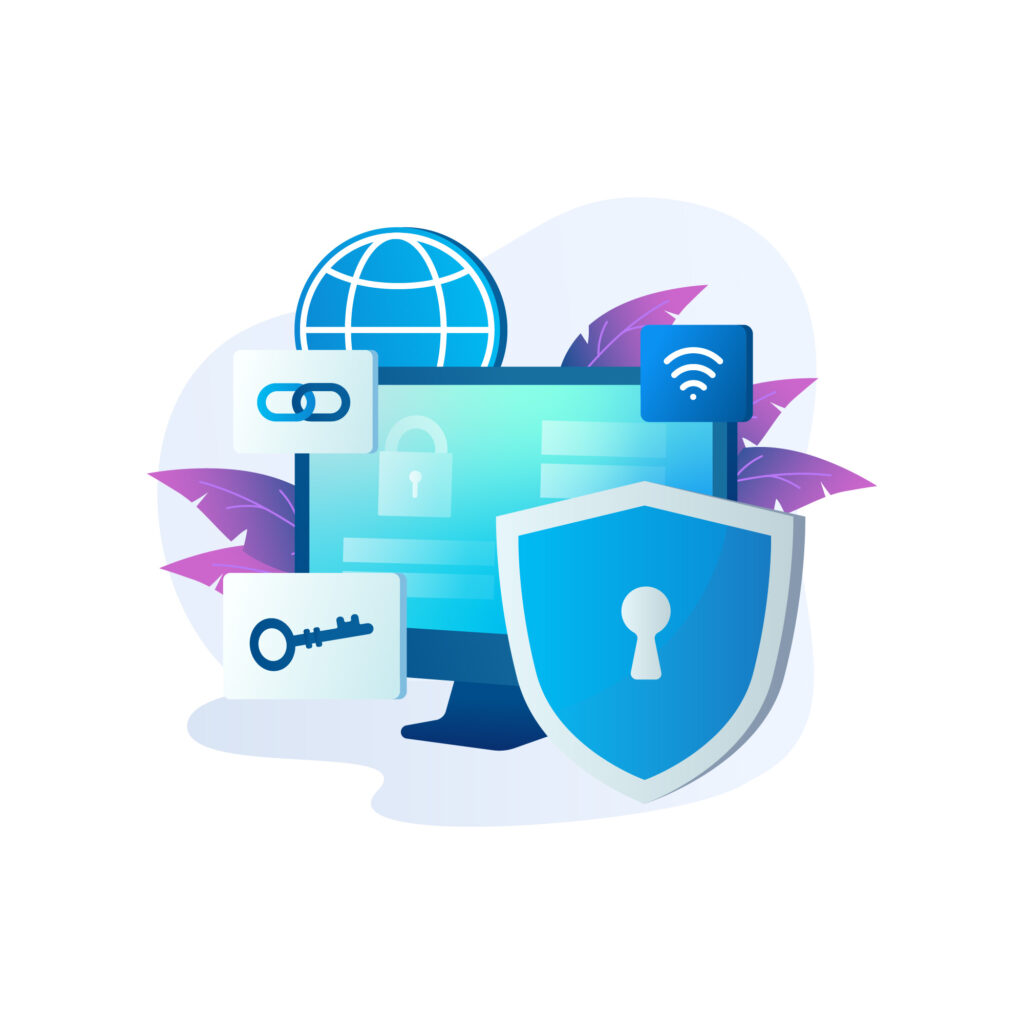
You can use “network tags,” which are text attributes added to instances, to apply firewall rules. These tags are also useful for routing to logically related instances. Leveraging these tags can save significant effort compared to working directly with IP addresses.
VPC Flow Logs
VPC Flow Logs is a feature that allows you to capture traffic information moving through VPC network interfaces. By enabling flow logs for network subnets hosting active instances, you can easily troubleshoot specific traffic issues when it does not reach an instance.
They also support detailed cost analysis and help identify optimization opportunities. Enabling VPC Flow Logs is a GCP best practice to support cloud security by monitoring traffic to instances.
You can view these flow logs in Stackdriver Logging and export them to supported destinations such as BigQuery and Cloud Pub/Sub.
Logging and Versioning of Cloud Storage Buckets
When considering Google Cloud security best practices, logging and versioning for cloud storage buckets are essential. Enable these features for cloud storage buckets, as they often contain crucial data. Logging supports maintenance, access, and change tracking for storage buckets, which is valuable during security incident investigations.
Versioning lets you retain multiple versions of an object within the same storage bucket. In GCP, versioning helps you manage and retrieve different object versions stored in buckets. Enabling versioning ensures you can recover objects from both application failures and user actions.
While object versioning may increase storage costs, implementing object lifecycle management processes for older versions can help mitigate these expenses. Nevertheless, these practices should be part of GCP best practices to ensure security and version control across your GCP infrastructure.
Zombie Instances
Zombie instances are infrastructure components within a cloud environment that are rarely or never used. For instance, Compute Engine virtual machines may have been used previously but are now inactive.
These instances may remain active after their use or could be protected with features like ‘deletionProtection ‘. They may also be created due to failed Compute Engine VMs, idle load balancers, and similar issues.
Regardless of the cause, you will incur charges for these zombie assets as long as they remain active. Terminate these assets to follow GCP best practices. However, back up each asset to support potential recovery later.
Committed & Sustained Use Discounts
For stable workloads, Google Cloud Platform offers discounts for purchasing a specific amount of compute and memory. Customers can save up to 57% off the normal price by committing for up to 3 years with no upfront payment.
Availing these discounts is considered one of the best practices on GCP, as they can be applied to standard, highcpu, highmem, and custom machine types, as well as sole-tenant node groups.
Once you purchase these committed discounts, you can’t cancel them. When these discounts expire, Compute Engine Virtual Machines are charged at the normal price.
However, if you need discounts for an extended period but haven’t opted for committed discounts, you have an alternative. GCP offers “Sustained Use Discounts,” which are available when you consistently consume certain resources for the majority of a billing month.
These discounts apply to various resources such as sole-tenant nodes, GPU devices, and custom machines. Opting for these discounts is another GCP best practice.
Limiting the Use of Cloud Identity and Access Management (IAM) Primitive Roles
Following top GCP best practices, assign predefined roles to identities whenever feasible, as they offer more fine-grained access than primitive roles. The utilization of primitive roles should be restricted to specific scenarios, including:
- Projects operating under small teams.
- Instances where a member needs to alter project permissions.
- Situations that require broader project permissions.
- When the platform lacks a role encompassing the necessary permissions.
Delete Persistent Disk Snapshots
Persistent disk snapshots serve as backups in case of data loss. However, poor monitoring can drive up costs. Effectively managing these snapshots is a GCP best practice that streamlines operations.
Establishing a standard within your organization for the number of snapshots to retain per Compute Engine Virtual Machine is advisable. In most cases, you can recover from the most recent snapshots.
DDoS Protection
Leverage Google’s global infrastructure to defend against Distributed Denial of Service (DDoS) attacks. Employ the Google Cloud Armor web application firewall to protect your applications.
DDoS attacks can severely disrupt your online services by inundating them with traffic. Google Cloud offers robust DDoS protection through its global infrastructure, capable of mitigating even the largest and most intricate DDoS attacks.
A crucial element of DDoS protection in GCP is Google Cloud Armor, a web application firewall (WAF). It shields against application-layer DDoS attacks and helps secure your applications from threats such as SQL injection and cross-site scripting.
To further bolster your DDoS protection, consider utilizing Google Cloud Load Balancing. This service distributes traffic across multiple regions, preventing bottlenecks that are often targeted in DDoS attacks.
Vulnerability Scanning and Patch Management
Google Cloud’s Security Command Center offers services such as Google Cloud’s Web Security Scanner, Rapid Vulnerability Detection, and Security Health Analytics to help you quickly identify and address security issues.
Regularly and promptly investigating vulnerability alerts generated by Security Command Center is crucial to maintaining your GCP environment’s security. Consistent checks enable you to detect and resolve potential security weaknesses before attackers exploit them.
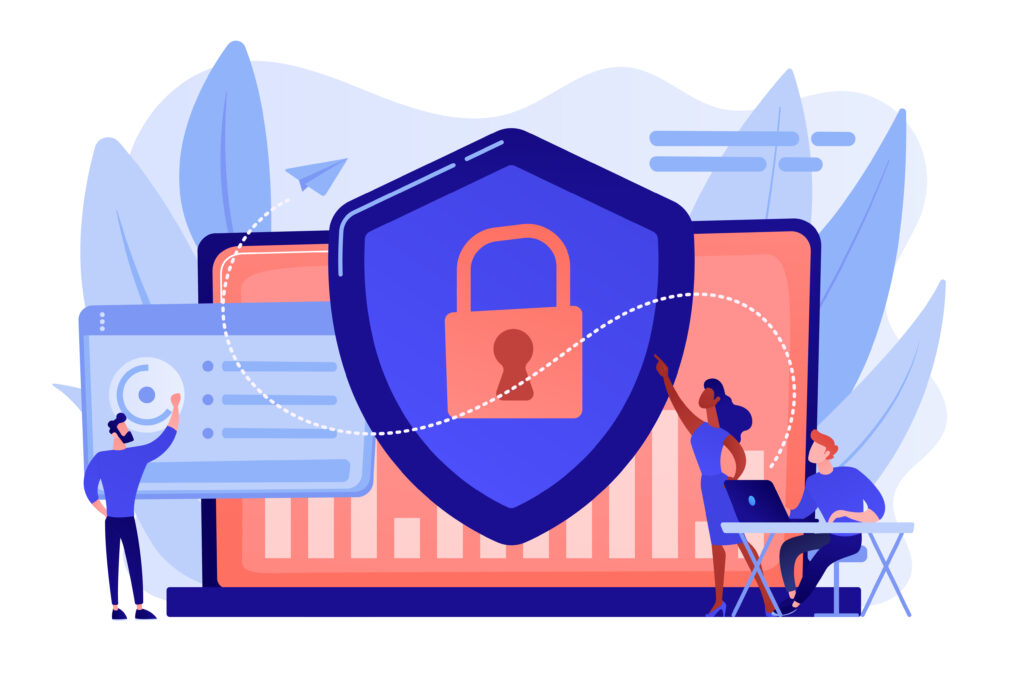
In addition to automated tools, manual security assessments and vulnerability scans on your GCP instances and applications are essential.
Patch management is equally vital in mitigating vulnerabilities. Ensure your GCP instances are kept up to date with the latest security patches and updates. While Google Cloud provides tools to support this process, a well-defined patch management process is still crucial.
Regular security audits
Regular security audits serve as crucial checkpoints within the Google Cloud ecosystem. These audits evaluate the organization’s current cloud infrastructure state, ensuring existing defense mechanisms are effective and aligned with best practices.
Beyond routine checks, these audits delve deep into the system, providing valuable insights into potential vulnerabilities, misconfigurations, and areas for improvement.
Secure DevOps
Start secure DevOps practices from the beginning. Incorporate security into your CI/CD pipeline (Google offers comprehensive documentation for this purpose), and utilize tools like the Google Cloud Security Command Center to continuously monitor your environment.
Secure DevOps practices are essential to maintaining security throughout the development and deployment lifecycle. In a DevOps culture, security isn’t a separate concern; it’s integrated into every stage of the software development process.
Integrate security controls into your Continuous Integration/Continuous Deployment (CI/CD) pipeline. This entails automated security testing, code analysis, and vulnerability scanning. By embedding security into the pipeline, you can detect and address issues early in development, reducing the risk of vulnerabilities reaching production.
Google Cloud provides tools like Google Cloud Security Command Center, enabling continuous monitoring of your environment. It helps identify security threats and vulnerabilities while providing real-time insights into your security posture.
Creating a GCP Support Checklist
A practical GCP support checklist can help organizations apply these practices consistently. Start by documenting critical workloads, their owners, and the support level each environment requires. Regularly review monitoring alerts, unresolved support cases, security findings, and resource usage. Also maintain records of firewall changes, IAM permissions, snapshots, committed use discounts, and patch status.
Set clear responsibilities for reviewing these areas and define how often to perform each check. This makes it easier to identify recurring issues before they affect production workloads. A documented checklist also gives support engineers the information they need when troubleshooting incidents, reducing delays and improving the overall support process.
[Want to learn more about GCP Support best practices? Click here to reach us.]
Conclusion
Beyond Google Cloud Platform’s native support resources, organizations can further enhance their GCP experience by partnering with managed service providers like Bobcares. With Bobcares’ GCP support services, businesses gain access to experienced professionals who specialize in managing and optimizing cloud environments.
Through Bobcares’ support, organizations can tap into advanced GCP best practices that may otherwise be challenging to implement independently. Whether it’s optimizing performance, resolving technical issues, or ensuring compliance with industry standards, Bobcares’ expertise and personalized support can help businesses navigate GCP’s complexities with confidence.
By combining Google Cloud’s robust infrastructure with Bobcares‘ dedicated support, organizations can unlock GCP’s full potential while streamlining operations, reducing downtime, and boosting overall productivity. With access to comprehensive support and advanced GCP best practices, businesses can stay ahead of the curve in today’s dynamic cloud landscape.

