Bobcares Logo
Search Call 1-800-383-5193 Emergency Contact
Bobcares Logo
Search Call 1-800-383-5193 Emergency Contact
Emergency Contact

How to Integrate WHMCS Module With a Partner Account

by Nikhath K | Jan 27, 2026 | API Integration, Latest | 0 comments

Read to find out how to integrate the WHMCS Module with a Partner Account and manage server provisioning, orders, and billing from a single WHMCS platform. Need help with setup? Bobcares provides API integration support to configure and connect the WHMCS Partner Account module correctly.

Did you know that the WHMCS Partner Account module provides an automated way to provision compute servers through WHMCS and offer them to clients? Once integrated, servers are created directly on your Partner account and managed from the WHMCS interface. This setup enables hosting providers to sell and manage compute services without manual provisioning.

An Overview

  • What is WHMCS & Why do Hosting Providers Use It
  • What Can You Manage With WHMCS
  • WHMCS Integrations & Ecosystem
  • Prerequisites
  • Module Installation
  • WHMCS Configuration & Product Setup
  • What Happens After Setup

What is WHMCS & Why do Hosting Providers Use It

Web Host Manager Complete Solution (WHMCS) is an automation platform designed for web hosting businesses. It supports the entire customer journey, from signup through product provisioning, billing, and customer support.

WHMCS brings these processes into a single system, helping businesses reduce manual effort and manage daily operations more efficiently. In simple terms, it is a Web Host Manager software that supports billing and customer management for hosting providers. Hosting companies, web agencies, IT professionals, and developers worldwide rely on WHMCS to run and scale their services.

Subscribe to our newsletter for the latest updates, news, and features.

What Can You Manage With WHMCS

WHMCS provides a complete set of tools required for client and service management.
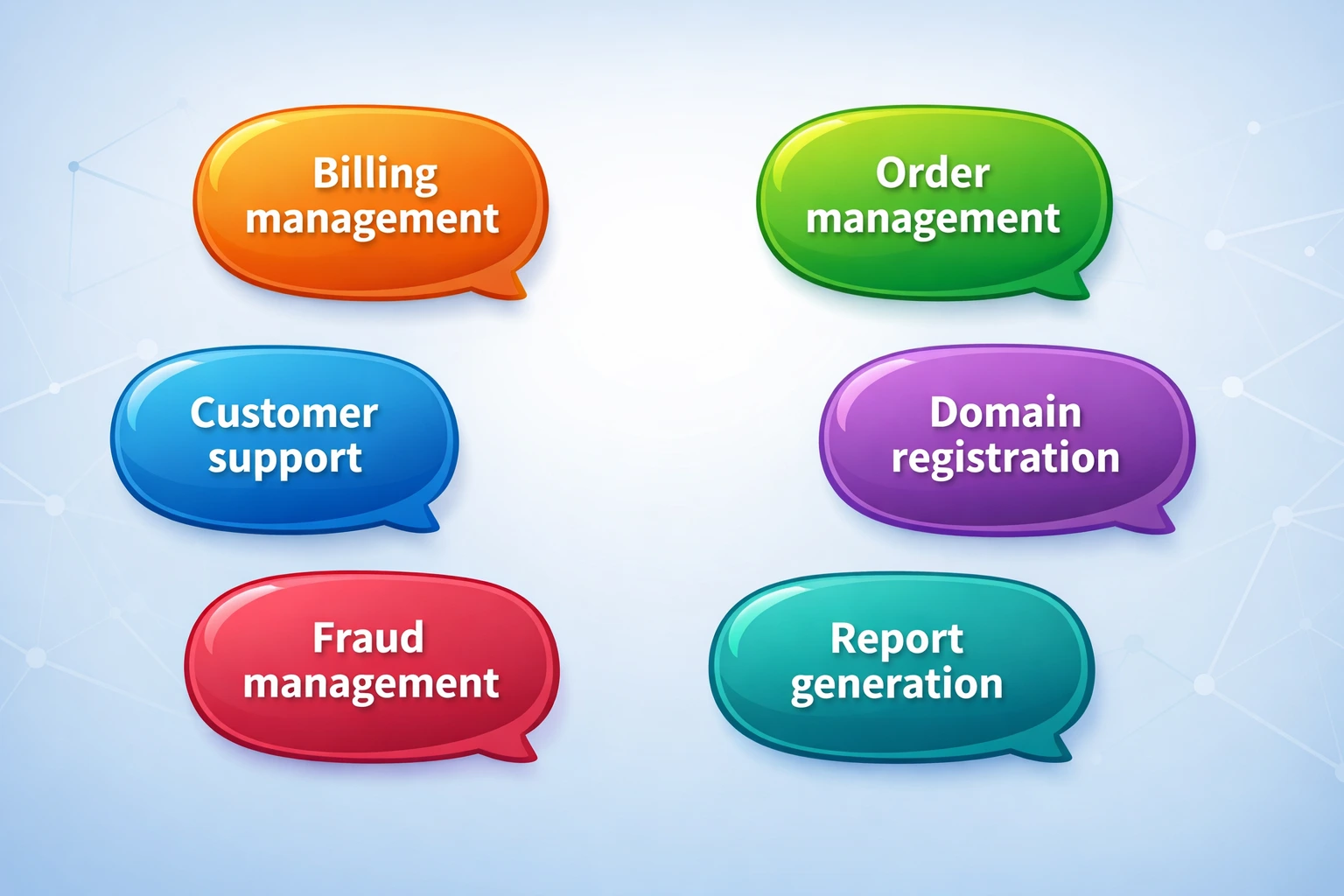
Integrate the WHMCS Module With a Partner Account

When a client purchases a service through a WHMCS-powered website, the platform automatically creates a client account, processes payment, and provisions the service on the server.

This flow speeds up onboarding and reduces manual tasks.

Beyond cPanel account configuration, WHMCS also supports automated provisioning for Game servers, VPS hosting, VPN accounts, Email accounts and Domains.

WHMCS Integrations & Ecosystem

WHMCS includes more than 200 native integrations as part of its standard offering, along with additional options available through its marketplace.

These integrations cover many services commonly used by hosting businesses.

Web Hosting

Connections to web hosting platforms, control panels, and related services enable automated hosting operations.

Domains

Integration with major domain registrars supports automatic registrations, real-time availability checks, name server management, and renewals. CentralNic Reseller is a preferred WHMCS partner.

Payments

WHMCS supports integrations with more than 80 payment processors.

Other Integrations

Additional apps are available across security, cloud, and VPS services, marketing, messaging, and related areas.

Get WHMCS API integration support from Bobcares

Chat animation


Prerequisites 

Before installing the module on a WHMCS server, we need to generate an API key from the CloudCone client area.

  1. Log in to the client area and open the API Settings page.
  2. Click Generate new to create an API key pair.
  3. Enter a name to identify the key.
  4. Save the generated key and hash, as these will be required during WHMCS setup.

Module Installation

  1. Download the latest release of the CloudCone WHMCS Module.
  2. Extract the downloaded zip file.
  3. Upload the cloudcpartner directory to the /modules/servers directory on the WHMCS server.

WHMCS Configuration & Product Setup

Log in to the WHMCS admin dashboard and go to Tools > App & Integration. Then, search for CloudCone Partner and open the server configuration. In the server details section,  ee need to enter the required values.

  1. Select CloudCone Partner as the module.
  2. Enter api.cloudcone.com as the hostname.
  3. Add the Partner Account ID as the username.
  4. Enter the API key as the password and the API hash in the hash field.

Now go back to Tools > App & Integration, search for CloudCone Partner, and create a new product.

  1. Select Other as the product type.
  2. Choose CloudCone Partner as the module name under Module Settings.
  3. Configure the product resources and save the changes.

Click Generate to create the required configurable options and custom fields. Then, save the product, set pricing, and disable domain registration.

What Happens After Setup

Once the configuration is complete, the platform is ready to sell CloudCone servers directly through WHMCS. Clients can place orders on the website, and servers are automatically provisioned in the Partner account. Now, all services can then be managed through the WHMCS interface.

Conclusion

In short, integrating the WHMCS Partner Account module connects server provisioning directly to your existing WHMCS workflow. This setup brings together ordering, billing, and service management in one place, making it easier to offer compute servers to clients and manage them through your own platform. Bobcares works with your team to configure the WHMCS Partner Account module and prepare it for production use.

Related posts:

    1. Cloudstack WHMCS Module: AGuide on
    2. 401 Unauthorized Error in API: Causes and Fixes
    3. Understanding API Integration: How Modern Software Talks
    4. How API Integration for Business Automation Transforms Workflows

Submit a Comment Cancel reply

Your email address will not be published. Required fields are marked *

Recent Posts

  • A 15-Minute Self-Hosted RAG Stack Tutorial: From Zero to Production
  • Designing Data Pipelines That Prevent Outages Across Global Systems
  • Deployment Automation: Deploy With Efficiency and Consistency
  • What Is Proactive Monitoring? A Complete Guide
  • AI Use Cases: How Artificial Intelligence Is Used Across Industries

Categories

  • Advanced Vulnerability
  • AI Services
  • AI Support
  • AIOps
  • Amazon Web Services (AWS)
  • Apache
  • API Integration
  • Application Development
  • Azure
  • Cloud Cost Optimization
  • Cloud Management
  • Cloud-Native Application
  • Cloudflare
  • cPanel
  • cPanel migration
  • Cyberpanel
  • DDoS
  • Development Service
  • DevOps
  • DevOps Consulting
  • DevSecOps
  • Digital Transformation
  • DigitalOcean
  • DirectAdmin
  • Docker
  • Drupal
  • Ecommerce
  • Filezilla
  • FTP
  • Google cloud platform
  • HAProxy
  • Headless CMS Integration
  • Hosting Support
  • IIS
  • Infrastructure Management & Optimization
  • Kubernetes
  • KVM
  • Laravel
  • Latest
  • Linode
  • Litespeed
  • LXC/LXD
  • Magento
  • Mobile App Development
  • MongoDB
  • Moodle
  • MySQL
  • NFS
  • Nginx
  • OnApp
  • Outsourced Support
  • OVH
  • ovirt
  • pfsense
  • Plesk
  • PostgreSQL
  • PowerDNS
  • Product Engineering
  • Proxmox
  • RedHat
  • Redis
  • Sendmail
  • Server Administration
  • Server Management
  • Software Development
  • SQLServer
  • Technical Support
  • UI/UX
  • Virtualizor
  • VMware
  • VPN
  • Vulnerability Scanning
  • Vultr
  • Web Development
  • Windows
  • WordPress
  • WordPress Hosting
  • WordPressHA

Subscribe to our newsletter

Footer newsletter

Email sales@bobcares.com | Phone 1-800-383-5193

Product Engineering

  • MVP Build
  • MVP to Scale
  • Product Maintenance

Digital Transformation

  • Process Digitization & Automation
  • Systems Integration & Workflow Orchestration
  • Data Enablement & Decision Support
  • Application & Platform Modernization
  • Transformation Execution & Delivery Enablement

AI Services

  • AI Readiness & Use-Case Discovery
  • AI Integration & Application Enablement
  • Intelligent Automation & AI Workflows

Infrastructure Management

  • Always-On Infrastructure Management
  • Proactive Monitoring & Incident Prevention
  • Cloud Cost Control & Optimization (FinOps)
  • Outsourced IT & End-User Support
  • Managed Infrastructure Execution Support

DevOps & Automation Services

  • CI/CD & Release Automation
  • Infrastructure as Code & Platform Standardization
  • Reliability Engineering & Observability
  • DevSecOps Enablement
Product Engineering +
Web Development MVP to Scale Builds Microservices Architecture Agile & Dev Team Augmentation Mobile Apps Ecommerce UI/UX Design QA & Test Automation
Digital Transformation +
Legacy Modernization Workflow Automation Data-Driven Dashboards CRM / ERP Integration Business Process Re-engineering
AI Services +
AI & Machine Learning AIOps Intelligent Automation Business Intelligence & Analytics AI Installation & Compute
Infrastructure Management +
Cloud Setup Cloud Migration Managed Cloud Services Server & Hosting Cost Optimization Performance Optimization Outsourced Support
DevOps & Automation Services +
CI/CD Setup Kubernetes & Docker Infrastructure as Code Cloud-Native Migration DevSecOps
Cybersecurity & Compliance Services +
Security Hardening VAPT Incident Response Backup & DR

© 2026 Bobcares. All Rights Reserved.

  • Careers
  • |
  • Cookie Policy
  • |
  • GDPR
  • |
  • Privacy Policy
  • |
  • Terms and Service
  • LinkedIn
  • YouTube
  • Instagram
  • Facebook

Preview of the new Bobcares experience
NEW UPDATE
See What’s New
at Bobcares

Discover a faster, clearer view of our services and expertise.


Explore the New Experience
Arrow Right