


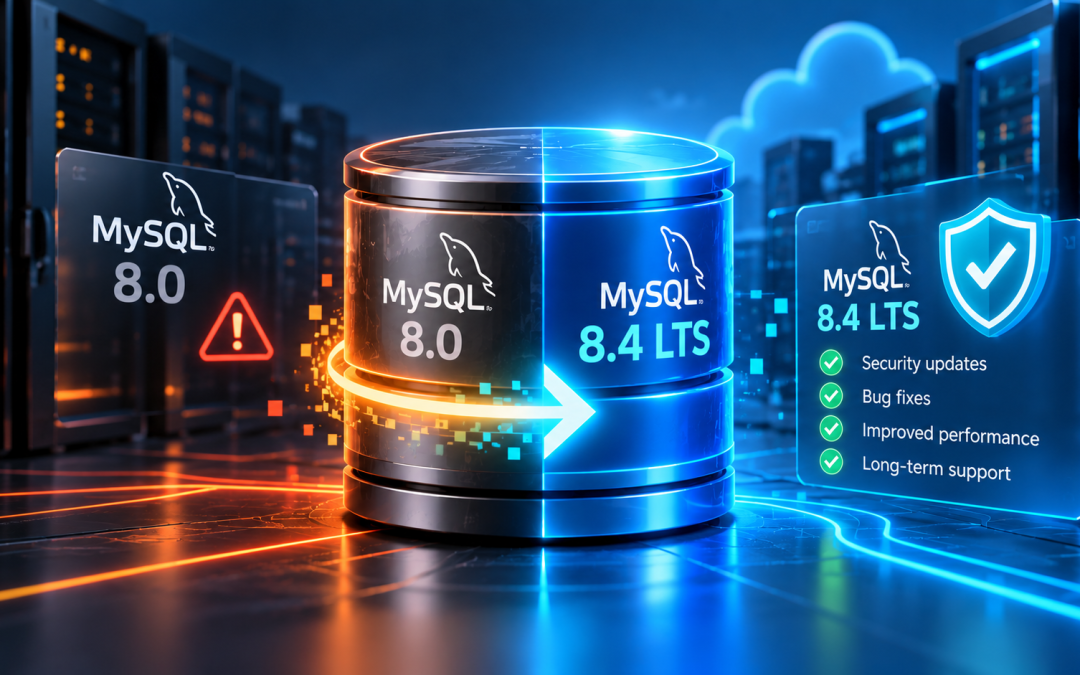
MySQL 8.0 reached its end of life on April 30, 2026. This means Oracle has ended its regular support for this version, including planned security fixes and bug fixes. Hosting customers who use MySQL 8.0 should review their database versions and plan an upgrade. Planning an upgrade? Our Database Migration Services can help you move to a supported database version while addressing compatibility requirements.
The good news is that not every hosting customer is affected. If your website uses MariaDB, you don’t need to switch databases just because MySQL 8.0 has reached end of life. Here is what you need to know and how to check your database version.
What Does MySQL 8.0 End of Life Mean?
End of life (EOL) means a software version has reached the end of its regular support period. Oracle released MySQL 8.0.46 on April 21, 2026, as the final release in the series. MySQL 8.0 reached EOL later that month. Oracle’s release notes confirm the change.
The key concern is security. Unsupported versions no longer receive regular security patches or bug fixes from Oracle. Newly discovered vulnerabilities may remain unaddressed in the EOL release, increasing risk over time.
Your existing database will not automatically stop working because of EOL. However, continuing to use an unsupported version can create security and maintenance challenges. Planning an upgrade helps keep your database supported.
Who Is Affected by MySQL 8.0 EOL?
The impact depends on the database installed on your hosting server.
Many hosting customers use MariaDB, which is the default database in our hosting environment. MariaDB originated as a fork of MySQL but is now developed and released independently. Its support lifecycle is separate from MySQL’s.
If your website uses MariaDB, you do not need to migrate solely because MySQL 8.0 has reached EOL. Your database version and its own support status still matter.
Customers using MySQL 8.0 should plan a migration to a supported release. If you manage websites for clients or resell hosting services, checking the database versions across your accounts can help you identify which installations need attention.
MySQL 8.0 EOL Date: Key Milestones
| Where 8.0 Runs | Free Support Ends |
|---|---|
| Self-managed, community build | April 30, 2026 |
| Percona Server for MySQL 8.0 | April 1, 2026 |
| DigitalOcean Managed MySQL | October 30, 2026 |
| Amazon RDS for MySQL | July 31, 2026 |
| Google Cloud SQL for MySQL | January 1, 2027 |
| Azure Database for MySQL | January 31, 2027 |
| Amazon Aurora MySQL version 3 | April 30, 2028 |
How to Check Which Database Version You Are Using
You can check your database version through phpMyAdmin or by executing an SQL query.
- Log in to your hosting control panel.
- Open phpMyAdmin.
- Look for the database server information, usually displayed on the main page.
The displayed version should help you identify whether you are using MySQL or MariaDB.
Alternatively, you can try this method. If you have access to a database query interface, execute:
SELECT VERSION();The result displays your database version. If you are unsure how to interpret it, contact your hosting support provider for assistance.
What Should You Do If You Are Using MySQL 8.0?
If your server uses MySQL 8.0, plan an upgrade to MySQL 8.4 LTS, subject to your hosting environment and application requirements. Oracle recommends moving MySQL 8.0 users to a supported release. Our Database Migration Services can help you plan the transition and address compatibility requirements before migration.
Before upgrading, check that your website, plugins, applications, and database integrations are compatible with the target version. Take a verified backup and test the migration in a suitable environment before making changes to a live website.
Plan the upgrade carefully to reduce the risk of downtime or application errors.
Is MySQL 8.0 EOL a Security Emergency?
MySQL 8.0 reaching EOL does not mean your server has been compromised. The immediate risk depends on how you configure and access the database.
Restricting port 3306 to trusted sources can reduce direct exposure of the MySQL service. Strong access controls and proper server security also help reduce risk. However, these measures do not replace vendor security updates.
Customers should review their current security controls and arrange an upgrade rather than leave the database unsupported indefinitely.
Conclusion
MySQL 8.0 reaching end of life is a good time to review your database support status and plan ahead. If you use MariaDB, check that your current version remains supported. If you use MySQL 8.0, consider migrating to MySQL 8.4 LTS after confirming application compatibility. At Bobcares, we can help you assess your hosting environment and plan the migration to reduce disruption. Contact our support team for guidance on your next steps.
Not sure which database version your website uses? Our support team can help you check your current setup and plan the next steps. Check your database version today. If you are using MySQL 8.0, contact our support team to discuss a suitable migration plan for your hosting environment.

