


Guide to setup NFSV4 mount in client and server for efficient file access. Our NFS Support team is ready to assist you.
Mastering NFSv4 Mount Setup in Client and Server Environments
Network File System allows client computers to access files stored on a remote server as if they were on a local drive. By using a client-server model, NFS centralizes data storage, enabling multiple users to access the same files simultaneously while simplifying management and reducing data redundancy. It is widely used across Unix, Linux, and other platforms to enhance productivity and collaboration.
How NFS Provides Seamless Access
NFS operates transparently, hiding the network complexity from the user. Its key features include:Centralized data storage
- Client-server model: The server hosts files while clients access them over a network.
- Mounting: Clients mount remote directories, which appear as local folders.
- Remote Procedure Calls: Clients and servers communicate using RPCs to perform file operations like read, write, and create.
- Transparency: Users interact with files normally without knowing they are remote.
This design helps prevent issues like fixing network error by ensuring consistent connectivity between clients and the server.
Key Benefits of NFS
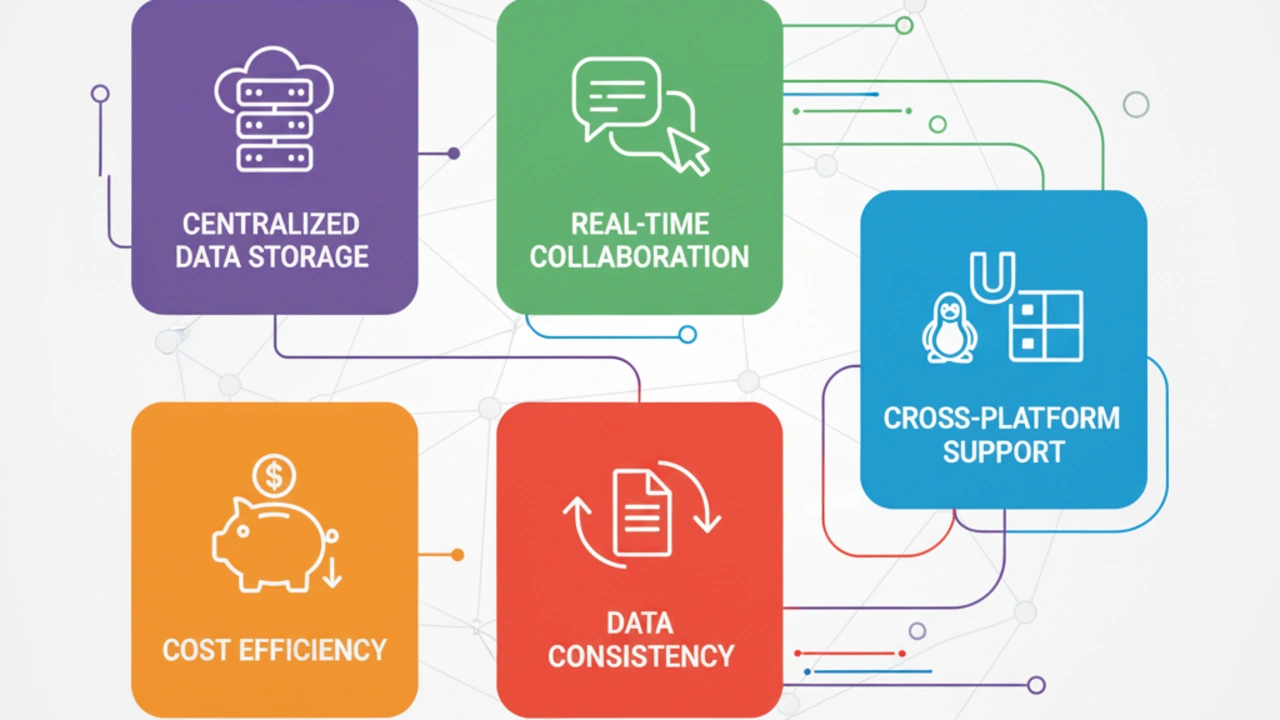
NFS offers multiple advantages for organizations and teams:
- Centralized data storage: All files are stored in one location, making management and backup easier.
- Real-time collaboration: Multiple users can work on the same documents without conflicts.
- Cross-platform support: NFS works on Linux, Unix, and Windows environments.
- Cost efficiency: Sharing applications and data reduces the need for local storage.
- Data consistency: Mechanisms ensure that all clients access the latest version of files.
NFS also integrates with advanced features like NetApp NFS encryption to ensure secure data transmission over the network.
Setting Up an NFSv4 Server
Follow these steps to deploy an NFSv4 server effectively:
- Install required packages
On Linux, install the NFS server package and start the service using system commands. - Configure NFS domain
Set the NFSv4 domain in /etc/idmapd.conf on both server and clients to ensure proper mapping of user and group IDs. - Create and configure export directories
Create directories to share and define access permissions in /etc/exports. Apply changes using exportfs -rv and verify active NFS services. - Verify setup
Check that NFS daemons like nfsd and nfsrgyd are running and ensure exported shares are visible with commands like showmount -e.
Creating and Exporting NFS Shares
NFS shares allow client machines to access server directories. Best practices include:
- Define directories and permissions
Use tools like smitty or manually edit /etc/exports. Configure read/write or read-only access, and assign client access with hostnames or IPs. - Apply updates
Run exportfs -a to update the kernel export table. Restart the NFS service if necessary. - Verify exports
Ensure directories are correctly exported and accessible from client machines.
Setting Up an NFSv4 Client
Clients can mount NFS shares easily:
- Create local mount points
Create directories where NFS shares will be mounted. - Configure domain and start daemons
Ensure the client domain matches the server domain and start the idmapd daemon to handle ID mapping. - Mount shares
Use the mount command to access server directories and add entries to /etc/fstab for automatic mounting. - Verify accessibility
Check mounted shares with commands like mount and test read/write access by creating test files.
Best Practices for NFS Deployment
Implementing NFS effectively requires attention to performance, security, and management:
- Ensure matching domains: Consistent domain names prevent access issues.
- Monitor daemons and logs: Regularly check NFS services and system logs for errors.
- Secure permissions: Use correct filesystem permissions, export options, and firewall rules.
- Optimize performance: Use NFSv4, tune server and client parameters, and consider caching for large deployments.
- Plan for scalability: Implement high availability and load balancing for enterprise environments.
By following these practices, NFS deployments remain stable, secure, and efficient, supporting seamless collaboration across teams.
[Need assistance with a different issue? Our team is available 24/7.]
Conclusion
In conclusion, the setup NFSV4 mount in client and server enables secure, seamless file sharing, boosts collaboration, and ensures efficient centralized data management.
In brief, our Support Experts demonstrated how to fix the “554 5.7.1 : Relay access denied” error.

