


To excel as a web designer, you need a blend of technical expertise and soft skills. Both types of skills are vital for crafting websites that are visually engaging, functional, and user-friendly.
1. HTML (HyperText Markup Language)
HTML is the backbone of web page creation, organizing content through elements and tags to define headings, paragraphs, links, images, and other content types. Proficiency in HTML is essential for web designers because it lets them build and adjust the fundamental structure of a webpage.
Even when using tools like content management systems (CMS) or visual editors, a solid grasp of HTML is crucial for resolving issues and customizing layouts. Advanced HTML knowledge includes understanding semantic HTML, which improves accessibility and SEO by using meaningful tags that provide clear information to browsers and users alike.
2. CSS (Cascading Style Sheets)
CSS complements HTML by managing the visual presentation of web pages. It lets designers style elements with colors, fonts, spacing, and layout changes. Mastering CSS is vital for creating responsive designs that adjust seamlessly across devices and screen sizes.
Designers should understand concepts like the box model, Flexbox, grid layouts, and media queries to apply responsive design principles effectively. Advanced CSS capabilities include animations and transitions, which add interactivity and elevate user engagement.
3. JavaScript
JavaScript is a programming language that brings interactivity to websites. It powers dynamic features such as content updates, animations, form validations, and interactive elements like sliders and pop-ups. A solid understanding of JavaScript helps designers deliver immersive user experiences by enabling client-side scripting that responds to user interactions without page reloads.
While in-depth programming expertise isn’t essential for all designers, familiarity with JavaScript frameworks (e.g., React or Vue.js) can significantly boost their professional appeal.
4. User Interface (UI) and User Experience (UX) Design
UI design focuses on the visual components users interact with on a website, such as buttons, icons, and layout structures, while UX design centers on the overall experience users have while navigating the site. Proficiency in these areas involves developing wireframes and prototypes that align with user needs and behaviors, all while adhering to accessibility standards.
Key aspects include understanding user personas, conducting usability tests, and applying information architecture principles to create intuitive, engaging designs.
5. Responsive Design
Responsive design ensures websites perform optimally across devices and screen sizes by using adaptable layouts, images, and CSS media queries. This skill is essential in a mobile-first world where users access websites on smartphones, tablets, and desktops.
Designers need to excel at crafting fluid grids that dynamically adjust to varying screen dimensions while maintaining usability and visual appeal.
6. Web Accessibility
Web accessibility involves designing websites that people with different abilities can navigate and use effectively. Designers should understand accessible color contrast, keyboard navigation, readable typography, form labels, focus states, alternative text, and semantic page structure.
Following accessibility practices helps create more usable interfaces while supporting compliance with applicable accessibility requirements. Designers should also consider accessibility during wireframing, component design, and usability testing rather than treating it as a final-stage check.
7. Graphic Design Tools
Expertise in graphic design tools like Adobe Photoshop, Illustrator, Figma, or Sketch is crucial for producing high-quality visuals for web projects. These tools let designers create graphics, prototypes, mockups, and edited images that effectively convey design concepts. A strong grasp of design fundamentals, including composition, color theory, typography, and branding, is essential when working with these tools.
8. Search Engine Optimization (SEO)
SEO focuses on optimizing websites to achieve higher rankings on search engine results pages (SERPs). Understanding SEO principles helps designers build websites that are not only aesthetically pleasing but also optimized for online visibility. This includes using proper HTML tags like title tags and meta descriptions, optimizing images for fast load times, ensuring mobile responsiveness, and following best practices for site architecture.
9. Content Management Systems (CMS)
Knowledge of CMS platforms like WordPress or Joomla simplifies the design process, letting designers manage content efficiently without extensive coding expertise. Familiarity with these systems helps designers customize themes and templates while ensuring compatibility with plugins that enhance site functionality.
Businesses looking to build or improve their online presence can consider professional website development services tailored to their specific website requirements.
10. Basic Programming Knowledge
While not always a prerequisite, basic understanding of back-end programming languages such as PHP or Python can be advantageous for web designers. This knowledge helps designers understand how front-end elements interact with back-end processes and databases, enabling them to create more cohesive, integrated web solutions.
Soft Skills
1. Communication Skills
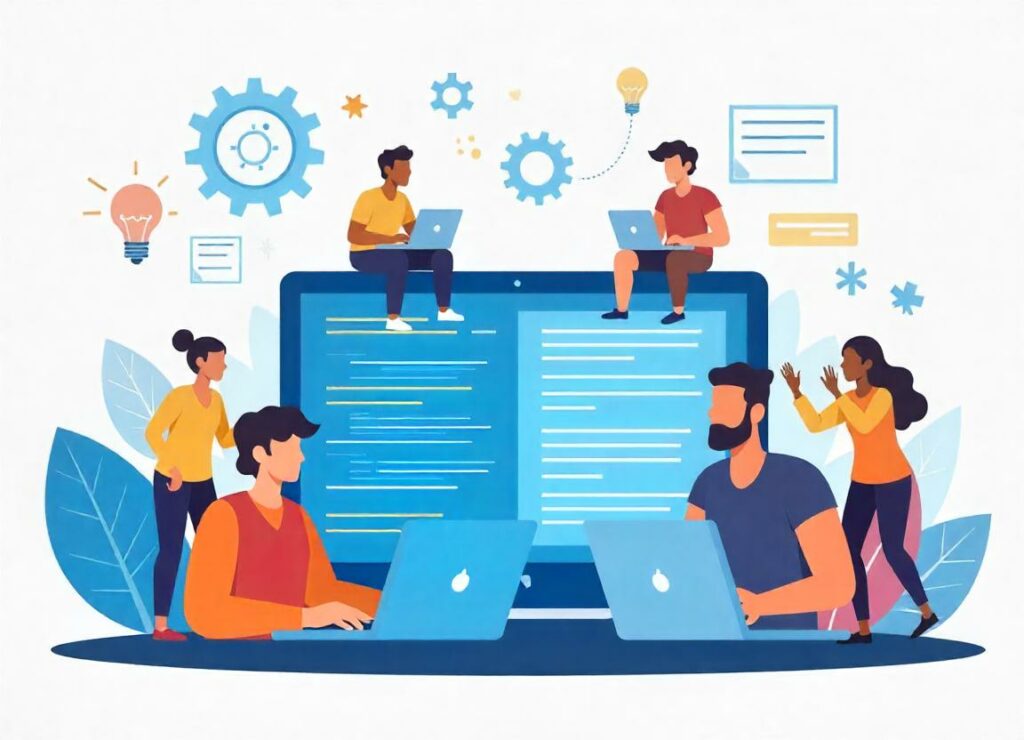
Strong communication is essential for collaborating with clients and team members throughout the design process. Designers must clearly articulate their ideas and ensure all stakeholders understand the design concepts. Effective communication fosters collaboration and helps manage expectations efficiently.
2. Time Management
Web designers often work within strict deadlines, making time management crucial. Prioritizing tasks ensures projects are completed on time without sacrificing quality. Staying organized helps designers manage multiple projects simultaneously while meeting deadlines.
3. Problem-Solving Skills
Web design frequently involves addressing technical issues and user experience challenges. Creative problem-solving is vital for identifying and implementing solutions that improve usability while staying within project constraints.
4. Attention to Detail
A meticulous approach ensures designs are polished and error-free before launch. This includes checking elements like alignment, color consistency, typography, and layout integrity. Attention to detail shows professionalism and improves the final product.
5. Teamwork
Collaboration with developers, marketers, content creators, and stakeholders is a regular part of web design. Strong teamwork skills promote harmonious interactions and encourage the exchange of creative ideas, leading to successful project outcomes.
6. Research Skills
Conducting research to understand user needs and industry trends helps designers craft designs that resonate with their target audience. Staying informed about emerging technologies and best practices enables designers to innovate and adapt to changing user expectations.
By cultivating these soft skills alongside technical expertise, web designers can significantly enhance their effectiveness and competitiveness in the field. This comprehensive skill set prepares them to tackle diverse challenges and positions them as valuable assets on any digital team or in any organization.
Strategies for Balancing Technical and Soft Skills

1. Continuous Learning
To stay competitive, web designers should prioritize ongoing education:
- Online Courses: Utilize platforms like Coursera, Udemy, or LinkedIn Learning to enhance technical skills (e.g., HTML, CSS, JavaScript, and design tools) and soft skills (e.g., communication, teamwork, and leadership). Many courses offer certifications that can bolster your resume.
- Workshops and Seminars: Attend events focusing on the latest web design technologies and trends. These sessions often combine technical topics (like new frameworks) with soft skill development (e.g., conflict resolution or negotiation).
2. Practical Application
Hands-on experience is key to mastering both technical and soft skills:
- Projects: Work on real-world projects to practice technical abilities (coding and design) while improving collaboration and communication. Open-source projects or personal challenges can build both.
- Internships or Freelancing: Gain experience through internships or freelance opportunities that demand both technical output and client relationship management. These roles also help you build a strong portfolio that showcases your versatility.
3. Networking
Building professional relationships enhances learning and skill growth:
- Join Professional Groups: Participate in online communities or attend local meetups and conferences. Networking exposes you to diverse perspectives and strengthens your communication skills.
- Mentorship Programs: Find mentors who can guide your technical growth while offering insights on teamwork and collaboration. Their feedback can help refine your soft skills.
4. Feedback Mechanisms
Constructive feedback drives improvement:
- Peer Reviews: Engage in peer reviews to exchange insights on technical work and project management processes. This practice encourages continuous improvement.
- Client Feedback: Ask clients for post-project feedback to understand how well you delivered technically and communicated throughout the process. This helps refine both technical deliverables and interpersonal interactions.
5. Time Management Techniques
Effective time management supports balanced skill development:
- Prioritize Tasks: Use tools like the Eisenhower Matrix or Kanban boards to manage tasks efficiently. This ensures you dedicate time to both technical responsibilities (e.g., coding) and soft skill enhancement (e.g., team collaboration).
- Set Goals: Define clear goals for improving technical competencies (e.g., learning a new programming language) and soft skills (e.g., mastering presentation techniques). Regularly review progress toward these objectives.
6. Reflective Practice
Regular self-reflection consolidates learning and identifies growth areas:
- Self-Evaluation: After projects, analyze your technical performance and assess how well you collaborated or communicated. Pinpoint areas for improvement.
- Journaling: Maintain a journal to document progress in both skill sets, including challenges faced and strategies used to address them. Reflecting on these experiences reinforces learning and highlights trends in your development.
Balancing technical and soft skills involves more than acquiring knowledge—it’s about applying it effectively in practical scenarios. By committing to continuous learning, gaining hands-on experience, networking, leveraging feedback, managing time effectively, and reflecting on experiences, web designers can develop a comprehensive skill set.
This holistic approach helps them stay competitive in a dynamic industry while building positive relationships with colleagues and clients. Integrating technical expertise and interpersonal skills positions designers as invaluable contributors to any organization.
Conclusion
Becoming a successful web designer requires a blend of technical expertise and soft skills. Mastering tools and techniques like HTML, CSS, UI/UX design, responsive layouts, and SEO helps you create visually appealing, functional websites. Equally important are soft skills such as communication, time management, problem-solving, and teamwork, which facilitate collaboration and project success.
Businesses that need tailored digital experiences can also explore custom website development services to create websites aligned with their goals.