


Learn how our Drupal Support team helps fix the Drupal Twig LoaderError: template is not defined error, so your pages load correctly again.
Solving the Drupal Twig LoaderError for Missing Templates
A single missing template can bring a Drupal page to a halt, leaving both users and editors staring at a blank screen. This issue often appears without warning and can interrupt everything from basic page views to admin tasks. Understanding why the Twig Template Not Defined error happens makes it easier to fix the problem quickly and keep your site running smoothly. This guide breaks down what the error means, how it affects your site, and the steps you can take to resolve it with confidence.
Understanding the Twig Template Not Defined Error
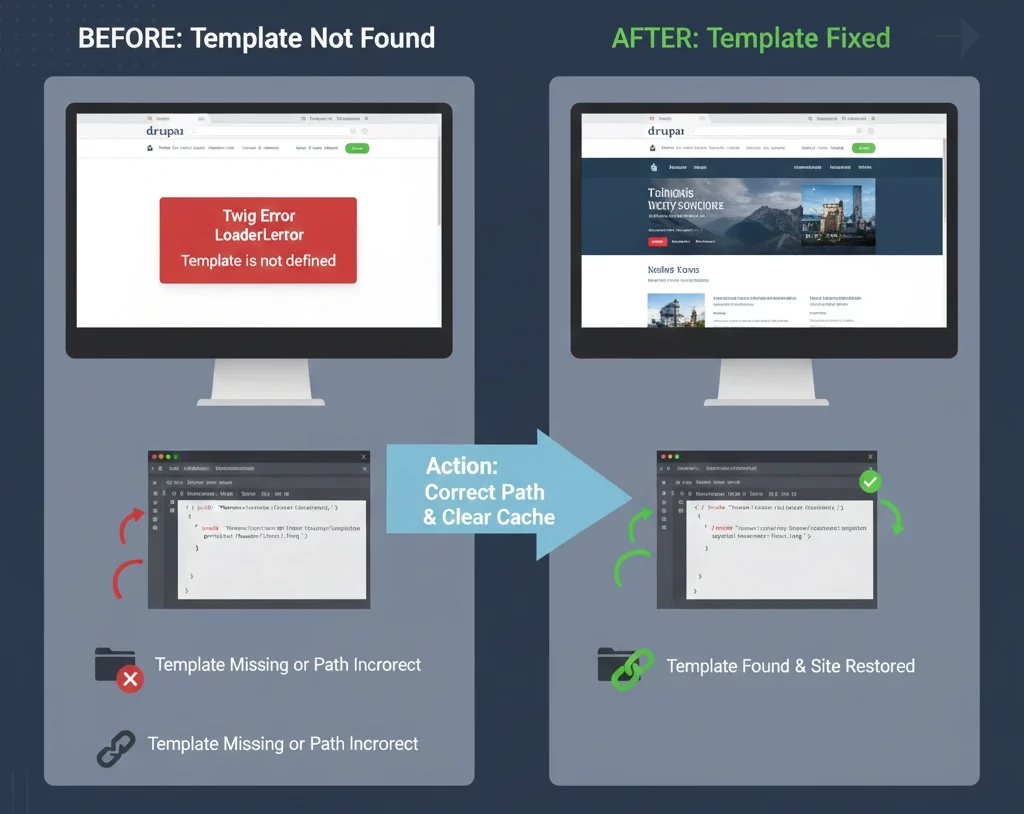
The message Twig Error LoaderError Template is not defined appears when Drupal asks Twig to load a template that it cannot locate, especially when related theme updates, such as configuring an SSL certificate on the Drupal website, change file paths, or trigger a refresh of template locations. Twig checks every folder that your theme and modules use, but the file name in your code does not match anything stored there.
This usually means the template is missing, placed in the wrong spot, or not registered the way Drupal expects. When the file cannot be found, Twig has nothing to render, and the system shows this error. This message is a signal that the path or template name needs a quick review so Drupal can reach the correct file again.
Impacts of the Error
- Pages fail to render correctly, leaving layouts broken or incomplete.
- Users may see blank pages because the missing template stops HTML output.
- Content editing screens can stop working since they rely on the same templates.
- The admin area can break, making site management difficult.
- Some requests may return server errors, especially when content loads through Ajax.
Facing problems with your Drupal templates?

Causes and Fixes
Causes |
Fixes |
| Incorrect template path | Check the real location of the file and update the include path so it matches the correct folder in your theme or module. |
| Missing template file | Make sure the .twig file exists in the templates folder. Restore it or create it again if it is missing. |
| Wrong namespace or theme reference | Confirm that the namespace matches your theme name and follows Drupal’s structure. Adjust the include call if needed. |
| Cache issues | Clear all caches so Drupal refreshes template paths and the theme registry. |
| Theme registry not updated | Rebuild the registry through the cache clear process to help Drupal detect the correct templates. |
| File permission problems | Give folders and files the proper read permissions so Twig can access them. |
| Module or dependency issues | Check that needed modules are active and up to date, especially when you add a hook form alter in Drupal 8 or adjust related form templates. After changes, clear the caches to refresh the system. |
Prevention Strategies
- Follow a consistent naming pattern for all template files
- Clear caches regularly during development
- Keep all theme files in version control
- Follow Drupal theming best practices
- Test changes locally before pushing to production
- Check file permissions for theme folders and files
- Confirm that required modules are active and stable
Conclusion
Solving the Drupal Twig Loadererror template is not defined issue keeps your site stable and prevents unexpected breaks across pages and admin tools. A clear template path, the right file structure, and a refreshed cache often restore everything quickly. Need help getting your templates back on track? Talk to us, and we can guide you through it.

