


Our HAProxy Support team helps you migrate from HAProxy to HAProxy Enterprise for stronger security, easier scaling, and expert guidance.
The Smart Upgrade Path from HAProxy to HAProxy Enterprise
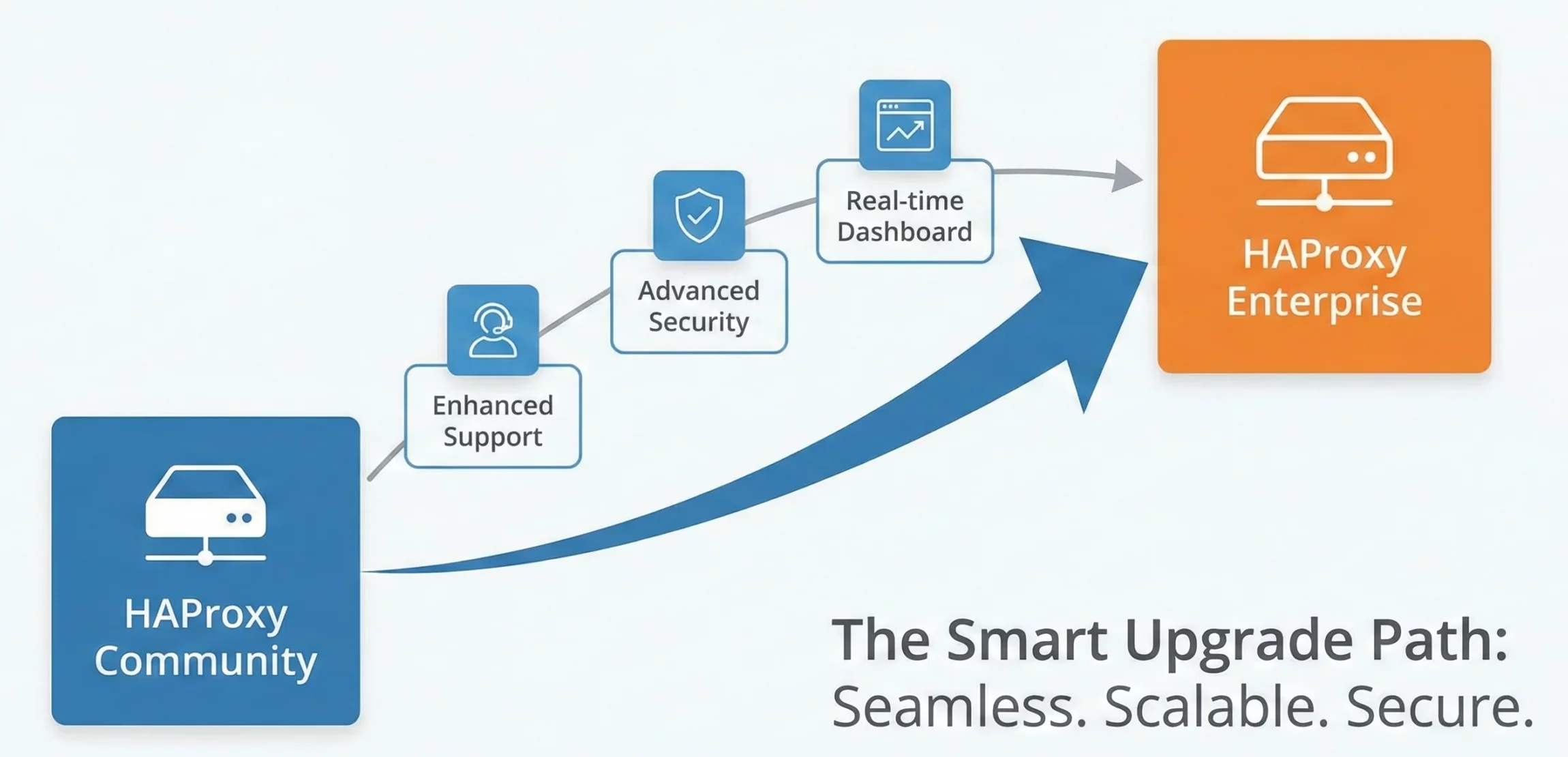
Upgrading your load balancer becomes important as traffic grows and security needs increase. Many teams begin with HAProxy Community Edition and later look for more power and control. HAProxy Enterprise offers stronger security, better performance, and tools built for large-scale environments. This guide explains why the upgrade matters and shows how to move to HAProxy Enterprise with confidence.
HAProxy Enterprise Overview
HAProxy Enterprise spreads traffic across servers to keep applications steady and responsive. It adds strong protection through a built-in firewall, DDoS defense, and bot filtering. SSL and TLS offloading reduces load on backend servers, while clear metrics and logs support quick issue tracking. It also manages large environments across cloud platforms and fits into Kubernetes setups with an Ingress Controller.
Why Migrate to HAProxy Enterprise
- Stronger protection comes from a smart firewall, bot filtering, API security, global rate limits, and advanced authentication.
- Centralized management, automatic CPU binding, and improved route health injection support smoother scaling across large setups.
- Advanced capabilities include UDP load balancing, ACME-based certificate renewal, and deeper health checks.
- Premium support and curated packages guide teams through adoption and ongoing operations.
- Performance gains come from intelligent memory pooling and features that reduce latency in complex environments.
Take the next step with HAProxy.

Steps to Migrate from HAProxy to HAProxy Enterprise
-
Get the HAProxy Enterprise license and software
Obtain the license key to unlock Enterprise features and download the software package that matches your operating system.
-
Set up the HAProxy Enterprise environment
Install the Enterprise edition on your target servers and confirm that all required directories and files are ready for use.
-
Move your configuration
Copy the needed settings from the Community Edition configuration to the Enterprise configuration. The structure stays familiar, although a few Enterprise-specific directives may require small changes. Use the hapee lb c command to check the configuration before you proceed.
-
Transfer supporting files
Move any custom scripts, SSL certificates, or related files from your old setup to the correct locations in the Enterprise environment.
-
Test the setup
Start the Enterprise service and review both access logs and system logs for warnings or errors. Test your applications to confirm correct routing and check the Enterprise features you plan to use.
-
Plan for high availability
For environments that need uninterrupted service, configure failover through VRRP or another clustering option.
-
Apply the process to other nodes
Multi-node deployments need the same steps on each server to keep the environment consistent.
Conclusion
HAProxy Enterprise brings stronger security, smoother control, and steady performance for growing environments. The upgrade creates a clear path toward safer and more scalable operations. If you are ready to move forward with HAProxy Enterprise, talk to us today and take the next step with confidence.

