


Improve your WordPress search visibility with website development. Build a faster, clearer, user-friendly site ready for AI-powered search.
The significance of AI-powered search in transforming internet search. Search engines nowadays not only consider keywords but also the quality of content, search intent, structure and context.
This is a challenge for the owners of WordPress websites to consider, for they may need more than the traditional SEO approach. Comprehensible content, logical website architecture, superior website performance and a helpful user experience are all factors that can assist websites to remain visible amidst an ever-evolving search landscape.
This guide outlines the implications of AI search for WordPress and some effortless steps you can take to get your website ready for 2026.
What Is AI Search for WordPress?
AI search leverages artificial intelligence to interpret and grasp the context of web content rather than just a rigid match with search queries.
It looks at factors such as:
- Search intent
- Content quality
- Topic relevance
- Content structure
- User experience
Therefore, WordPress sites must have content that is useful, understandable, and well organized.
Why Traditional SEO Is Not Enough
Traditional SEO was keyword-oriented, backlink-oriented, meta tag-oriented, and exact-match long-tail phrase-focused. They are valuable and should complement rather than supplant the valuable content.
AI search is more about whether or not the page answers the query. So WordPress SEO should be a blend of technical optimization and helpful, informative writing.
Want to improve your WordPress visibility?

How AI Search Understands WordPress Content
AI search engines consider the connections between different sections of a page. A clear structure will facilitate the understanding of the main and supporting information.
Use Clear Headings
Use headings to organize your content:
- H1: Main topic
- H2: Main sections
- H3: Subtopics
For instance, if you’re talking about WordPress security, you can have articles on login protection, malware scanning, firewalls and backups.
This organization also facilitates readers’ access to information.
Keep Content Relevant
All sections need to back up the main topic. Don’t add other information just to increase keywords.
For instance, a WordPress security page can definitely cover:
- Firewall protection
- Malware scanning
- Login security
- Backup strategies
Organizing related information together leads to a better flow of information.
Improve User Experience
Content should be easy to read and use. A faster page speed, mobile-friendly design, easy navigation and a neat design all help the experience.
A slow or cumbersome WordPress site can make it more difficult for users to interact with the material.
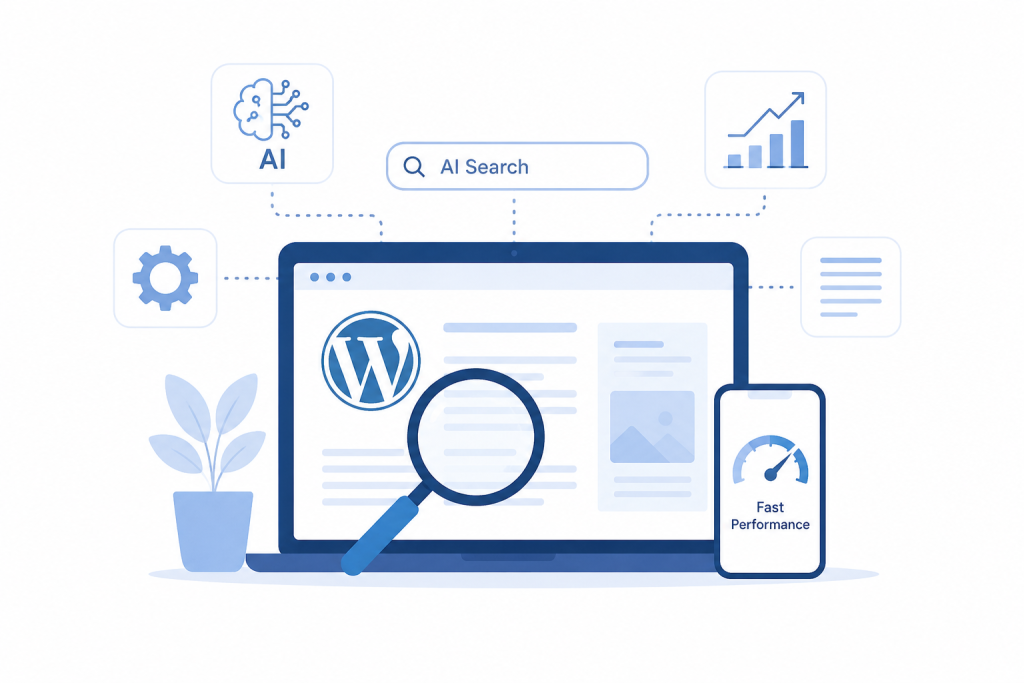
How to Optimize WordPress for AI Search
1. Improve Content Quality
Write for people first. Focus on solving real problems instead of repeating keywords.
Useful content should include:
- Clear introductions
- Short paragraphs
- Direct answers
- Practical solutions
- Real-world examples
Also, don’t write articles that are too thin and don’t offer much value.
2. Use Structured Data
Structured data gives information to a search system to use to determine the type of content on a page.
Depending on the website, you can use schema for:
- Articles
- FAQs
- Products
- Reviews
- Services
There are some WordPress SEO plugins that will support schema, so you may not need to add it by hand.
3. Improve Site Speed
Internet visitors appreciate a quicker WordPress site.
To enhance performance:
- Using caching
- Compressing images
- Removing unused plugins
- Using a CDN
- Choosing optimized hosting
4. Build Topical Authority
Write articles which are relevant to the topic, not articles which are not at all related to the topic.
For a WordPress security website, for instance, some topics of interest may be:
| Main Topic | Related Topics |
|---|---|
| WordPress Security | Protect login credentials, make backups, and eliminate malware. |
| Site Performance | Optimize images, caching, and hosting |
| Security Monitoring | Firewall, Malware scanning, Monitoring |
Connect related articles to enable visitors to navigate from helpful information to other helpful information.
5. Answer Conversational Questions
People often search using natural questions. Add sections that answer questions your audience is likely to ask.
Examples include:
- How do I secure my WordPress website?
- Why is my WordPress admin slow?
- Which plugin can improve WordPress speed?
Give a direct answer to each question instead of adding questions only for keywords.
Common WordPress AI Search Mistakes
Thin Content
If the article is very short in length and offers little useful information, then it may not meet the needs of the reader. Focus on useful information rather than word count.
Unedited AI Content
AI-generated text might be generic, may not include examples, may be shallow or lack depth. Discuss the content and include any helpful information prior to posting.
Poor Mobile Experience
If a website is not mobile-friendly, it can lead to a poor user experience. Ensure that your content and navigation are correct on smaller screens.
Too Many Plugins
Unnecessary plugins can not only slow down a WordPress website but can also conflict with other plugins. Keep only the plugins your site needs.
Weak Internal Linking
Related pages should link to each other naturally. This enables visitors to find out more and helps to make the relationship between related topics more apparent.
WordPress Plugins That Can Support AI Search
No one plugin is available to help you prepare a WordPress site for AI search. Various plugin types can be used for various aspects of SEO.
As you can see, plugins serve various purposes and can help you with different aspects of your website. There are many different types of plugins, and they can assist you in various areas of your website.
Only install plugins that you need, and do not install any additional tools.
The Future of AI Search and WordPress SEO
The landscape of information retrieval is still evolving with the help of Artificial Intelligence. The role of AI-powered search in shaping information retrieval will keep evolving. Future search experiences could be:
- AI-generated search summaries
- More personalized results
- Voice-based search
- Real-time content evaluation
- Greater focus on expertise and trust
As a result, it is crucial for WordPress site owners to prioritize the creation of valuable content, a clear structure, optimal performance, and a user-friendly experience.
Conclusion
WordPress websites are on a new path for competition, driven by AI search. But the answer is not to forgo traditional SEO.
Rather, stick to the fundamentals of a valuable website: solve actual queries, structure content logically, optimize site speed, group topics together, implement structured data that is relevant to your content and maintain usability.
To ensure their WordPress website will be ready for AI-driven search in 2026, these are some of the best practices to follow.

