


Explore ecommerce development for fast, secure stores, smooth checkout, flexible payments, and scalable features.
Creating an ecommerce site isn’t as easy as just including products and checkout. With hosting, payments, security, performance, databases and third-party services, businesses must also plan for these.
This guide will focus on the areas of ecommerce website development in 2026.
An Overview
What Is Ecommerce Website Development?
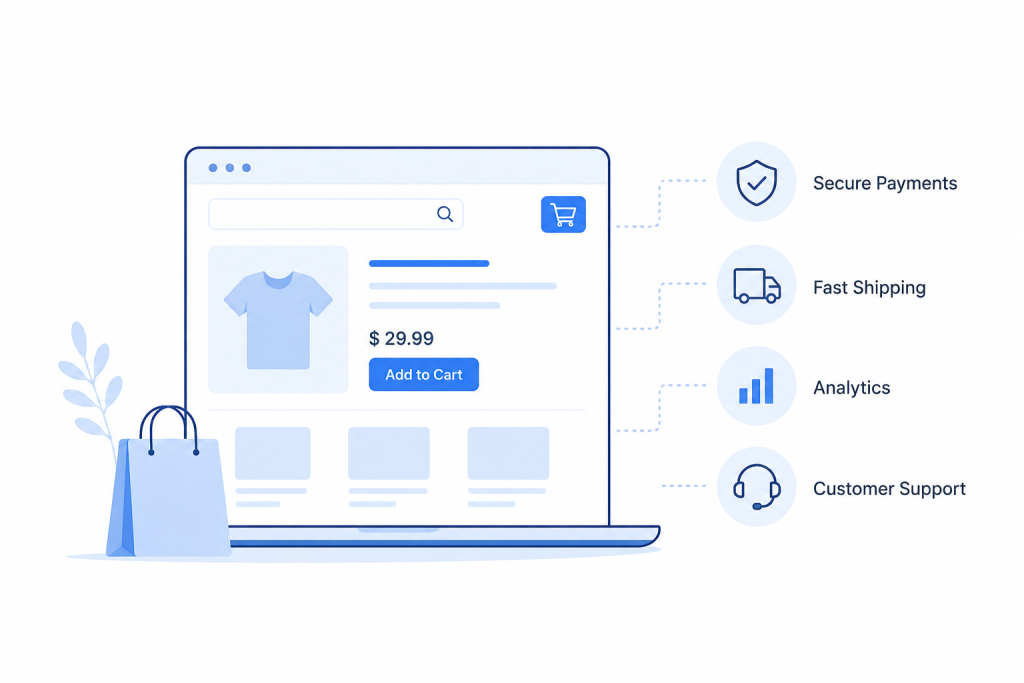
Ecommerce development is all about the systems which enable customers to view products, add them to their cart, finalize a purchase, pay the money and get updates.
| Part | Role |
|---|---|
| Frontend | Products, search, cart, and checkout |
| Backend | Orders, inventory, databases, and taxes |
| Integrations | Payments, shipping, CRM, ERP, email, and analytics |
These parts must work together to keep the store running smoothly.
How to Choose an Ecommerce Platform
Choosing the right platform is dependent on the needs of the business, technical requirements and expected growth.
SaaS Platforms
Shopify, BigCommerce, and Wix manage hosting, security, and much of the technical work. They are ideal for many common retail applications, but provide limited flexibility in the customization of features.
Open-Source Platforms
For WooCommerce and Adobe Commerce, you will have more control. However, businesses also take on more responsibility for hosting, security, updates, and maintenance.
Headless and Composable Commerce
Headless is a separation between the storefront and commerce back end. Composable commerce employs specialist services for various parts of the commerce, like search and content.
These options are designed for businesses with complex requirements and/or multiple channels, but they also introduce complexity.
Build Your Ecommerce Store.

Key Ecommerce Website Features
Mobile-First Design
Keep the mobile user in mind when designing their shopping experience. Plain forms, auto-filling, digital wallets and straightforward checkout buttons can help streamline checkout.
Page Speed
Optimize for better performance through efficient images, lazy loading, CDNs, less render-blocking JavaScript, and frequent Core Web Vitals checks.
Site Search
With filters, typos, synonyms and natural language searching, customers can easily find products they are after.
Payment Options
Provide payment options that are appropriate to the target market. Digital wallets and regional payment methods can help minimize checkout hassles.
Security
The following are some of the things that ecommerce stores must attend to:
- PCI DSS requirements
- HTTPS
- Two-factor authentication
- Vulnerability scans
- Content Security Policy
- GDPR and CCPA requirements
Ecommerce Integrations
An ecommerce website rarely operates as a standalone system. It often needs to exchange data with payment gateways, inventory and warehouse systems, shipping providers, CRM platforms, accounting software, and analytics tools. These integrations help keep product, customer, order, and payment information synchronized across the business.
When planning integrations, consider the data each system needs, how frequently it must be updated, and what happens when a connection fails. Reliable APIs, authentication, error handling, and monitoring can prevent failed transactions or inconsistent data. Well-planned integrations also make it easier to add new services as the business grows without rebuilding the core ecommerce platform.
Ecommerce Website Development Process
1. Define Requirements
Establish target markets, catalogue size, fulfillment model, integrations and expected order volume.
2. Map the Customer Journey
Understand product discovery, product pages, checkout and post-purchase communication.
3. Create Wireframes
Figure out navigation, page layout, checkout, empty carts, and error pages before the visual design.
4. Develop and Integrate
Build the store and connect essential services such as payments, inventory, shipping, and analytics.
5. Test the Store
Test customer flows, browsers, mobile devices, performance, failed payments, refunds and more.
6. Monitor After Launch
Monitor uptime, performance, conversion funnels and JavaScript errors. Testing can’t find problems, but real traffic can.
Ecommerce Trends in 2026
AI-Driven Personalization
AI can support search rankings, personalized content, and pricing decisions. It depends on clean product data and reliable tracking.
MACH and Composable Commerce
The four elements of MACH are Microservices, API-first, Cloud-native, and Headless. It enables businesses to tap into experts for search, email, analytics, content, etc.
Progressive Web Apps
PWA’s can be used for offline browsing, push notifications, and fast page load without the need for native applications.
Sustainability
Ecommerce retailers might be required to highlight shipping, packaging and supply chain information.
Post-Launch Optimization
Conversion Rate Optimization
Experiment with different product pages, checkout process, call-to-action language and pricing to optimize conversions.
Content Development
Whether it is a buying guide, comparison article, how-to content or category content, it can attract shoppers in the beginning stages of the buying process.
Analytics
Track conversion rates, cart abandonment, average order value, customer lifetime value, product performance, and return rates.
Conclusion
Building a successful ecommerce website all begins with having a set of requirements and a platform that’s appropriate for them. Focus on the customer journey, mobile experience, performance, payments, security, and testing.
Post-launch, use testing, content and analytics to continually enhance the store.

