


Explore cloud modernization strategies to update legacy systems, improve scalability, optimize costs, and build reliable cloud infrastructure.
Cloud modernization may sound like a buzzword, but in practice it usually comes down to something simple: updating older systems that are slowing everything down.
Most companies don’t start with “let’s modernize.” They start with pain. Applications get slow, scaling becomes messy, servers keep breaking at the worst possible time, and suddenly the cloud starts looking less like an option and more like a way out.
An Overview
What Cloud Modernization Really Means
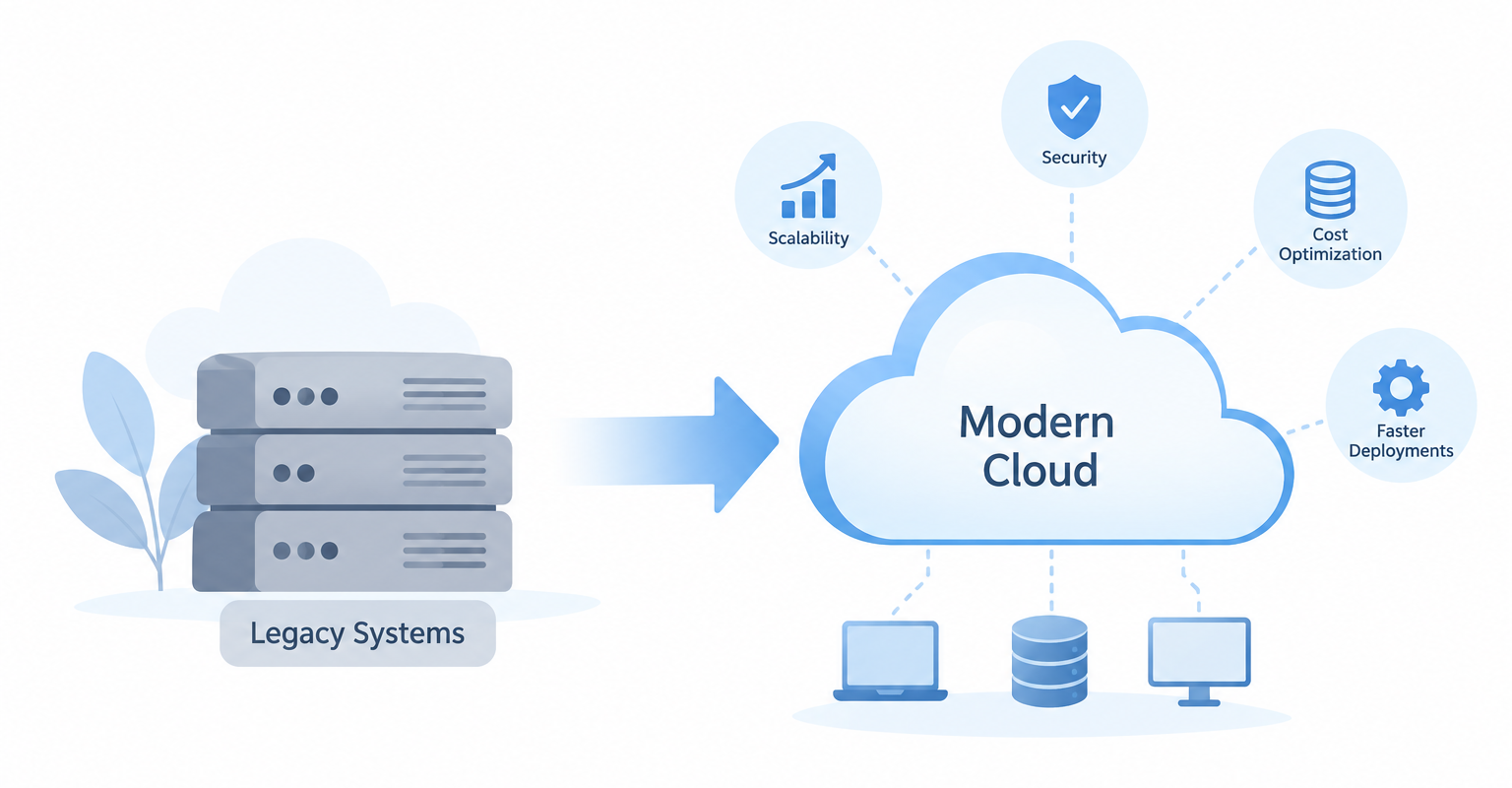
At a basic level, cloud modernization means updating applications, infrastructure, and processes so they can take better advantage of modern cloud environments.
But it’s not always a clean migration. In real projects, you’ll see a mix of approaches:
These approaches are commonly described as rehost, replatform, refactor, rearchitect, retire, or retain. The right choice depends on the application, business requirements, technical dependencies, and available resources.
Some workloads just get moved as-is because nobody wants to touch them right now.
Modernize Your Cloud Infrastructure Today.

Some get slightly adjusted to run better in the cloud without rewriting everything.
And some are completely rebuilt because the old design just doesn’t make sense anymore.
There’s usually no “perfect strategy.” It’s more like deciding what you can afford to fix now and what can wait.
Why Teams Actually Do It
The reasons are usually practical, not theoretical.
Scaling is one of the biggest ones. Old infrastructure doesn’t handle sudden traffic spikes well unless someone manually intervenes, which is exactly what modern systems are trying to avoid.
Cost is another factor, although it’s not always cheaper immediately. The real gain is in control—you stop overpaying for idle servers sitting around doing nothing.
Cloud-based systems paired with CI/CD pipelines can make deployments faster and more consistent. With the right architecture and deployment practices, teams can reduce downtime and avoid lengthy maintenance windows.
Security also improves, but only if it’s set up properly. Cloud providers give you strong tools, but they don’t automatically configure them for you.
And finally, disaster recovery becomes less of a panic situation. If something breaks, recovery can be faster when teams configure backups, redundancy, and disaster recovery mechanisms appropriately.
How Teams Usually Approach Modernization
No two migrations look the same, but there’s a pattern most teams end up following.
First comes discovery. This is where people actually realize how messy their systems are. Dependencies nobody documented, old services nobody fully understands, and databases tied to applications in ways that don’t make sense anymore.
After that, prioritization kicks in. Not everything deserves attention at once. Critical systems are handled carefully, while less important services are used as a testing ground.
Then comes the actual migration work. Some teams lift and shift quickly just to get out of the old environment. Others take longer and refactor properly so they don’t end up carrying old problems into the cloud.
A lot of teams also introduce hybrid setups during this phase. It’s not always possible to move everything at once, especially in larger organizations.
How to Prioritize Cloud Modernization
Not every application needs to be modernized at the same time. Teams can prioritize workloads based on:
- Business impact: Focus first on systems where availability, performance, or scalability directly affects operations.
- Technical debt: Older applications with unsupported components or frequent maintenance issues may need earlier attention.
- Dependencies: Applications with fewer dependencies are often easier to migrate or modernize first.
- Cost: High infrastructure or maintenance costs can make some workloads stronger modernization candidates.
- Effort and risk: Compare the expected benefits with development effort, migration complexity, and potential disruption.
This helps teams build a practical modernization roadmap instead of trying to change everything at once.
What Usually Goes Wrong
This part doesn’t get talked about enough.
A common mistake is thinking cloud migration automatically fixes architecture problems. It doesn’t. If your system is messy on-prem, it will be messy in the cloud too—just more expensive.
Another issue is overengineering early. Teams try to build “perfect cloud-native systems” from day one and end up delaying everything.
Security misconfigurations also show up a lot. The tools are powerful, but they require proper setup. Leaving insecure defaults or misconfigured resources in place can create significant security risks.
What Actually Works
Start small. Pick systems that won’t break the business if something goes wrong. Don’t rush to rewrite everything. Move first when appropriate, then improve iteratively. And make sure the team actually understands cloud concepts, not just the tools. Without that, everything turns into guesswork.
Monitoring is another big one. Once systems are in the cloud, you don’t just “set and forget” them. You watch performance, cost, and failures continuously and adjust.
Conclusion
Cloud modernization isn’t really a project with an end date. It’s an ongoing shift in how systems are built and maintained.
The goal isn’t to be “fully in the cloud.” The goal is to stop fighting your infrastructure every time you need to scale or ship something.

