


Cloud modernization helps move aging physical servers to virtual machines, improving flexibility, resource management, backups, and hardware management.
A physical server can keep running for many years. However, old hardware can create problems even when the server still supports important applications without any major issues. This was the case for a client who had been using the same physical server for almost ten years.
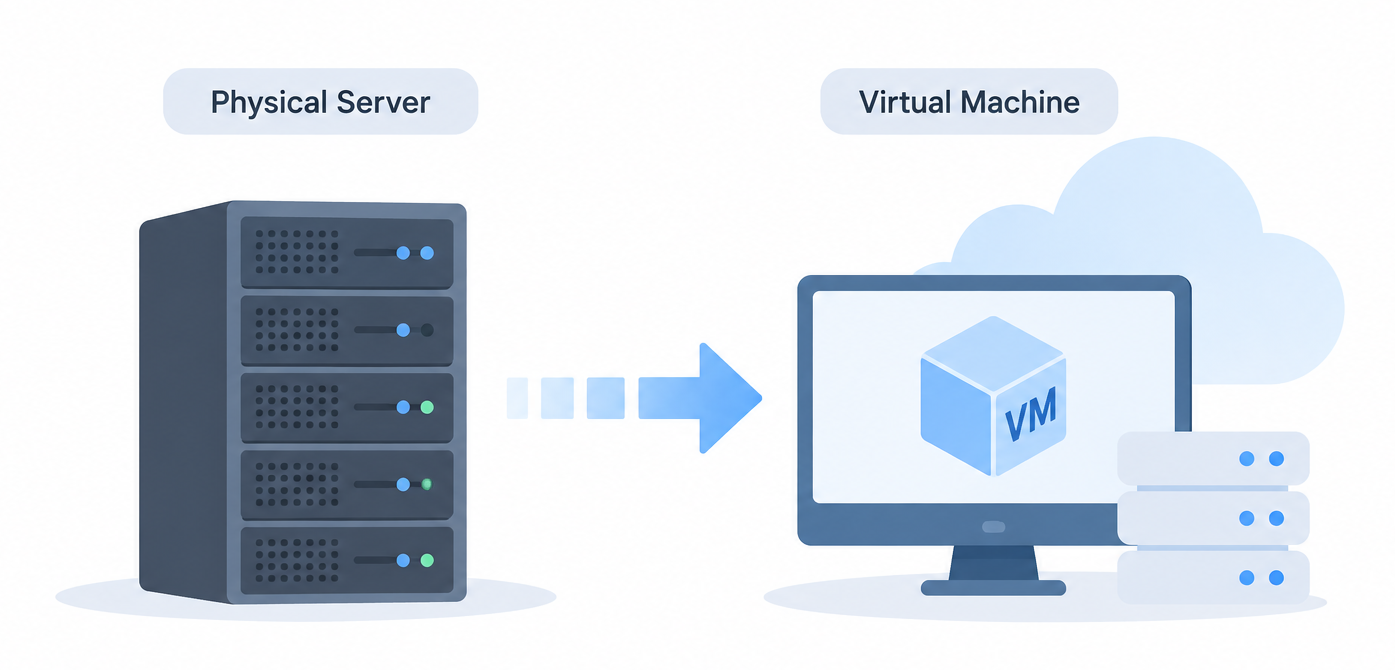
We recently assisted a client with this issue. In July 2026, Bobcares performed a planned physical-to-virtual (P2V) migration as part of a cloud modernization effort, moving the client’s old physical server to a VM.
An Overview
Why the Client Needed to Move from Physical to Virtual
The server still needed to run critical applications. However, the old hardware made it more difficult to manage.
The main concerns were:
- Failure of old hardware was a serious risk.
- Old hardware also made it nearly impossible to grow the system.
- Hardware might become obsolete and unavailable.
- Old hardware made system maintenance more effort than it should be.
- The migration needed to happen without disruption to the client.
The goal of the migration was to move the server to a virtual environment while making sure the applications and services stayed the same.
How Bobcares Planned the P2V Migration
The physical server was evaluated by our experts to determine the OS, storage, services, and application needs.
The team also performed backups and checked them.
Modernize Your Server Today.

The migration team then prepared the virtual environment and executed the P2V migration. Once this was complete, they configured the virtual machine OS and the applications and storage, as well as the network.
The last step was to check the migrated environment and only then make the migrated virtual machine the production environment.
Key Steps Followed During the Migration
The migration followed these main steps:
- The migration was carried out in controlled stages to reduce the risk of disruption:
- Assessed the physical server: Reviewed the existing OS, storage, services, and application requirements.
- Created and verified backups: Ensured the existing server data was backed up before starting the migration.
- Prepared the virtual environment: Set up the VM and required storage and network configuration.
- Performed the P2V conversion: Used a P2V converter to transfer the physical server workload to the virtual machine.
- Configured the migrated system: Verified the VM OS, applications, storage, and network settings.
- Validated services and applications: Checked that the required services and applications were functioning correctly in the virtual environment.
- Verified the migrated environment: Reviewed system performance and overall operation before production cutover.
- Moved production to the VM: After validation, the virtual machine was made the production environment.
What the Client Gained
The migration reduced the client’s dependence on the old physical hardware. At the same time, the client could upgrade the infrastructure without changing the software that was already running.
The new virtual setup also provided:
- Better resource management.
- More flexibility in the infrastructure.
- Disaster recovery and backups became less of an issue.
- Hardware management became less of an issue.
- We were less dependent on old hardware.
A Controlled Move to Virtual Infrastructure
Bobcares relies on an iterative process for a gradual shift to virtual infrastructure that includes assessment, backup testing, migration, validation, and production go-live.
Using this method allowed a client to migrate the workload from a ten-year-old physical server to a virtual machine without requiring the client to relocate the application.
Conclusion
Organizational dependence on old physical servers can diminish by migrating an old physical server to a virtual machine.
Bobcares performed a P2V migration of a nearly ten-year-old physical server for a client. This migration improved the client’s infrastructure and machine management while providing the client the ability to easily address the client’s changing needs of the infrastructure in the future. Talk to our server migration specialists today!

